Walgreens print documents: can you print from your phone, and which route actually works?
2026-10-13
This post contains affiliate links. As an Amazon Associate, ZAGO.TO earns from qualifying purchases.
You are on the way to an appointment and the form is a PDF on your phone. There is a Walgreens on the corner. Can Walgreens print documents for you from that phone?
Usually yes, but photos and documents take different roads there. Pick the wrong one and you stand at a photo kiosk that only wants pictures.
Contents
- Photos: the app or the kiosk
- Walgreens print documents: order ahead
- The one line you need on a store screen
- Questions people ask
- Checklist before you go
1. Photos: the app or the kiosk
▲ Photo printing is the part of the counter built for phones
For pictures, the phone route is well worn. In the Walgreens app, open the photo section, choose prints, pick images from your camera roll and select a store for pickup.
Many stores also have a photo kiosk that connects to a phone. Same-day pickup is common, but timing depends on the store and the size of the order.
Passport photos are a separate service at the photo counter. Ask there rather than at the kiosk.
2. Walgreens print documents: order ahead
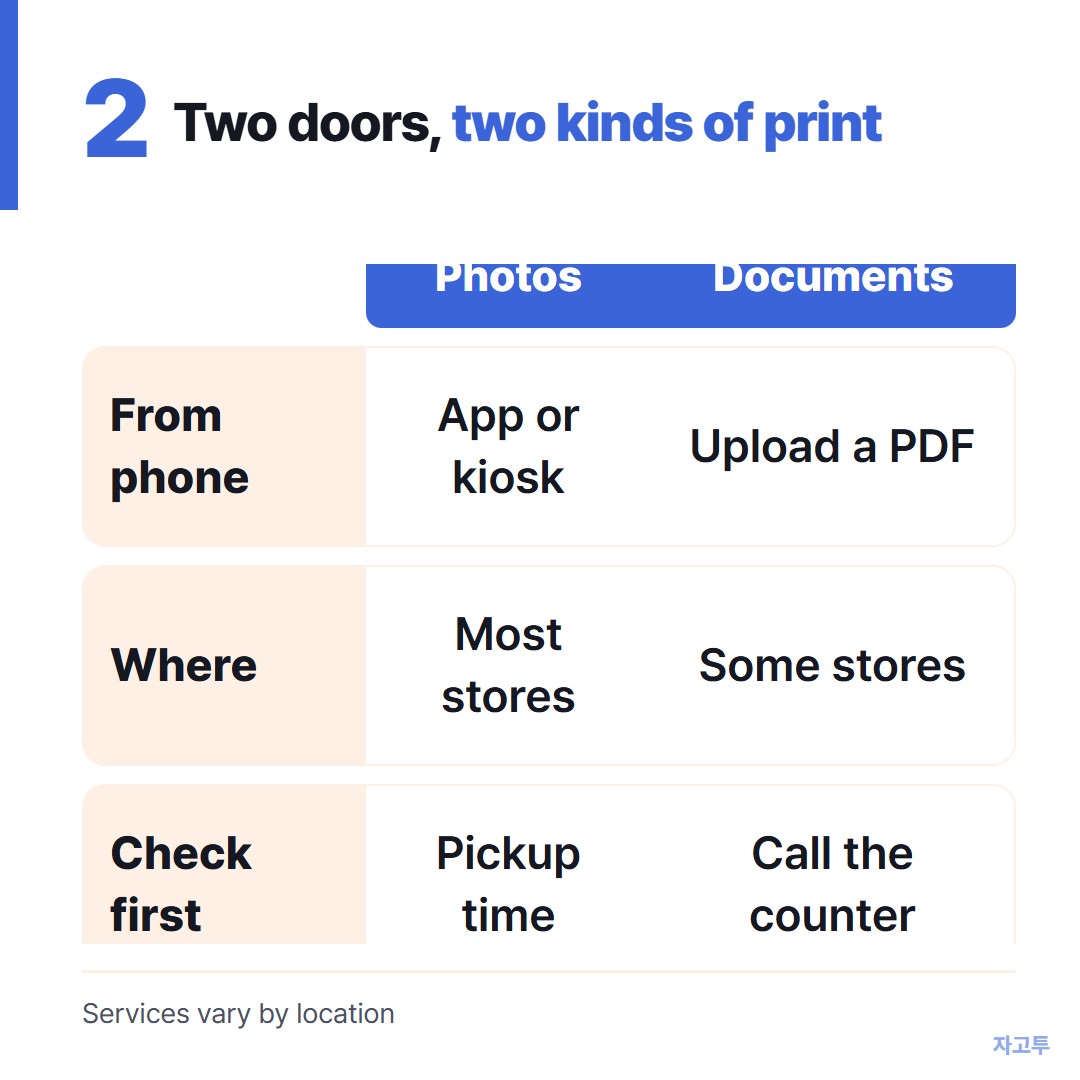
▲ Photos and pages go through different doors
Documents are where people get stuck. Walgreens does not run a self-service print shop with a public computer in most locations.
Some stores accept document orders through the Walgreens photo website, where you upload a PDF and choose pickup.
Availability changes from store to store, so call the photo counter first. It takes one minute and saves the trip.
If your store says no, the usual next stops are a library, a shipping and print shop, or an office supply store.
How to print from your phone at the library covers the cheapest of those.
A few habits help on any route:
- Make it a PDF. Layouts shift less than in a word processor file.
- Name it clearly. Staff find "Lee_insurance_form.pdf" faster than "scan0007".
- Check the page count. A 12-page attachment you only need 2 pages of costs 12 pages.
3. The one line you need on a store screen
Sometimes the printing is not the problem. The kiosk or counter screen asks for an order number, a confirmation code or a web address, and it lives in an email on your phone.
Reading a long code aloud to staff, or typing it twice, is where mistakes happen. If the screen has a browser, ZAGO.TO can carry that one line.
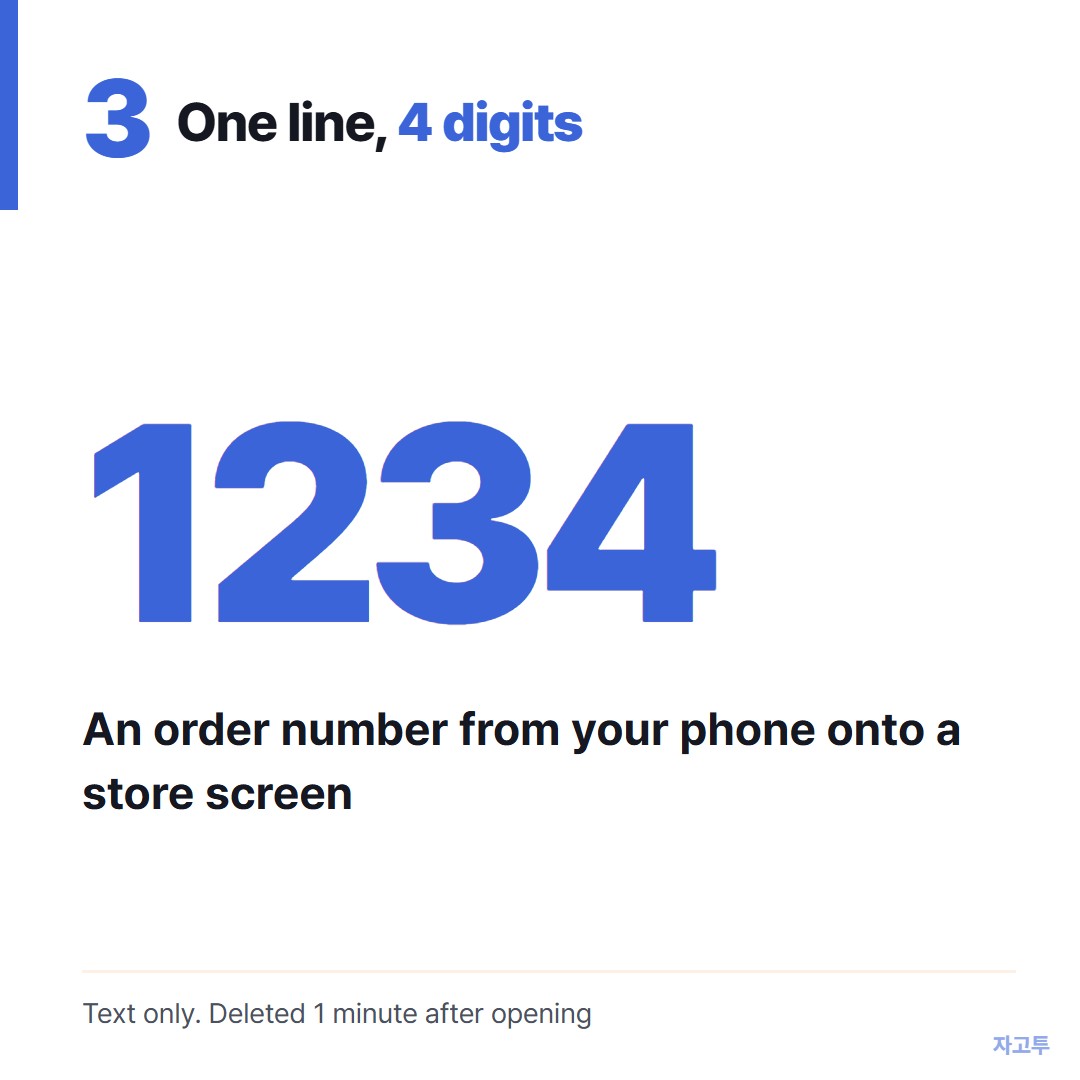
▲ An example code. Each real code is random
Paste the text at zago.to on your phone, get a 4-digit code, and type the four digits on the other screen. The text appears there, ready to copy.
It is text only, up to 10,000 characters, so it cannot carry the PDF itself. Unopened text is deleted after 1 minute, opened text 1 minute after opening, and it cannot be reopened.
There is no in-browser encryption yet, so our server can read what you paste.
4. Questions people ask
Can you print documents at Walgreens or CVS? Both are built around photo printing. Document orders depend on the location, so check by phone.
Does it cost more than a print shop? Prices are set by store and order type. For one or two pages it rarely matters. For a stack, a print shop is often cheaper.
What about a boarding pass? You may not need paper at all: How to print a boarding pass from your phone.
5. Checklist before you go
- File saved as a PDF, with a clear name
- Photo counter called, and document orders confirmed for that store
- Order or confirmation number copied somewhere easy to reach
- A backup stop in mind if the answer is no