TeamViewer clipboard not working? The setting, the Mac permission and the version gap
2026-10-15
This post contains affiliate links. As an Amazon Associate, ZAGO.TO earns from qualifying purchases.

Most of the time it is one of three things: clipboard sync is off, the Mac on the other end never got its permissions, or the two TeamViewer versions do not match.
You copy a line on your own computer, click into the TeamViewer window, paste, and get nothing. Or you get the thing you copied an hour ago.
When the TeamViewer clipboard is not working, the fix is usually small. Find which side is blocking it first, then change one thing at a time.
1. TeamViewer clipboard not working: is sync on?

▲ The clipboard only crosses when both ends allow it
TeamViewer shares the clipboard through an option usually called clipboard synchronization. It sits in the TeamViewer options, under the advanced settings for connections to other computers.
Menus move between versions. If you cannot find it, open the options and search for the word "clipboard".
Some versions also show a clipboard toggle inside the session toolbar. Check both the global option and the toolbar of the open session.
If the remote computer is managed by a company, its access settings may switch clipboard sharing off on purpose. That is not a bug, and it is not yours to change. Ask the person who manages it.
2. TeamViewer copy paste not working on a Mac
When the computer being controlled is a Mac, macOS has to let TeamViewer act on it. Without that, keyboard shortcuts like Command and V may never reach the Mac.
On the Mac, open System Settings, then Privacy & Security. Look at Accessibility and Screen Recording, and make sure TeamViewer is listed and switched on.
After a macOS update these switches sometimes need to be turned off and on again. Restart TeamViewer on the Mac afterwards.
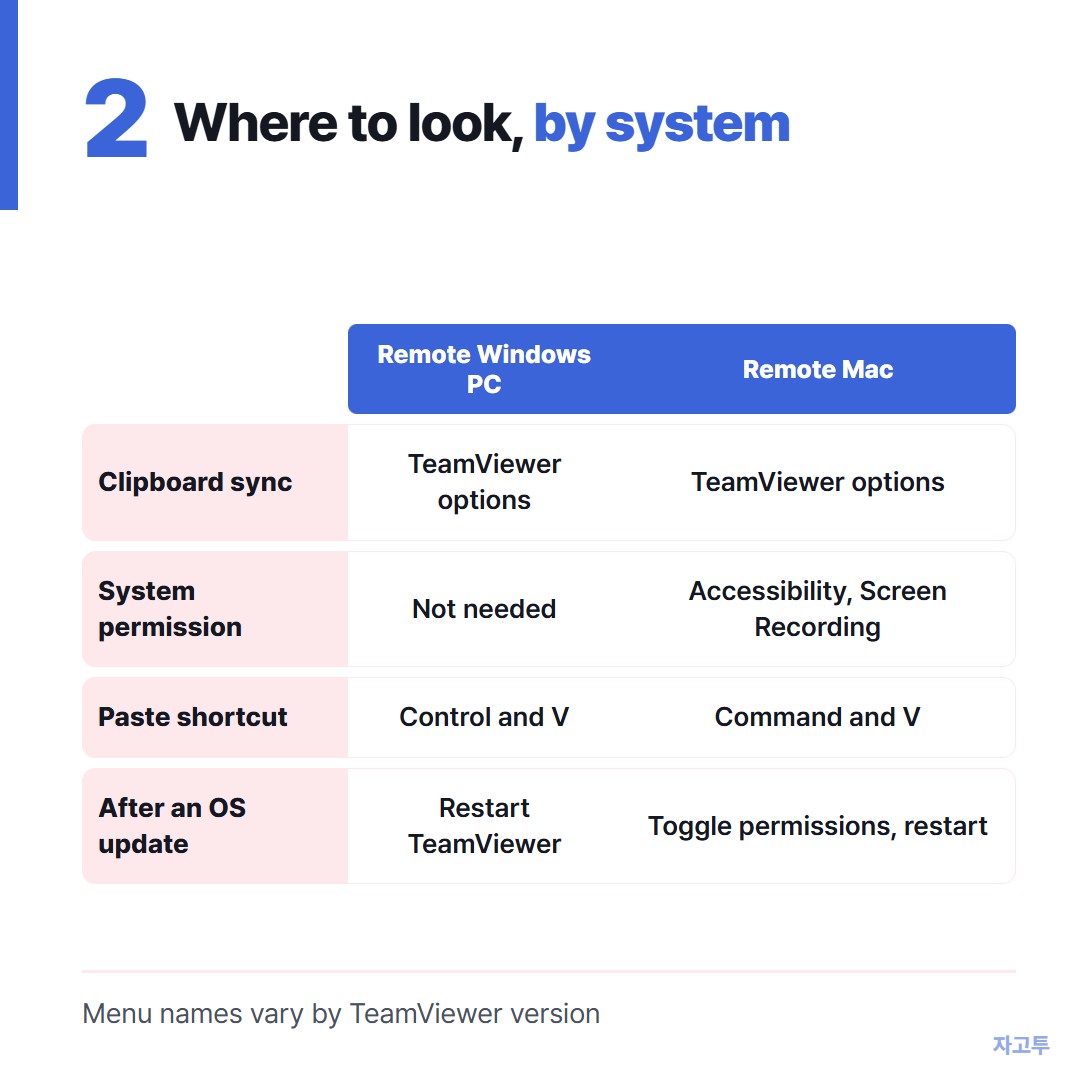
▲ The same symptom, but different places to check on each system
3. Two different TeamViewer versions
A very old TeamViewer on one end and a current one on the other can connect and still behave oddly. The clipboard is one of the first things to go.
Update both ends to the current version, then close and reopen TeamViewer on both. A full quit, not just closing the window, since TeamViewer often keeps running in the background.
4. The shortcut is the problem, not the clipboard
Try copying and pasting with the right-click menu instead of the keyboard. If that works, the clipboard is fine and only the key combination is getting lost.
Look in the session toolbar for the option that sends key combinations to the remote computer. When it is off, Control and V may be caught by your own computer first.
Mac to Windows is its own trap. Command on your Mac may need to be Control on the remote Windows PC, depending on your keyboard settings.
5. Text works, files do not
Clipboard sync is built for text first. Copying a file in one Explorer window and pasting it in the other can fail even when text moves fine.
For files, use TeamViewer's file transfer or drag and drop instead. That is a different feature with its own rules.
When it still will not paste
Sometimes the remote PC is locked down and you need one line across right now: a link, a command, an address.
For text, ZAGO.TO works through any browser. Paste the line on zago.to on one computer, get a 4-digit code, and type it on zago.to on the other.
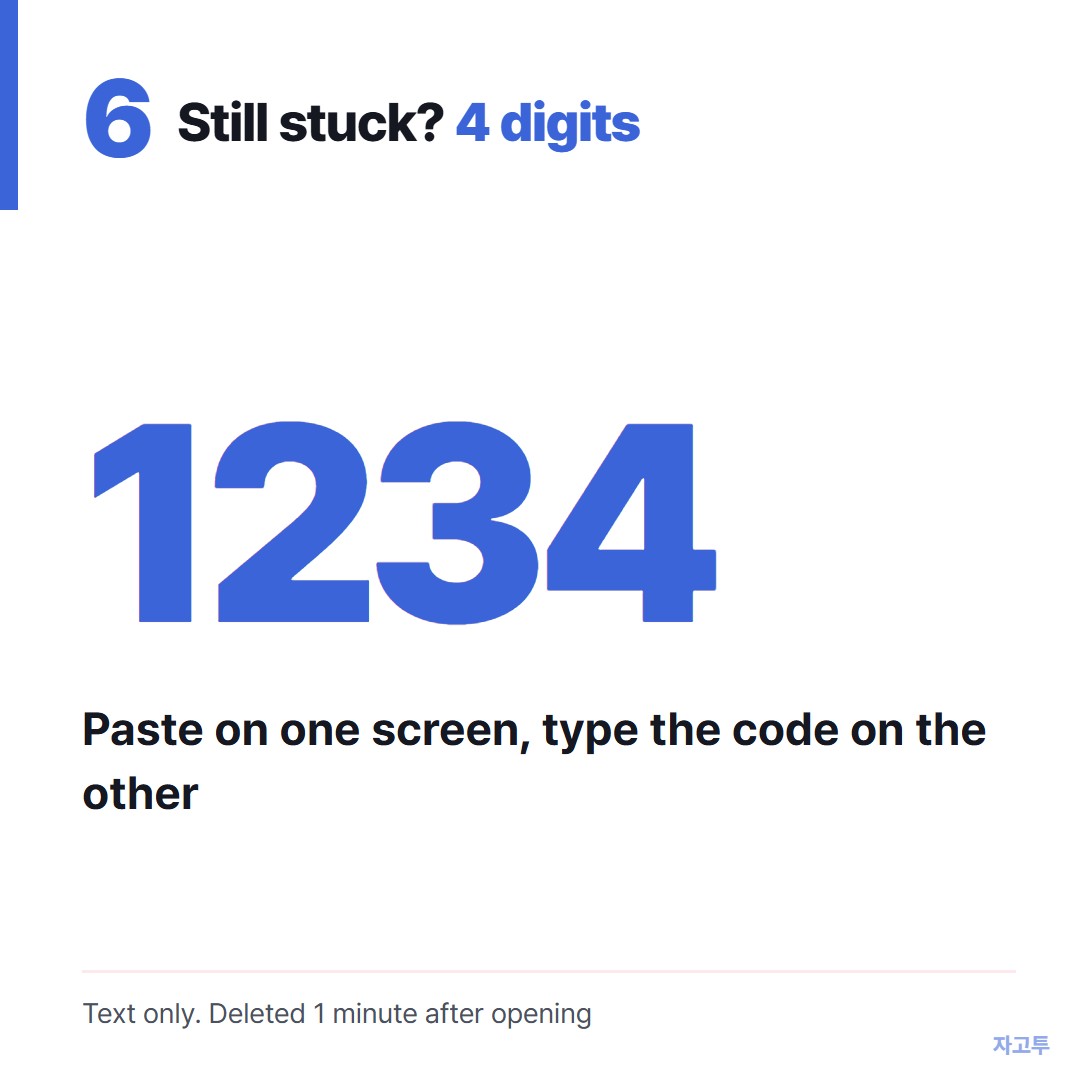
▲ An example code. Real codes are random
It is text only, up to 10,000 characters. The text is deleted 1 minute after it arrives if nobody opens it, and 1 minute after it is opened, and it cannot be opened again.
There is no in-browser encryption yet, so our server can read what you send. Do not move passwords or company secrets this way, and follow your company's rules on a work machine.
Using Windows Remote Desktop instead? See Copy paste not working in Remote Desktop?.
On Citrix, see Citrix copy paste not working.
Bottom line
Turn on clipboard sync on both ends, give TeamViewer its Accessibility and Screen Recording permissions on a Mac, and put both sides on the same version.
If right-click paste works, fix the shortcut, not the clipboard.