QR code for business card: contact info or a link, and how big to print it
2026-10-30
This post contains affiliate links. As an Amazon Associate, ZAGO.TO earns from qualifying purchases.
Should the QR code on your business card save your number straight into someone's phone, or open a page about you?
That one choice decides what goes into the code, how dense the pattern gets, and how small you can print it.
Most guides jump straight to design.
This one starts with the choice, then the size, then the test you run before ordering 500 cards.
Contact QR or link QR: what each one does
A QR code for a business card can hold two quite different things.
- Contact info (vCard). The scan opens "Add contact" with your name and number already filled in. Nothing online is involved, so it works anywhere, forever
- A link. The scan opens a web page: your portfolio, a LinkedIn profile, a booking page. You can change what that page says later without reprinting
| | Contact (vCard) | Link | | --- | --- | --- | | What the scan does | Saves you as a contact | Opens a page | | Needs a website | No | Yes | | Can be updated later | No, reprint | Yes, edit the page | | Pattern density | Grows with each field | Short link stays light |
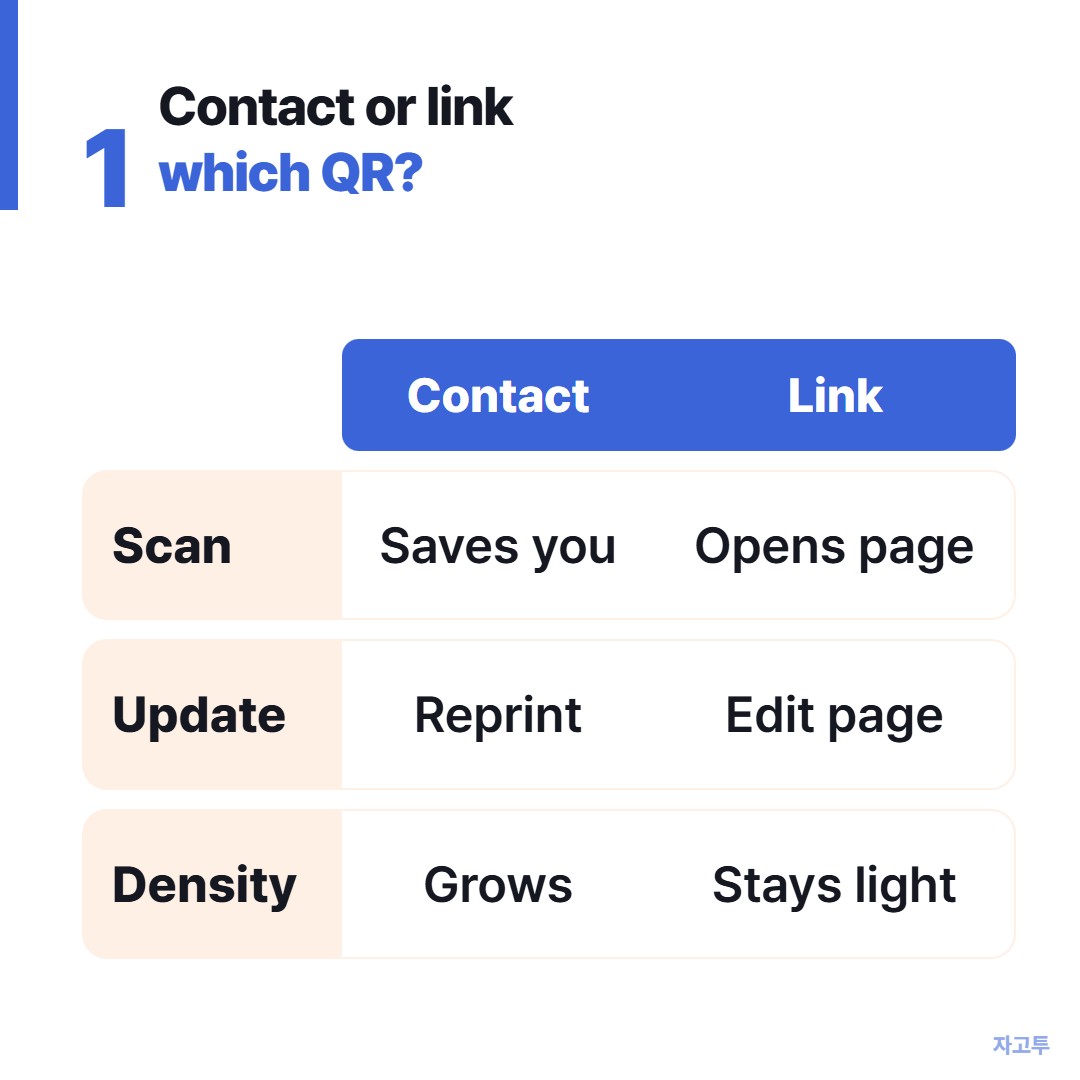
▲ Pick by what you want the other person to do right after the scan
If your card is for people who will call you, use contact info. If it is for people who will look you up, use a link.
One trade-off is easy to miss. Every field you add to a vCard (title, email, address, website) makes the code denser. A dense code needs more room on the card to scan reliably.
A short link keeps the pattern light, which matters on a card that is only 85 x 55 mm, or 3.5 x 2 inches.
Making the code
The QR Code Generator on ZAGO.TO has both. Choose Contact to enter a name and phone number, or Link to paste an address.
It is free, needs no sign-up, and the code never expires because the content sits inside the pattern itself, not on a server.
What it does not do: the Contact option holds a name and one phone number only. If you want email, job title and company in the vCard too, a dedicated vCard generator is the better fit.
The other route is to put all of that on a page and use a link code.
If you go with a link, use an address you will keep for years. QR code for website links covers the address mistakes that break printed codes.
Free QR code generator, no expiration explains why some "free" codes stop working after a trial.
Download the SVG for the print shop. It scales without blurring, so the small squares stay crisp.
▲ Scan the proof, not the screen
How big to print a QR code on a business card
A common rule of thumb is that the code should be about one tenth of the scanning distance. People hold a business card 15 to 25 cm from their phone, so:
- Minimum: 2 cm (about 0.8 inch) square for a short link
- Comfortable: 2.5 cm (1 inch) for a vCard or a longer link
- Quiet zone: leave a clear white margin around the code, about four of the small squares wide. Text or a border pressed right up against the code is a common reason a scan fails
On an 85 x 55 mm card, a 2.5 cm code fits on the back with room for a short line like "Scan to save my number."
Keep it dark on light. A gold code on a cream card looks elegant and scans badly.
Before you print 500
- Print one card at real size on an ordinary printer
- Scan it with an iPhone and an Android phone, from hand-holding distance
- Check that the contact saves with the right name, or the link opens on mobile
- Only then send the file to the printer
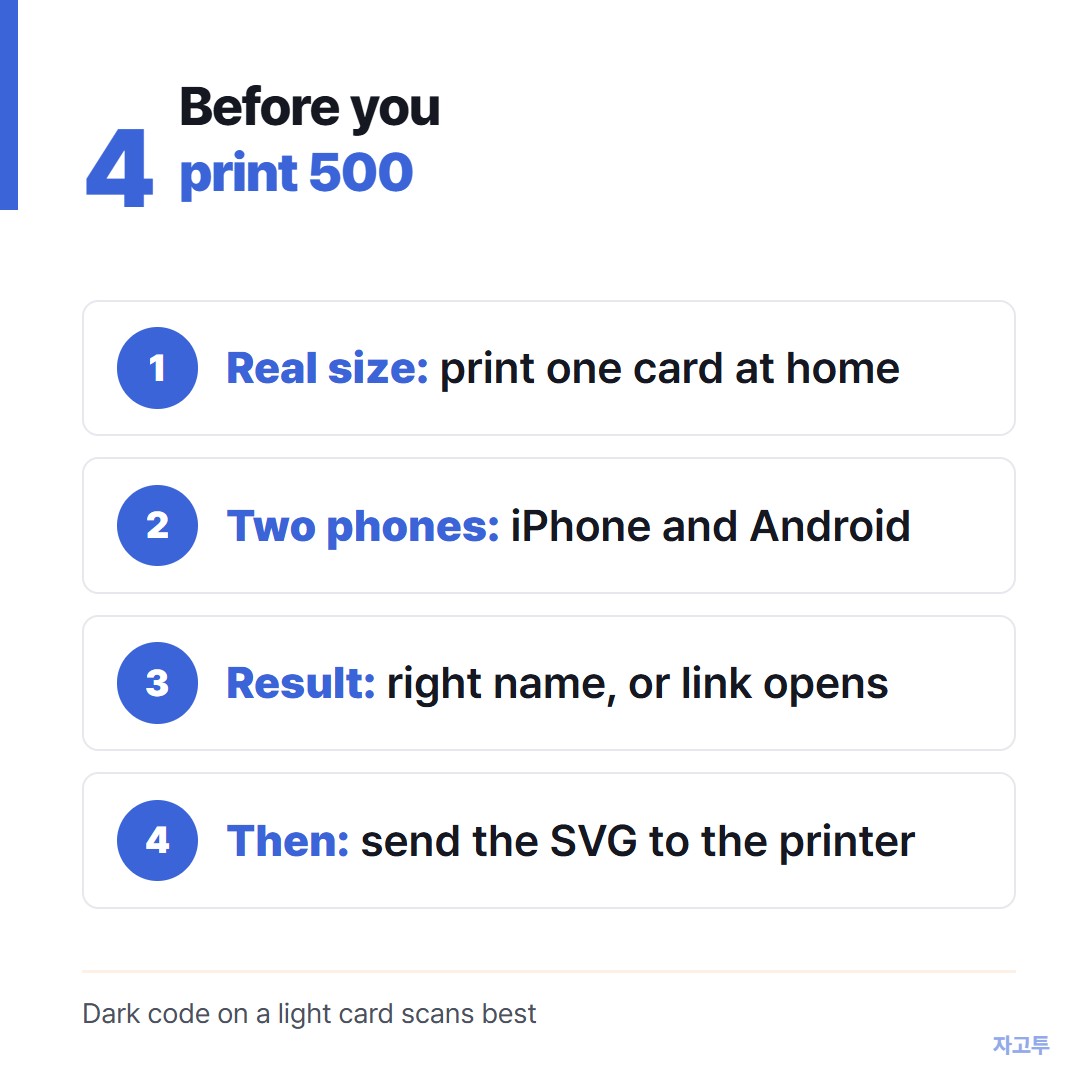
▲ One test print saves a box of 500
Want to try a layout first? Open the QR Code Generator on ZAGO.TO, make both versions, and see which one you would rather scan.
More tools: Word Counter · Wheel Spinner
 Days until Christmas
 Word Counter
 Age Calculator
 Wheel Spinner