Parallels copy paste not working? Six checks for Windows and Linux guests
2026-10-14
This post contains affiliate links. As an Amazon Associate, ZAGO.TO earns from qualifying purchases.
You press Command and C on a line in macOS, click into the Windows window, press Control and V, and nothing happens. Or worse, last week's clipboard comes out.
Parallels copy paste not working is almost always one of six things, and the first one fixes most cases. Go through them in order, and stop when it works.
1. Parallels Tools: installed, and up to date
▲ The shared clipboard lives inside Parallels Tools, not in the VM window
The shared clipboard is part of Parallels Tools, the small package that runs inside the guest system. Without it, Mac and guest do not talk at all.
With the virtual machine running, open the Actions menu in the Mac menu bar. If you see Install Parallels Tools, that is your problem.
If you see Reinstall Parallels Tools, it is there, but a reinstall still fixes a lot.
After updating Parallels Desktop, update Parallels Tools too. An old Tools version inside a new Parallels is a classic reason the clipboard stops on a Monday morning.
2. The clipboard setting in the VM configuration
Shut down or pause the VM, open its Configuration, go to Options, then Sharing, and look for Share Mac clipboard.
It should be ticked. There is often a second option to preserve text formatting. If pasting rich text misbehaves, try plain text with that option off.
3. Isolation and security settings
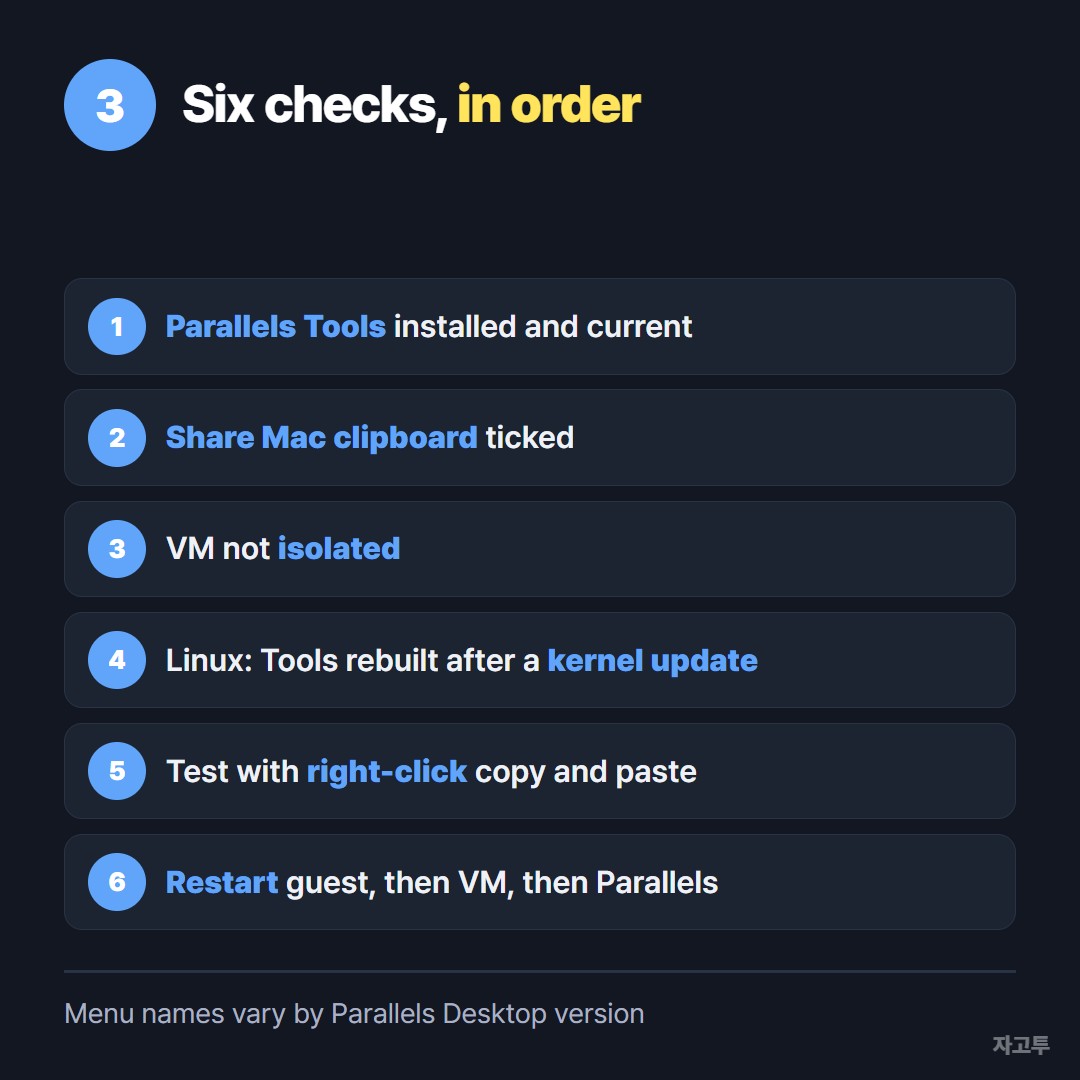
▲ Check the top two before anything else
Parallels can isolate a virtual machine from the Mac. Isolated means no shared folders, no shared clipboard, on purpose.
If the VM was set up that way, perhaps by your company, the clipboard will stay off. Ask whoever manages the VM rather than changing it yourself. A work VM is isolated for a reason.
4. Linux guests: kernel updates and Wayland
On a Linux guest, Parallels Tools is built against the running kernel. After a kernel update, Tools may need reinstalling before the clipboard comes back.
The install needs the usual build tools for your distribution, such as the kernel headers, gcc and make. If the installer fails partway, that is usually what is missing.
Some Linux desktops run on Wayland, and clipboard sharing has been less reliable there than on X11. If your login screen offers a session on Xorg, try it.
5. The keyboard shortcut is the problem, not the clipboard
Parallels maps Mac shortcuts into Windows. By default, Command and C becomes Control and C inside the guest.
If someone changed the keyboard profile, the shortcut may not be reaching the guest at all.
Test with the right-click menu in both systems. If right-click Copy and Paste work, the clipboard is fine and only the shortcut mapping needs fixing.
6. Restart the right thing, in the right order
- Restart the guest system from inside it, not just the window.
- If that fails, shut the VM down fully and quit Parallels Desktop.
- Start Parallels again, then the VM, and test with a single short line.
Large or unusual clipboard content, like a huge spreadsheet selection, can fail when a short line works. Test small first.
### When you only need one line across, right now
Sometimes you cannot fix it today. The VM is locked by IT, or the Tools reinstall is waiting for a restart you cannot do in the middle of work.
For text, ZAGO.TO works through the browser on both sides. Paste the line on zago.to in the guest's browser, get a 4-digit code, and type it on zago.to in a Mac browser.
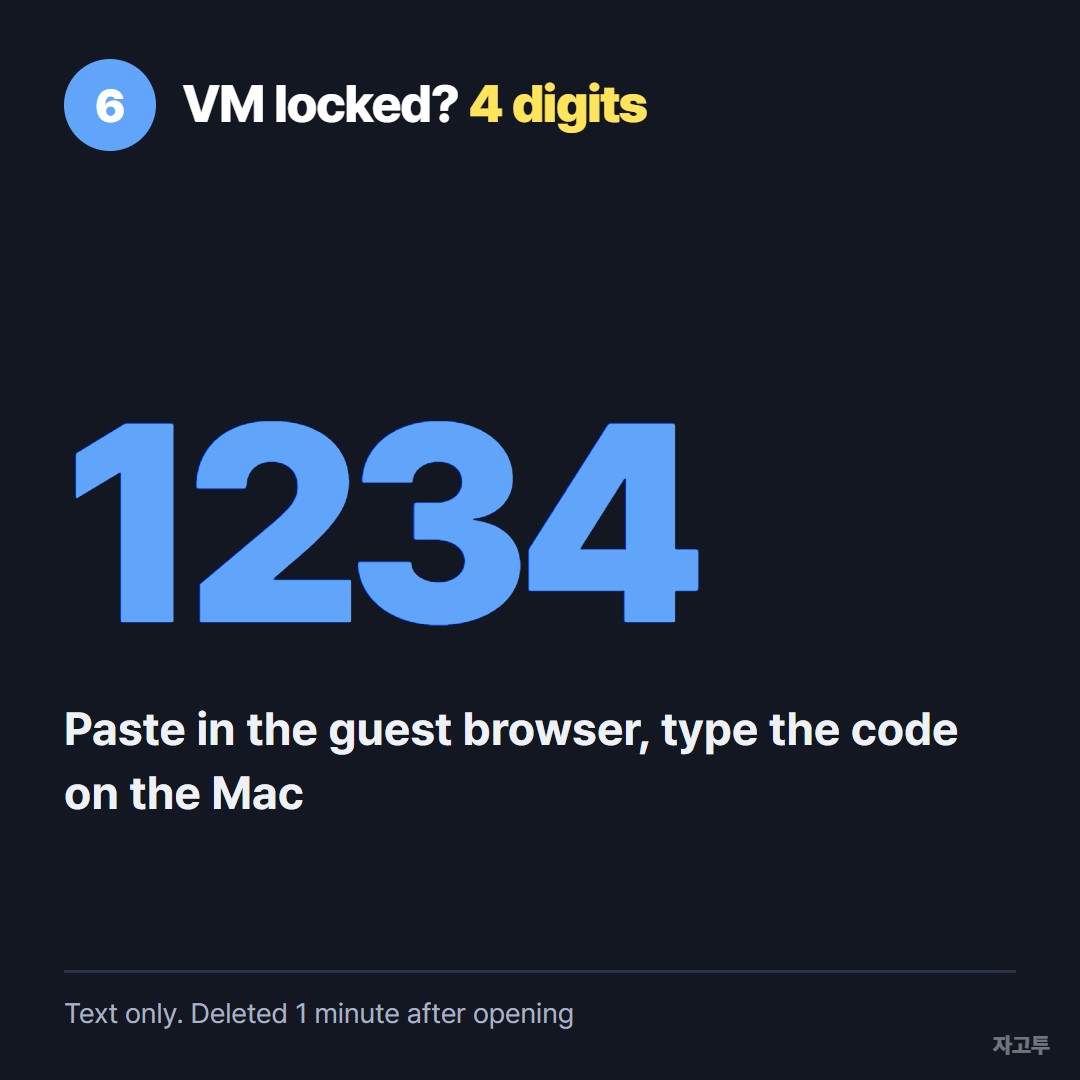
▲ An example code. Each real code is random
It is text only, up to 10,000 characters. It deletes the text after 1 minute if it is not opened, and 1 minute after it is opened, and you cannot open it again.
There is no in-browser encryption yet, so our server can read what you send.
Do not move passwords, keys or company secrets this way, and check your company's rules first if the VM is a work machine.
Using VMware instead? See VMware copy paste not working?
On VirtualBox, see VirtualBox shared clipboard not working?
Questions people ask
Does copy and paste work between a Mac and a Parallels VM by default? Yes, once Parallels Tools is installed and Share Mac clipboard is on, which is the default for a normal VM.
Why does copy work one way but not the other? Usually an outdated Parallels Tools. Reinstall it from the Actions menu and restart the guest.
Can I copy files, not just text? Parallels supports dragging files and shared folders when Tools is installed. That is separate from the text clipboard.
My Linux VM lost copy paste after an update. Why? Most likely a new kernel. Reinstall Parallels Tools in the guest.