LG TV web browser: where it hides, and how to type an address without losing your mind
2026-10-13
This post contains affiliate links. As an Amazon Associate, ZAGO.TO earns from qualifying purchases.
You want one page on the big screen. A recipe, a match stream your friend sent, a school video.
The LG TV web browser is already installed, but finding it and typing the address with a remote can eat ten minutes.
Here is the short path, written for webOS TVs from the last several years. Menu names shift a little between versions, so look for the same words rather than the exact spot.
1. Opening the LG TV web browser
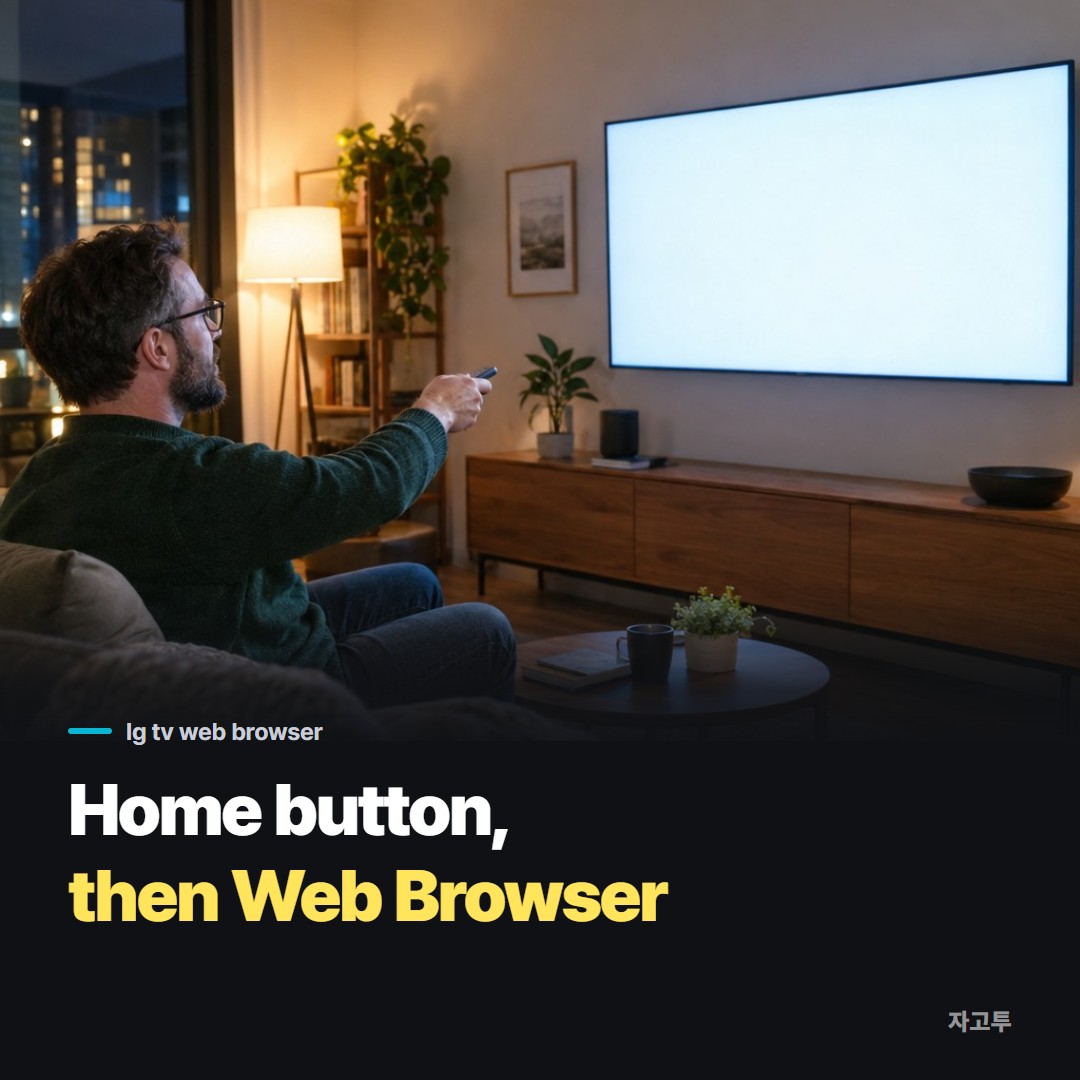
▲ The browser is an app like any other, it is just not on the front row
Press the Home button on the remote. A row of apps appears along the bottom of the screen.
Look for an app called Web Browser. If it is not in the row, scroll to the end and open the full app list, sometimes labelled Apps or shown as a grid icon.
It comes preinstalled, so you do not need to download anything.
To keep it close next time, use the edit option on the home row and move it to the front.
2. Is there Chrome or Google on an LG TV?
There is no Chrome app for LG TVs, and you cannot install a different browser from the store. The built-in Web Browser is the one you get.
That does not mean you cannot use Google. Open Web Browser and Google search works like it does on a computer. Many people set it as the start page so the search box is the first thing they see.
3. Typing the address
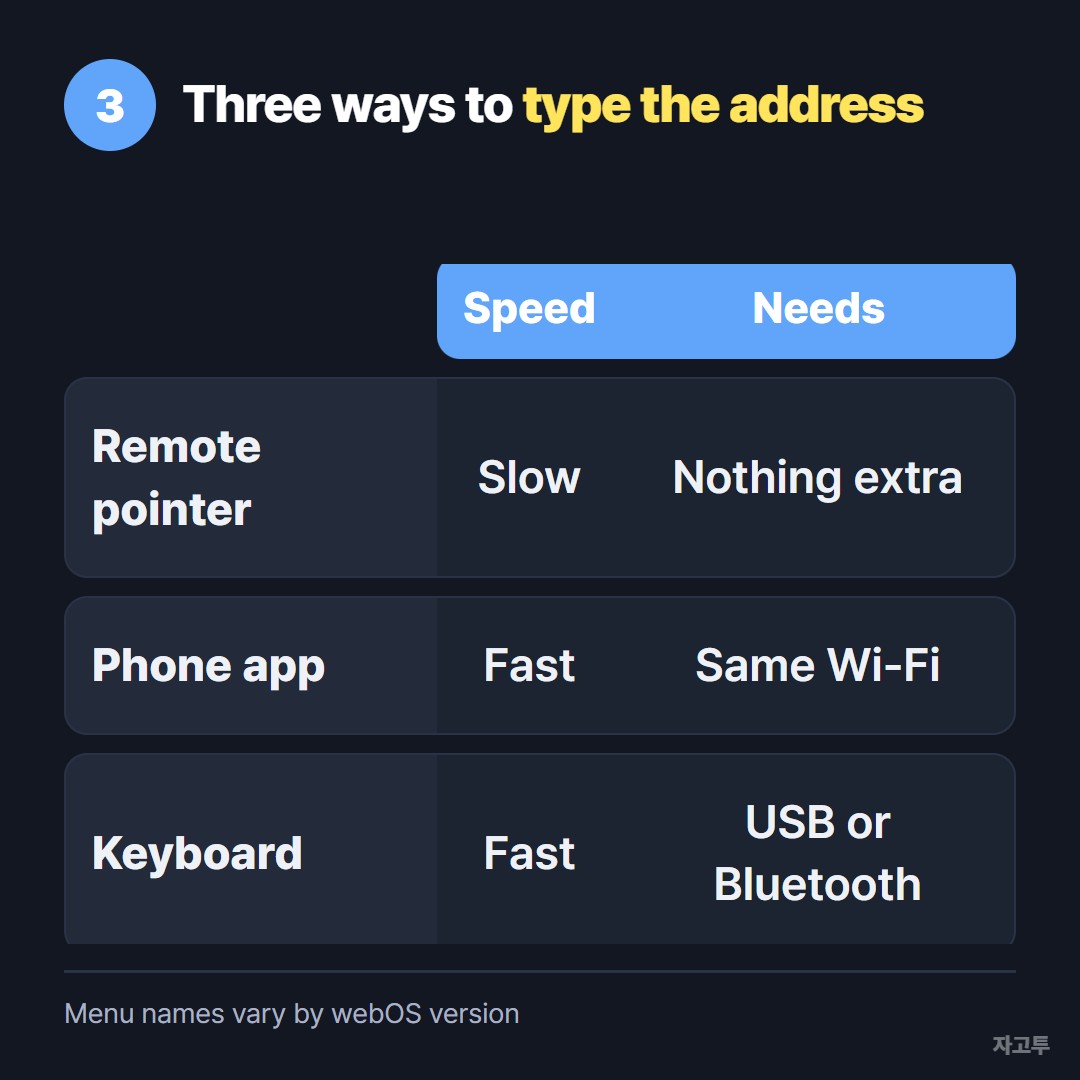
▲ The remote works, but it is the slowest of the three
Click the address bar and an on-screen keyboard appears. From there you have three ways to fill it.
- The remote pointer. A Magic Remote moves a pointer, so you aim at each letter and click. Fine for a short word, painful for a long link.
- Your phone as a keyboard. The LG ThinQ app can act as a remote, and when a text box is open it can send what you type on the phone to the TV. The phone and TV need to be on the same Wi-Fi.
- A real keyboard. Many LG TVs accept a USB keyboard plugged into the side, and some take Bluetooth ones. Click the address bar and type normally.
If you have more than one smart TV in the house, How to type on a smart TV without the remote covers the other brands.
4. When the link is already on your phone
Often the address is not something you can type from memory. It is a 90-character link sitting in a message on your phone.
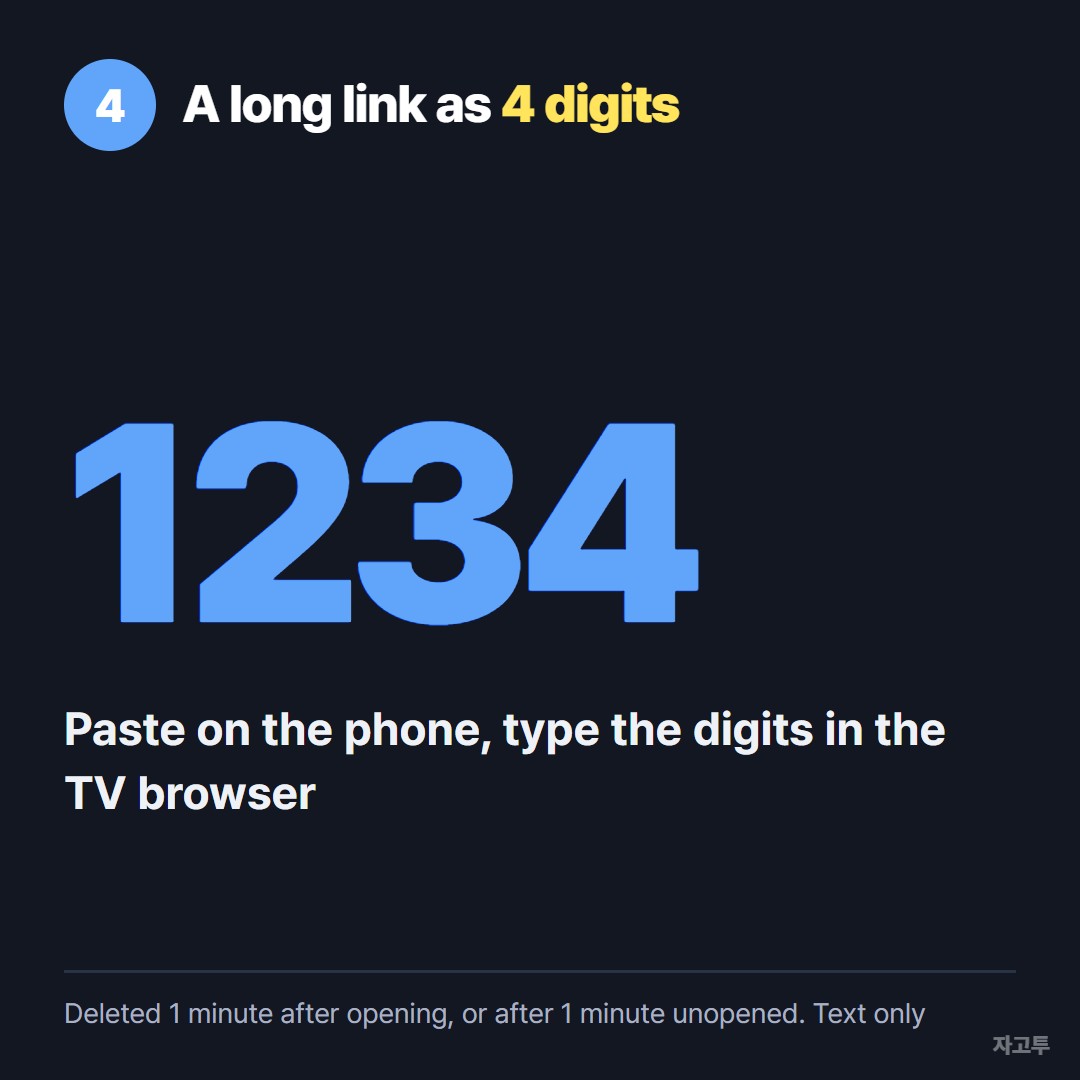
▲ Four digits are easier to aim a remote at than a long link
One way is to paste the link into ZAGO.TO on your phone. You get 4 digits.
Open zago.to in the LG TV web browser, type those 4 digits with the remote, and the link appears, ready to click. Four digits with a pointer take a few seconds.
Know the limits before you rely on it. ZAGO.TO moves text only, not files, so it will not put a video file on the TV.
The text is deleted 1 minute after it is opened, or after 1 minute if nobody opens it, and it cannot be reopened.
There is no in-browser encryption yet, so our server can read what you paste. A public link is fine. A streaming account password is not.
If you want the TV to play something rather than open a page, casting or screen sharing may suit better.
Send link to TV from your phone sorts the methods by what kind of link you have.
Quick answers
Why is the LG TV web browser not working on some sites? Some sites block TV browsers or need features the TV does not have.
Update the TV software and clear the browser's data in its settings. If a video site still refuses, its own app usually works better.
Can I save passwords in the LG browser? You can sign in to sites, but on a shared living room TV it is safer to sign out when you finish.
Can I add extensions? No. The TV browser has its own short settings menu, and that is all you get.