How to teach an elderly parent to use a smartphone, one task per visit
2026-10-08
This post contains affiliate links. As an Amazon Associate, ZAGO.TO earns from qualifying purchases.
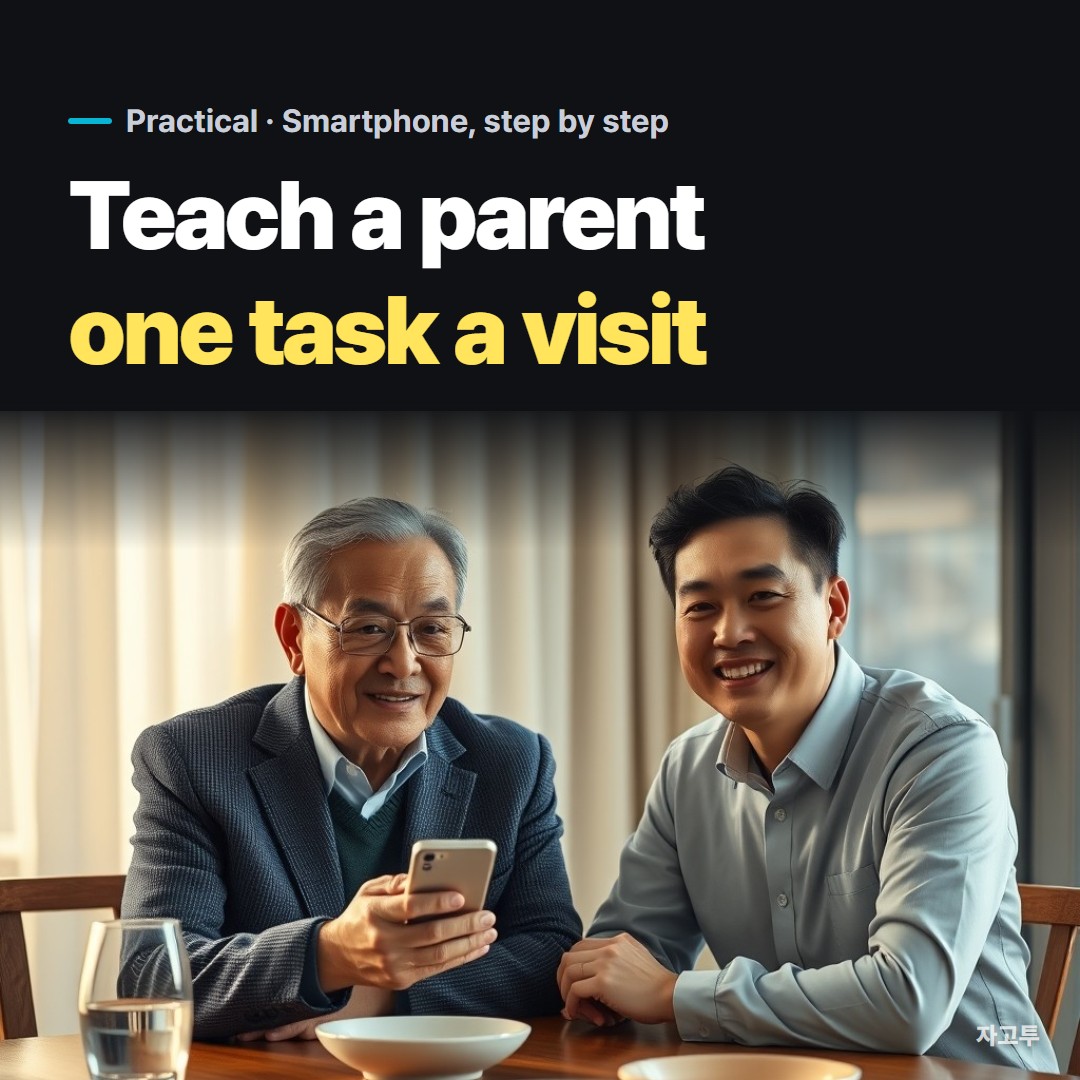
Short version: pick one task, let them hold the phone, and write the steps down in their words. Then leave it alone until next time.
If you are looking up how to teach elderly parents to use a smartphone, you have probably already tried the other way.
You sat down, took the phone, tapped through six things quickly, and handed it back. A week later they called to ask how to answer a video call.
That is not a memory problem. It is a teaching problem, and it is fixable with a few habits.
Contents
- Before the first lesson: make the phone easier to see
- One task per visit
- Let them hold the phone
- Write the steps in their words
- The tasks that trip people up most
- In three lines
1. Before the first lesson: make the phone easier to see
Half the frustration is not knowing what to tap because the screen is hard to read. Fix that first, before you teach anything.
- Text size: on an iPhone it is under Settings, Display & Brightness, Text Size. On most Android phones it is under Settings, Display, Font size.
- A simpler home screen: Samsung phones have Easy mode, and newer iPhones have Assistive Access, which strips the phone down to a few large buttons.
- Fewer apps on the first screen: move everything they do not use into a folder on page two.
Do this with them, not before they arrive. A phone that changed overnight feels like someone else's phone.
2. One task per visit
This is the habit that does most of the work.
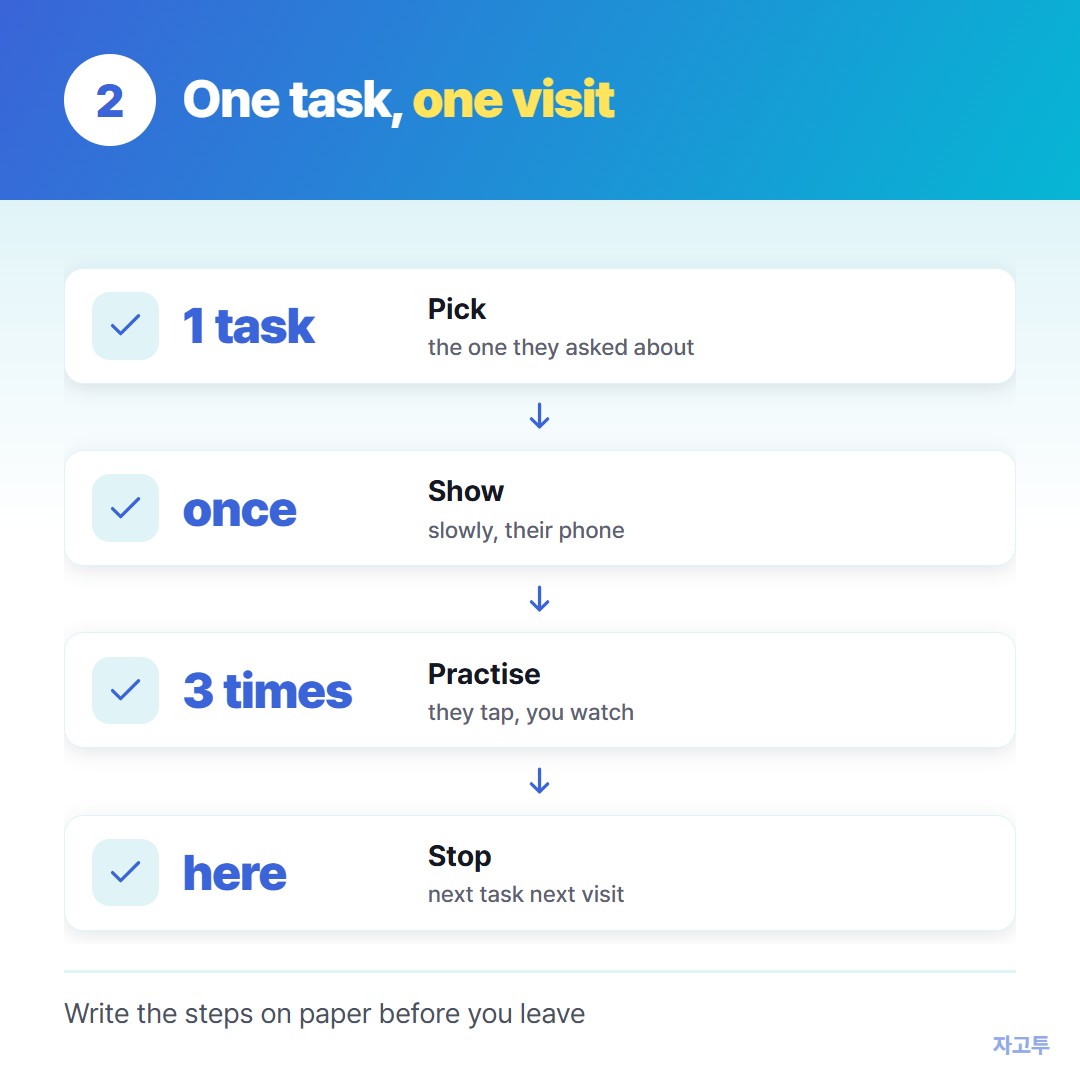
▲ One task, practised three times, sticks better than six tasks shown once
Pick the single thing they asked about or need most this week. Answering a video call. Sending a photo to the family group. Opening a link someone sent.
Show it once, then have them do it three times while you watch. Stop there, even if it went well. The second task can wait for the next visit.
3. Let them hold the phone

▲ Your finger points, their finger taps
It is tempting to take the phone and just do it. It is faster, and it teaches nothing.
Keep your hands in your lap. Point at the screen if you must, but let their finger do the tapping. When they tap the wrong thing, say what happened and how to go back, rather than grabbing it.
If you are helping from far away, a screen sharing app can show you their screen.
Remote access to an Android phone from another phone covers the options and the scam risk that comes with them.
4. Write the steps in their words
Ask them to tell you the steps, and write down what they say, not what the manual says.
"Press the green telephone, then slide it up" is better than "accept the incoming call" if that is how they think of it.
A paper card by the chair works better than a note inside the phone. They need the instructions most when the phone is the thing that is confusing them.
5. The tasks that trip people up most
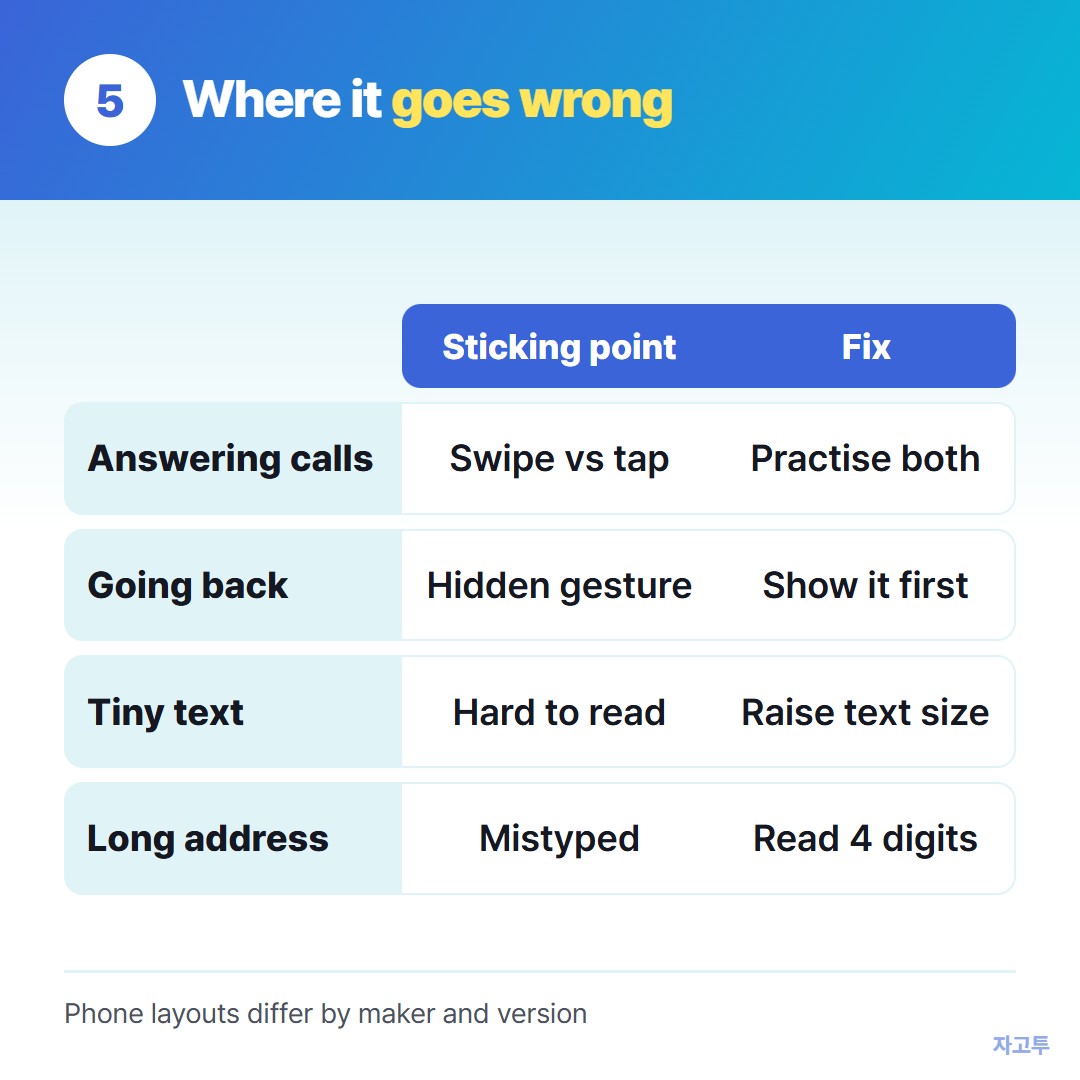
▲ The usual sticking points, and a fix for each
- Answering calls: the swipe on a locked screen and the tap on an unlocked one look different.
- Going back: the back gesture or button is the most useful thing to know and the least explained.
- Long addresses: a web address or a booking number read out over the phone gets mistyped every time.
For that last one, you can avoid spelling it entirely.
With ZAGO.TO you paste the address on your own phone or laptop, get a 4-digit code, and read the four digits out loud. They type zago.to and the code into their browser.
It needs them to be ready when you are, because an unopened code is deleted after 1 minute, and once opened it stays for 1 more minute.
It only carries text, so it will not move photos. And our server can read what you paste, so it is for addresses and links, not bank details.
How to send text from a computer to a phone has other ways to get a line of text onto someone else's phone.
6. In three lines
- Make the screen readable first, then teach one task per visit, practised three times.
- Their hands on the phone, your hands in your lap.
- A paper card in their words beats any manual, and four digits beat spelling a web address.