How to send a long text message without it splitting or turning into MMS
2026-10-14
This post contains affiliate links. As an Amazon Associate, ZAGO.TO earns from qualifying purchases.
You typed a careful paragraph to a friend on Android. It arrived as four pieces, one of them out of order.
Or your phone quietly turned it into a picture message, and the other person saw an attachment instead of words.
How to send a long text message comes down to one number most people never see: 160. Once you know where it comes from, the splitting and the MMS switch stop looking random.
Contents
- The 160-character arithmetic
- Why a long text turns into MMS
- iMessage and RCS change the rules
- Five ways to send it in one piece
- Summary in three lines
1. The 160-character arithmetic
▲ A long SMS travels in parts and is put back together on the other phone
Plain SMS was designed for short messages. One SMS holds 160 characters of basic Latin text.
Add one emoji or a character outside that basic set, and the whole message switches to a wider encoding. Then one SMS holds only 70 characters.
A longer message is sent as several SMS that the receiving phone joins back together. Each part loses a few characters to the joining information:
- Basic text: 153 characters per part
- With an emoji or special character: 67 characters per part
So a 600-character message is 4 parts in basic text, because 600 divided by 153 is just under 4.
Add one smiley face, and the same message becomes 9 parts, because 600 divided by 67 is just under 9.
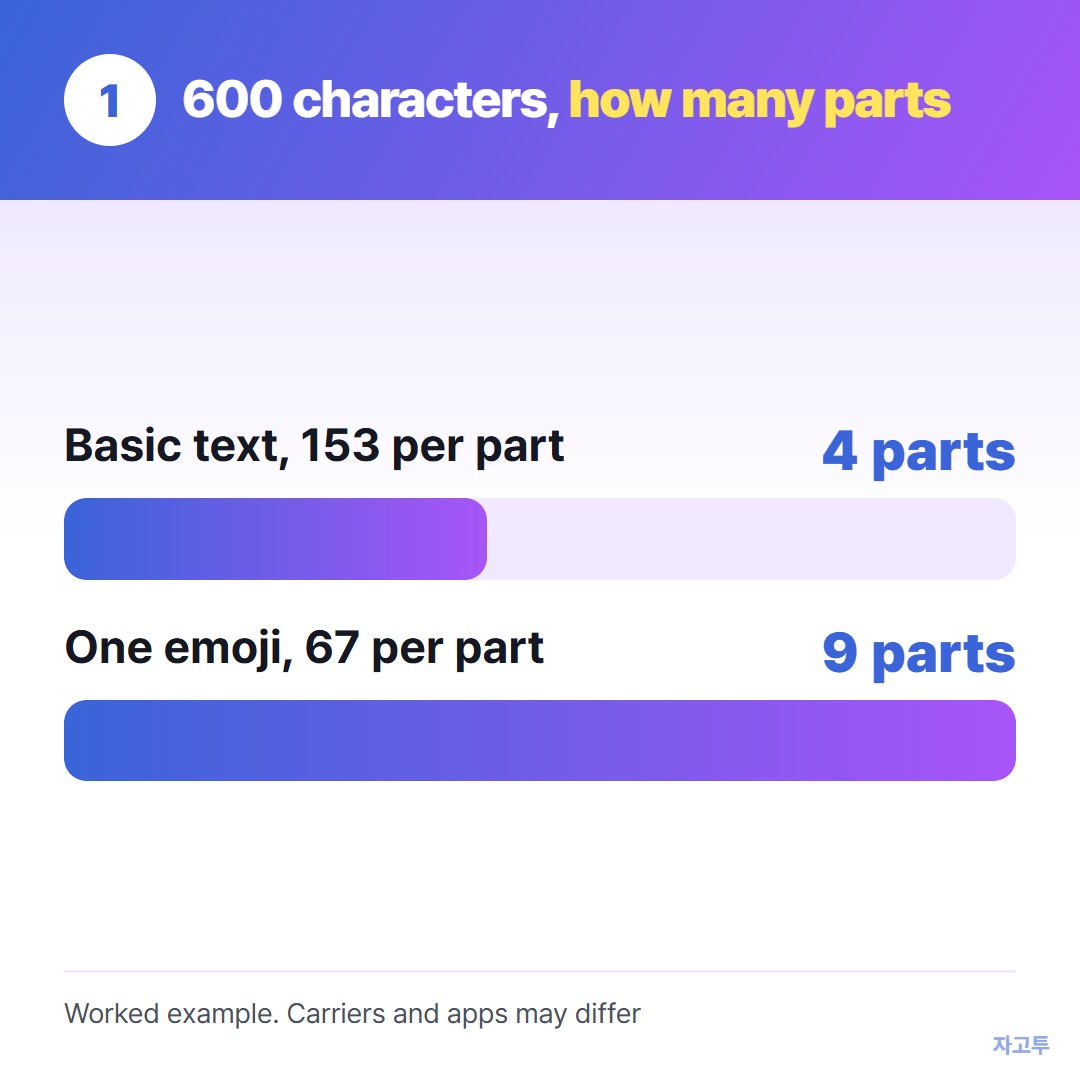
▲ One emoji more than doubles the number of parts
On most phones you never see the parts. On some older phones, some carriers and some messaging apps, the parts arrive separately or out of order. That is the split message.
2. Why a long text turns into MMS
Many Android phones stop sending a long SMS after a certain number of parts and send it as MMS instead. The exact point depends on the phone, the messaging app and the carrier.
MMS is the picture message system. It carries the text in one piece, which sounds good, but it has its own problems:
- It needs mobile data switched on, on both sides, or it may wait or fail.
- Some phones show the text as an attachment, sometimes a small file, not a normal bubble.
- Some plans count MMS differently from SMS.
Group messages that include both iPhone and Android users often go as MMS too, whatever the length.
3. iMessage and RCS change the rules
Blue bubbles on an iPhone are iMessage, which goes over the internet. Length is not a practical problem there, and nothing is split.
Green bubbles are SMS or MMS, so the arithmetic above applies. If your message to an Android friend is long, it is the green-bubble rules you are dealing with.
RCS is the newer messaging standard on Android and, since iOS 18, between iPhone and Android. RCS chats handle long messages much better than SMS.
But RCS falls back to SMS or MMS when one side has no data connection or does not support it, and then you are back to 160.
4. Five ways to send it in one piece
- Remove the emoji from a long message. It keeps the parts at 153 characters instead of 67.
- Check that RCS or iMessage is on. On Android, look for chat features in the Messages settings. On iPhone, check that iMessage is on.
- Turn on mobile data if your phone has already switched the message to MMS.
- Use an app you both have, such as WhatsApp or Signal, for anything longer than a few lines.
- Send a link instead of the text when it is really a document. Long notes belong in a shared note or an email.
If the long text is a link, How to send a link in a text message covers why links sometimes arrive as plain text.
### When the long text is on a computer
Sometimes the problem is not the phone network at all. The paragraph is on your laptop and you need it on your phone, to send from there or to read on the go.
For that one move, ZAGO.TO is a short route. Paste the text on zago.to in the laptop browser, get a 4-digit code, and type the code on the phone.
It takes up to 10,000 characters, so a long message fits in one go.
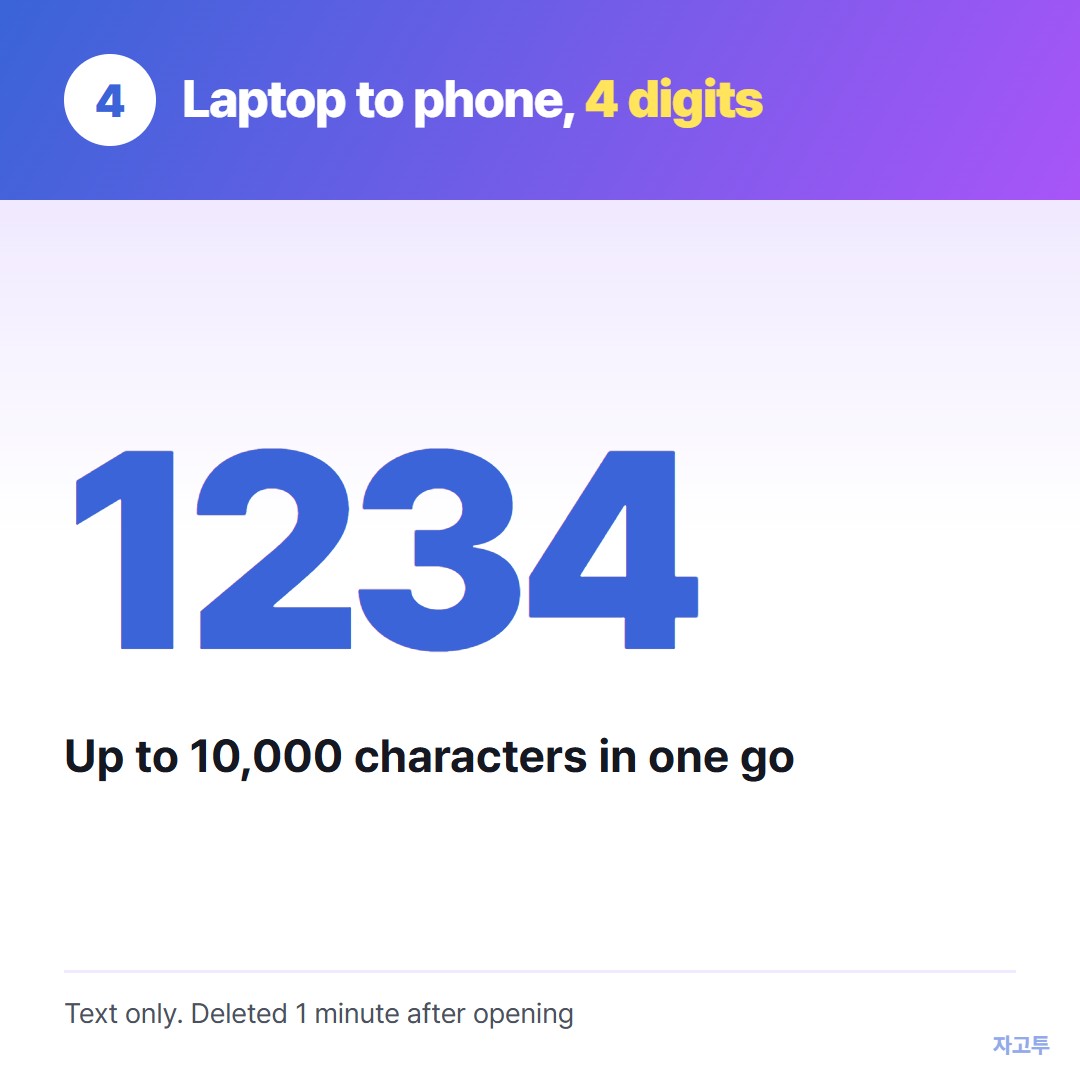
▲ An example code. Each real code is random
It does not send texts to anyone. It only moves the text between your own screens.
It is text only, and it disappears 1 minute after it is opened, or after 1 minute if no one opens it, so it cannot be opened again.
There is no in-browser encryption yet, so our server can read the text. Do not use it for passwords or anything private.
For long text between two people online rather than between your own devices, see Sending long text online when a message is too long.
5. Summary in three lines
- One SMS holds 160 characters, or 70 with a single emoji, and longer messages travel in parts of 153 or 67.
- Many Android phones switch long messages to MMS, which needs mobile data and may show up as an attachment.
- iMessage and RCS avoid most of this, and for a long paragraph from your laptop to your phone, ZAGO.TO moves up to 10,000 characters at once.