How to send a link in a text message, and five reasons it arrives as plain text
2026-10-09
This post contains affiliate links. As an Amazon Associate, ZAGO.TO earns from qualifying purchases.
You copied the link, pasted it, pressed send. On the other phone it shows up as grey text nobody can tap.
How to send a link in a text message is two taps on most phones. Getting it to arrive clickable is the part that goes wrong, and it usually goes wrong for one of five small reasons.
1. The two-tap way on iPhone and Android
The cleanest route is the Share button, because it copies the whole address with nothing added or cut off.
- iPhone, Safari: tap the Share icon at the bottom, then Messages, then pick the person.
- Android, Chrome: tap the three dots, then Share, then Messages.
- YouTube, Amazon, maps: every app has its own Share button. Use that instead of copying from the address bar.
You can also press and hold the address bar, tap Copy, open the conversation and paste.
Either way, wait for the preview card to appear before you send. On iMessage and RCS chats a card with a picture and title means the link was read as a link.
▲ The link is there, but it will not open
2. Five reasons the link arrives as plain text
If the person on the other end cannot tap it, check these in order.
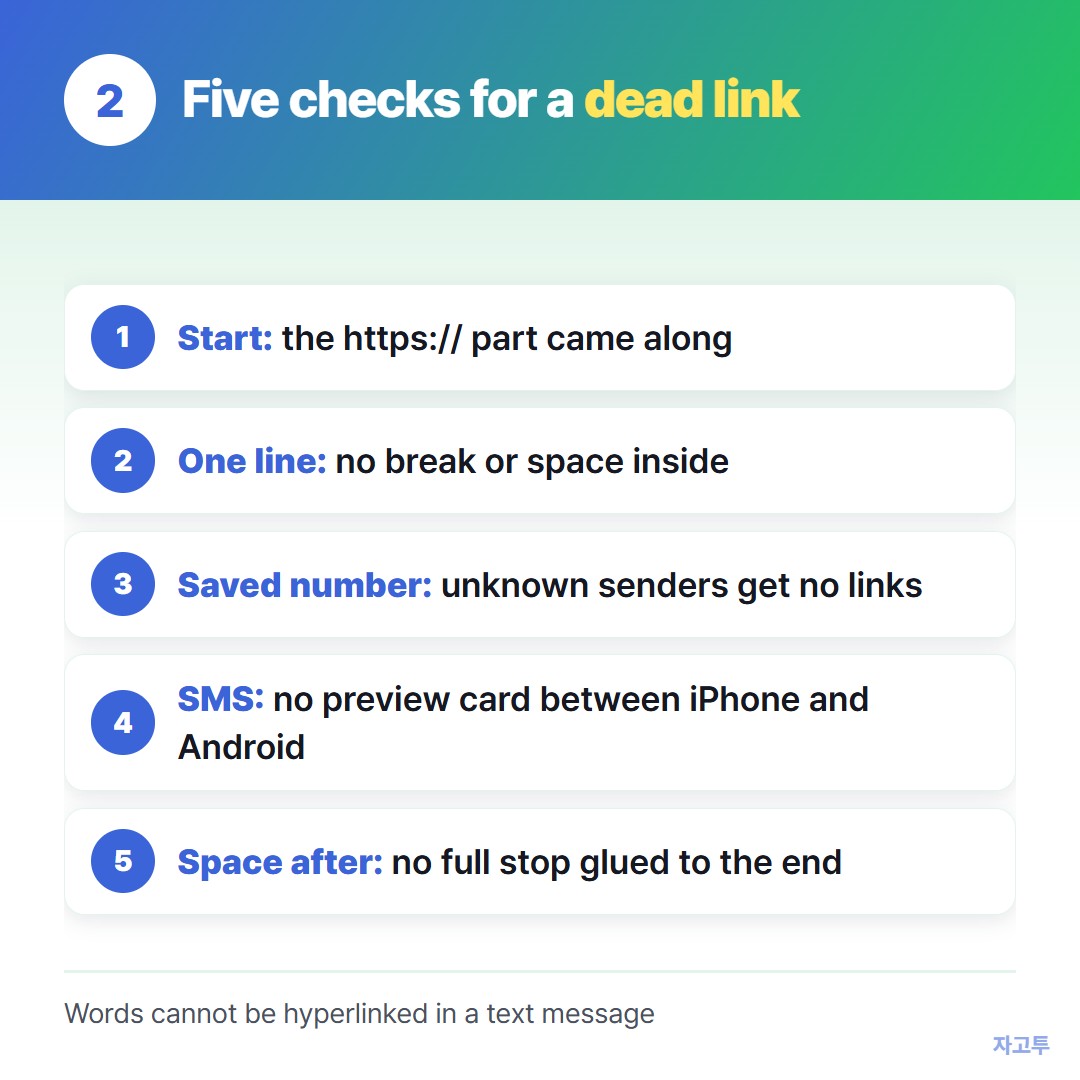
▲ Most dead links fail on the first two
- The address lost its start. Copying from the middle of a page sometimes drops "https://" or the "www". Phones still spot most addresses, but not all.
- The link broke across lines. Long addresses pasted from an email or a PDF can carry a hidden line break or space. The part after the break is no longer part of the link.
- The sender is unknown. iPhones turn off links from numbers that are not in contacts until the person replies or adds them.
Android's Messages can hide previews from unknown senders too. That is a safety feature, not a fault.
- It went as plain SMS. Between an iPhone and an Android phone without RCS, there is no preview card. Most phones still make the address tappable, but some older ones do not.
- There is text glued to it. A full stop or a bracket right after the address can become part of it. Leave a space after the link.
People also ask how to make words like "click here" into a link. In a text message you cannot.
SMS and iMessage carry plain text, so the address itself has to be in the message. Email is the place for hidden links.
3. When the link is on a computer and the text has to come from a phone
This is the case the Share button does not cover. The link is open on your laptop, and the message has to go from your phone.
A Mac with Messages set up can send it directly. On Windows, Phone Link can send texts through an Android phone and, with more limits, an iPhone.
If neither is set up, you can move the link to your phone first and text it from there. ZAGO.TO does this in a browser.
Paste the link at zago.to on the computer and you get a 4-digit code. Type the code on your phone and the link appears, ready to copy into the message.
It is short-lived on purpose. If nobody opens it within 1 minute it is deleted, and after it is opened it stays for 1 minute more. You cannot open it again later.
It carries text only, up to 10,000 characters. Our server can read what is held there, so a link to a private document is better sent another way.
ZAGO.TO does not send the text message for you either. You still paste it into Messages yourself.
For the opposite direction, there is Getting a link from your PC to your iPhone.
For very long addresses, see Sending a long URL to your own phone, unshortened.
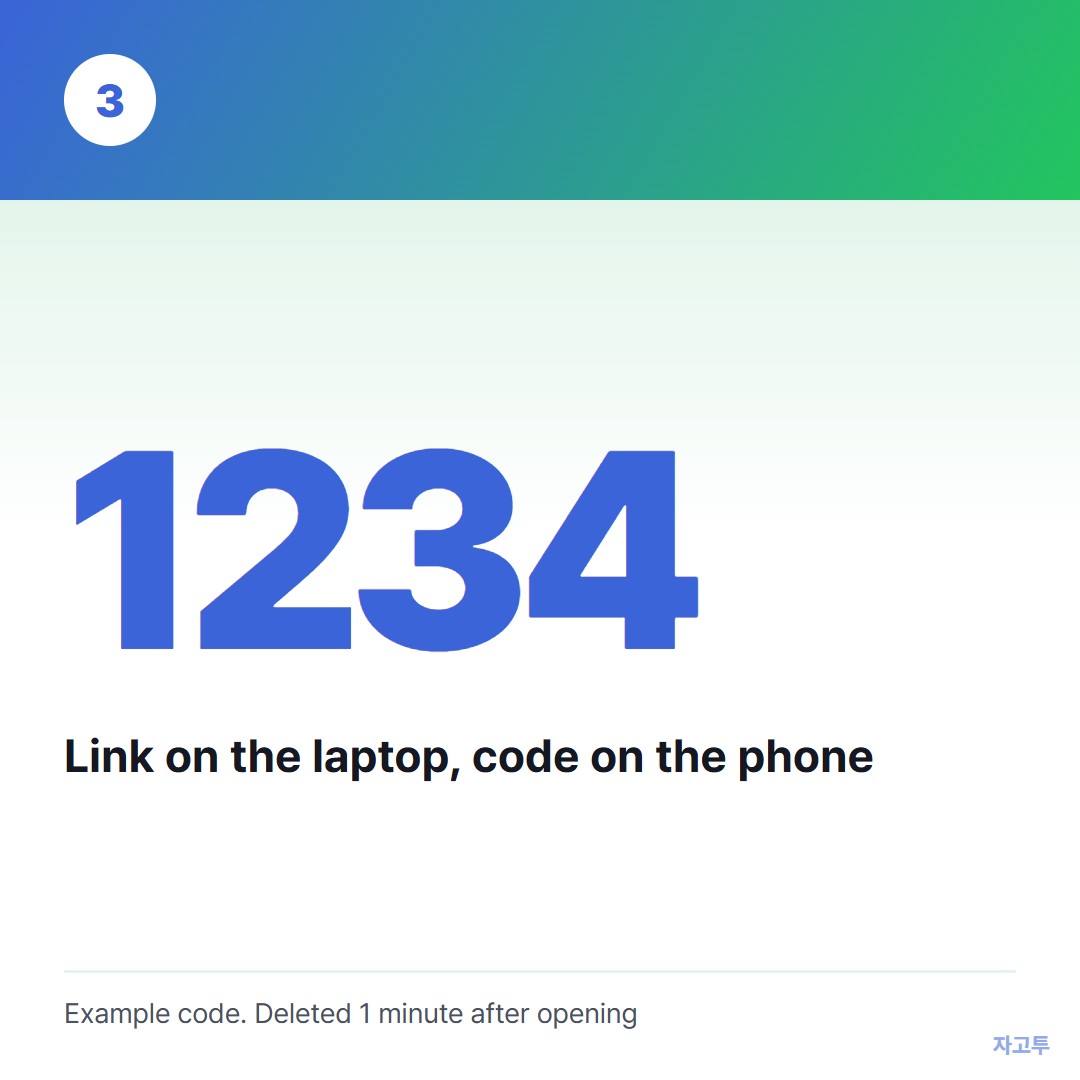
▲ An example code. Real codes are random
Bottom line
Use the Share button, wait for the preview, and leave a space after the link. If it still arrives grey, the other person probably does not have your number saved yet.