Sending a long URL to your own phone, unshortened
2026-09-25
This post contains affiliate links. As an Amazon Associate, ZAGO.TO earns from qualifying purchases.
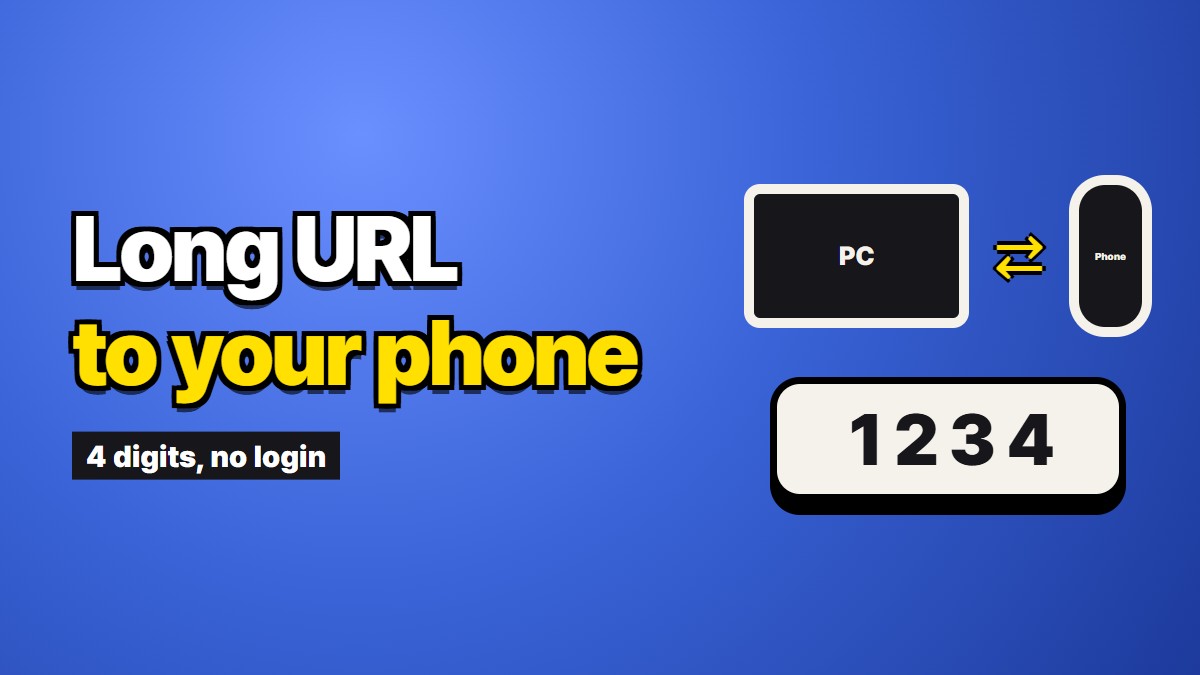
You found something on the laptop and you want it open on your phone. The address is 300 characters long and ends in a string of random letters.
Retyping is out. So you shorten it, or you message it to yourself, or you email it, and mostly that is fine. Sometimes it is not, and the times it is not are specific enough to be worth naming.
When a shortener breaks the link
Link shorteners are genuinely useful and most of the time they work. But some addresses do not survive being wrapped.
Signed download links. Cloud drives, invoices, receipts and file-sharing services hand out URLs with a signature and an expiry baked into the query string. Those are long because they have to be. A shortener usually survives this, but anything that strips or reorders query parameters does not, and you get a broken link with no obvious reason why.
Links with a fragment. Anything after a `#` is handled by the browser, not the server. Shorteners vary in how carefully they preserve it, and a link meant to jump to a specific section can land you at the top of the page instead.
Expiry. A shortened link depends on the shortening service still existing. Plenty of them have shut down and taken every link with them. If you are saving this somewhere for later, you have added a dependency you did not need.
Opacity. A shortened link hides where it goes. That is fine when you made it, and it is exactly what makes people cautious when they receive one.
Tracking. Most free shorteners log the click. For a link you are sending to yourself, that is a stranger recording your reading.
None of these matter for a link to a news article. All of them matter for a signed file link you need to work in five minutes.
When you do not want it in a thread
The other case has nothing to do with whether the link works.
Some links are effectively credentials. A signed download link is a key: anyone with the URL can get the file, and there is no login in the way. A shared-document link with editing rights is the same. An invite link is the same.
Send one of those to your self-chat and it lives there. It syncs to the desktop client on your work laptop. It is in the backup. It stays long after the thing it points at stopped being something you wanted shared.
Most people would not paste a password into their self-chat, and then paste a link that functions as one without thinking about it.
The QR code answer
If the phone is next to the laptop, the cleanest answer is a QR code. Several browsers will generate one for the current page from the address bar or the share menu, no service involved. Point the phone at the screen and it opens.
This is genuinely the best option when it applies, and it applies more often than people remember. The limitation is that both devices have to be in the same place at the same time, and the phone has to be able to see the screen.
What we do
This is our own service, so read this knowing that.
ZAGO.TO takes text and gives you four digits. The phone opens the site, you type four digits, the full address appears and you tap it. It is deleted from the server about a minute after opening, and after a minute anyway if nobody opens it.
The link stays whole. No wrapping, no redirect, no third party in the middle logging the click, and nothing to depend on later because you are not saving it anywhere. When the link is really a credential, the useful part is that it does not stay in a thread afterwards.
The limits: you cannot open it again, so this is for getting something across now, not for keeping a reading list. There is no browser-side scrambling, so our server can read what passes through for the minute it is there. And it moves text, which a URL is, but not files.
A note on what a URL actually is
It is worth being clear that a link is not private just because it is unguessable.
Wherever that link goes, the server on the other end sees it. Whatever sits between you and that server sees it. If it is long and signed, it is unguessable, which protects you from a stranger typing addresses at random. It does not protect you from anywhere the link is written down.
So the honest rule is: treat a signed link like a password with an expiry date. Move it as few times as possible, do not leave copies, and let it expire rather than assuming it is forgotten.
Picking
The decision is short.
Both devices in the same room, link is harmless: use a QR code from the browser.
Link is harmless and you want it later: send it to yourself however you normally do. Permanence is fine here.
Link is a credential, or it must not be altered, or it must not be logged: move it directly and leave nothing behind. That is the narrow case this is for.