How to print at Walmart from your phone: photos in an hour, documents usually somewhere else
2026-10-18
This post contains affiliate links. As an Amazon Associate, ZAGO.TO earns from qualifying purchases.

You are standing in the Walmart parking lot with a phone full of pictures, or a PDF someone needs on paper by tonight. Which one Walmart can handle decides the whole trip.
The short version of how to print at Walmart from phone: photos are a core service with same-day pickup. Documents mostly are not, and it pays to know that before you drive over.
1. Photos: order in the app, collect at the counter

▲ Most photo orders are placed from the couch and collected later
Open the Walmart app, find the photo section, and choose prints. You pick pictures from your camera roll, set sizes, and choose a store for pickup.
Standard prints at many stores are ready the same day, often within an hour. Canvas, large posters and photo books usually ship or take longer.
The same flow runs on the Walmart photo website if you would rather upload from a laptop. Either way, you get a notice when the order is waiting.
A few things that save a second trip:
- Let the app see your photos. On iPhone, choose full access or the picker will look empty.
- Check the crop. Phone pictures are taller than a 4x6 print, so heads get trimmed unless you adjust.
- Pick the right store. Not every location offers one hour prints for every size.
2. The photo kiosk inside the store
Some stores keep a self-service kiosk near the photo center. It can read pictures from a phone and print them while you wait.
Use the kiosk when you are already inside and want a handful of prints now. Use the app when you want to order ahead and skip the line.
If the kiosk cannot find your phone, make sure the pictures are stored on the device rather than only in a cloud album.
3. Can you print documents at Walmart?
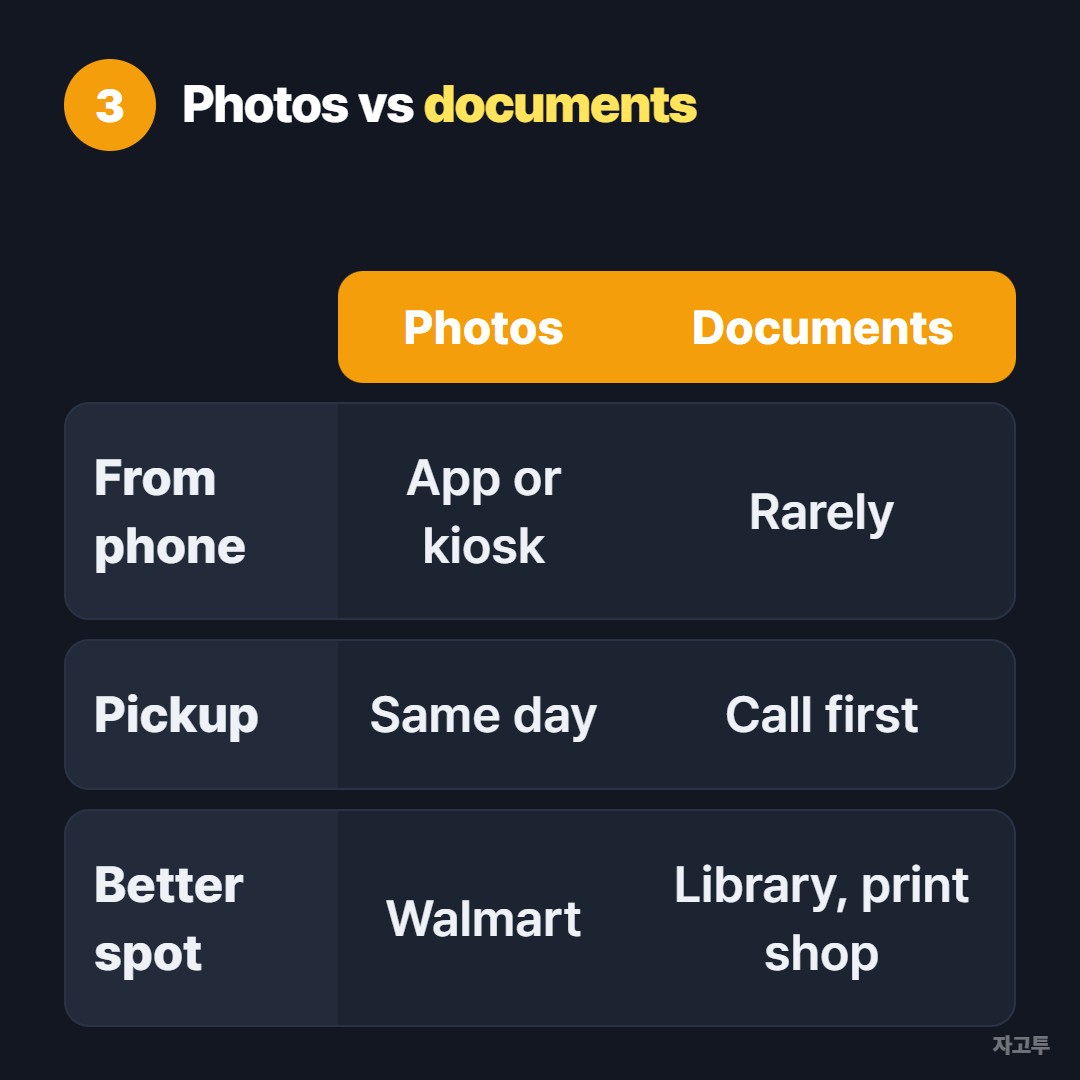
▲ Pictures have a clear route, documents mostly do not
This is the question behind a lot of searches, and the honest answer is: usually no.
Walmart photo centers are set up for pictures, and printing a PDF or a Word file is not a standard service at most stores.
Turning a form into a picture and running it through the photo machine is possible in theory. On glossy paper with fuzzy small print, few offices will accept the result.
Ring the photo center before you leave home. Equipment differs between locations, and a two minute call saves a pointless drive.
If they say no, plenty of other counters handle a PDF from a phone as routine.
Walgreens print documents covers the pharmacy side.
For a full print shop, see how to print at FedEx from your phone.
4. Writing the message for a photo card or book
Walmart prints more than 4x6 photos. Greeting cards, calendars and photo books all have a text box, and that box is where long messages get typed on a tiny keyboard.
Plenty of people draft the holiday letter or the dedication on a laptop first, then rebuild it letter by letter in the phone app. Line breaks vanish and names get misspelled along the way.
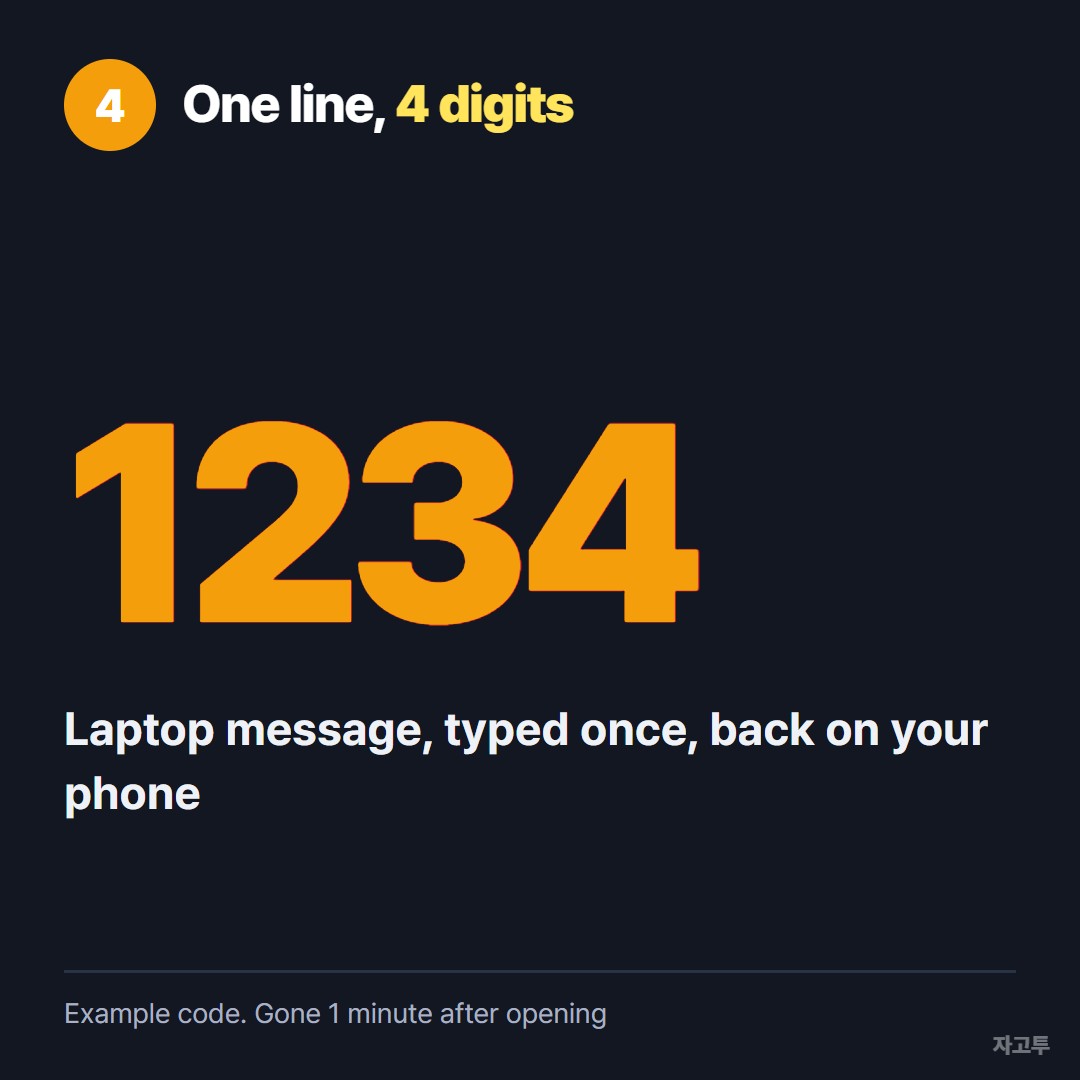
▲ An example code. Real codes are random
ZAGO.TO shortens that hop between the laptop and the phone.
Paste the message on the laptop, read off 4 digits, enter them on the phone, and the whole block shows up for you to copy into the card editor.
It carries words only. The photos themselves still go through the Walmart app, and a single message tops out at 10,000 characters.
Each message disappears within 1 minute if unopened, or 1 minute after someone opens it, and there is no second look.
Encryption in the browser is not built yet, which means our server can see the text. A birthday note is fine. A password is not.
Quick answers
Can you print photos at Walmart from your phone the same day? Yes, for standard prints at most stores, through the app or a kiosk.
Does Walmart print documents? Not as a standard service. Call your store, or use a library, pharmacy or print shop.
Do I need an account? The app asks you to sign in to place a pickup order. A kiosk usually does not.