How to print at Staples from your phone without signing in on the store computer
2026-10-18
This post contains affiliate links. As an Amazon Associate, ZAGO.TO earns from qualifying purchases.
You need two pages printed in ten minutes, the file is on your phone, and the self-service computer at Staples wants you to log in to your email. Most people would rather not.
You do not have to. Here is how to print at Staples from your phone with a checklist for each route, so you know before you walk in which one fits your file.
1. Pick your route before you leave
▲ The file stays on your phone. Only the job reaches the store
Staples gives you three common ways in. Which one to use depends on what you are printing and how soon you need it.
- Upload online, pick up in store. On your phone, open the Staples print page, upload the document and choose a store and pickup time. Best for anything with special paper, binding or many pages
- Send it to the self-service printer. Many stores take a document sent from your phone and hold it for you to release at the machine. The exact steps are posted at the printer
- Ask at the counter. The print and marketing staff can take a file from your phone in other ways. It is slower but nobody gets stuck
If you need it in the next hour, use the self-service route. Online orders can take longer, depending on the store's queue.
2. Checklist for printing documents from your phone
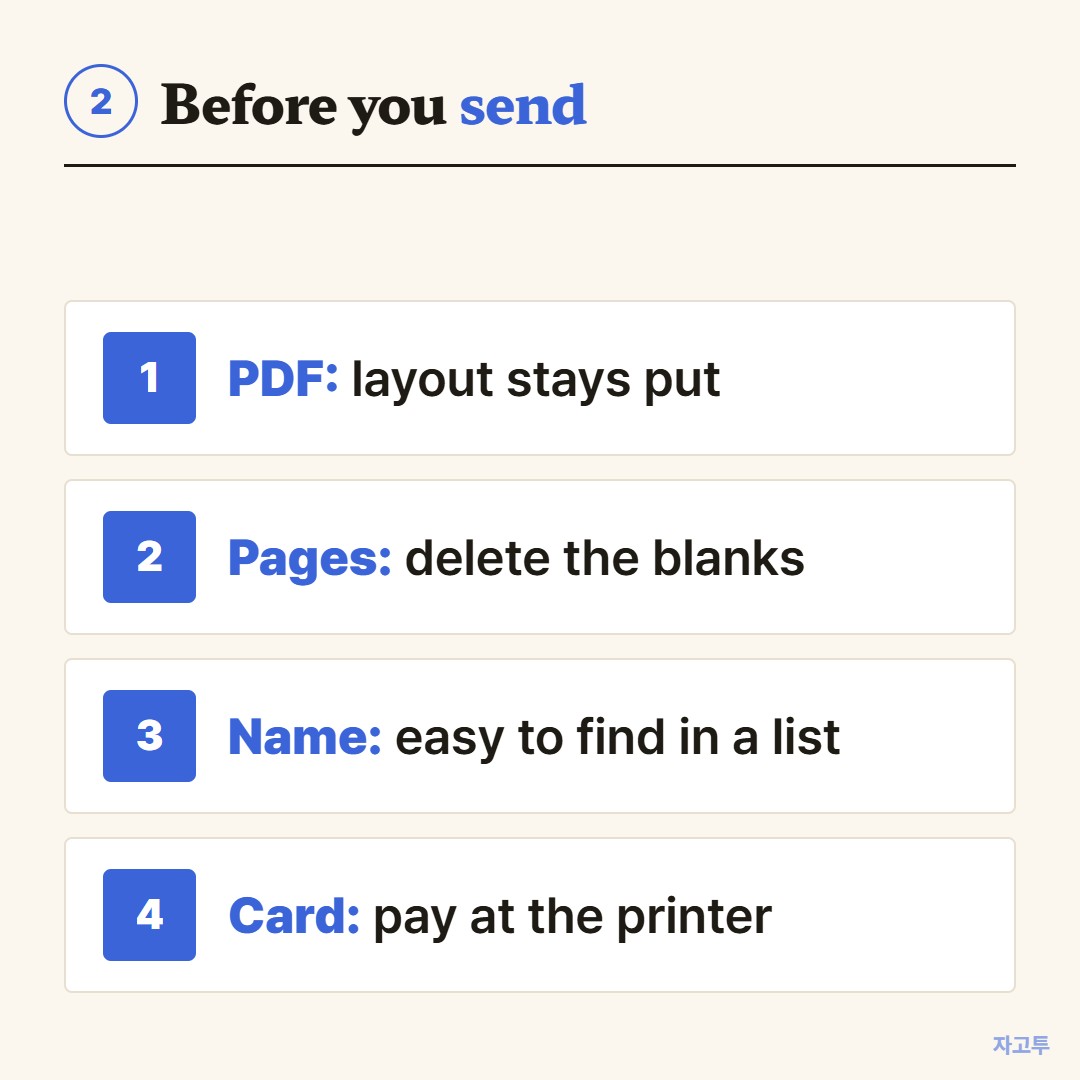
▲ Four checks that prevent most reprints
- Save it as a PDF. Word files and screenshots can shift margins. A PDF prints the way it looks on your phone
- Check the page count. Delete blank pages first, since you pay for each one
- Rename the file. "Scan0001.pdf" is hard to find in a list. A clear name helps you and the staff
- Bring a payment card. Self-service machines take payment at the printer, and some do not take cash
For photos, the same upload page handles photo prints. For prints from an iPhone, use the share button and save to Files as a PDF first.
3. When the store screen wants a link or a line of text
Sometimes what you need on the store computer is not a file. It is a coupon code, an order number, or a long link to a form you have to fill in on a bigger screen.
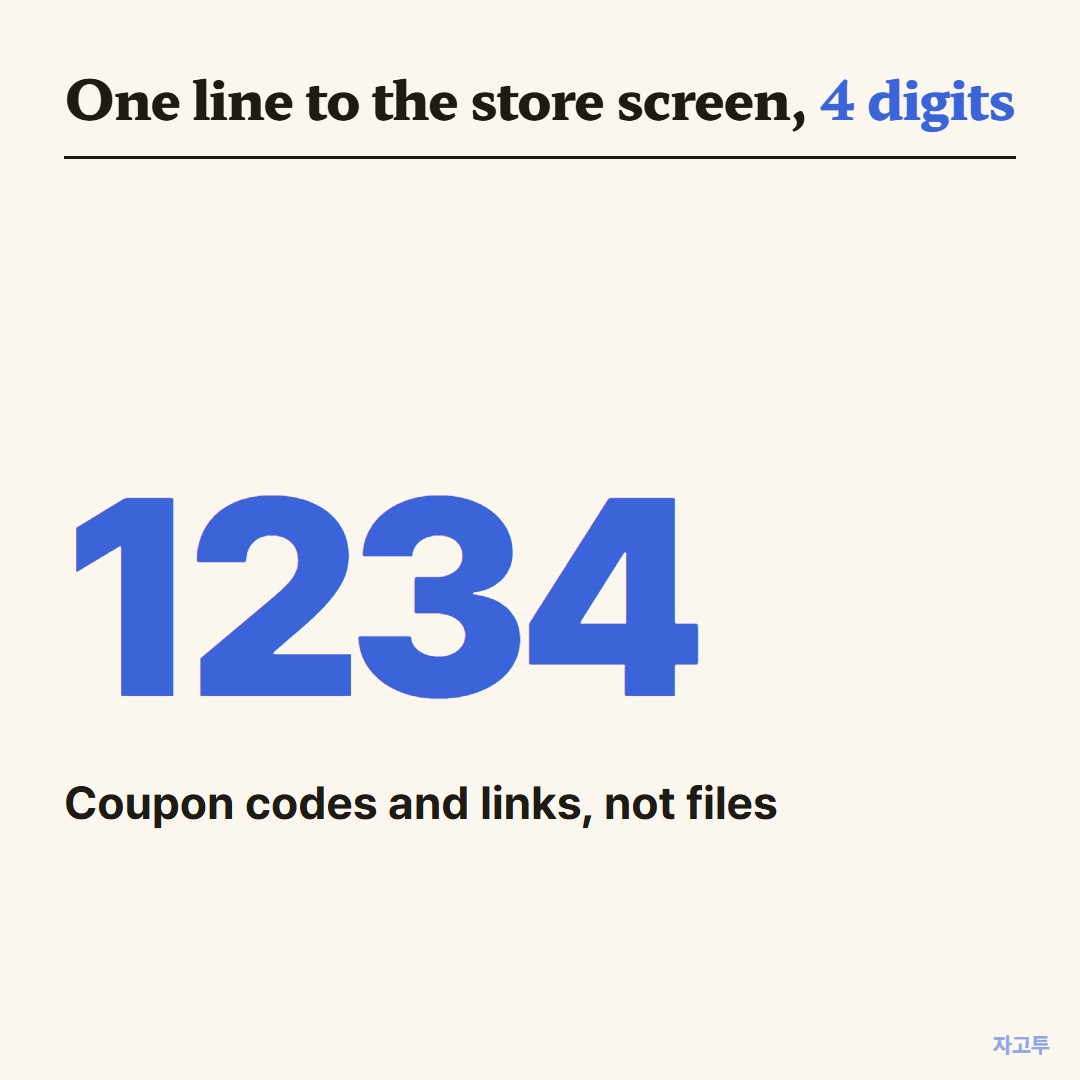
▲ An example code. Real codes are random
ZAGO.TO carries that one line over. Paste it on your phone, get a 4-digit code, then type the digits at zago.to on the store's browser. The text appears there, ready to copy.
It does not move files or photos, only text up to 10,000 characters. Unopened text is deleted after 1 minute, opened text 1 minute after opening, and nothing can be opened twice.
There is no in-browser encryption yet, so our server can read what you paste. A coupon code is fine. Your email password is not.
4. Before you walk out
If you did sign in to anything on the store computer, sign out and close the browser. Then check the print tray and the scanner glass for pages you left behind.
Other chains run this a little differently. The Office Depot release code route is in Office Depot print email.
FedEx is in How to print at FedEx from your phone.
Quick answers
Can Staples print from my iPhone? Yes. Upload from Safari or send it to the self-service printer, the same as from Android.
Do I need a Staples account? Not to use the self-service printer. Online orders usually ask for one, or for guest checkout details.
Can Staples scan to my email? Yes, the copiers can scan to an email address. That is the reverse trip, paper to phone.