How to copy a link on iPhone when long-press does not show Copy
2026-10-13
This post contains affiliate links. As an Amazon Associate, ZAGO.TO earns from qualifying purchases.
Short answer: in Safari, touch and hold the address bar, then tap Copy. In apps that hide the address, tap Share, then Copy Link.
That covers most cases of how to copy a link on iPhone, whether it is an iPhone 13 or an iPhone 17. The rest of this page is for the places where the usual move does nothing.
1. How to copy a link on iPhone in Safari

▲ The address bar holds the link for the page you are on
The link to the page you are reading sits in the address bar at the top or bottom of Safari.
Touch and hold the address bar until a small menu appears, then tap Copy. A single tap also works: it selects the address, and a second tap on the selected text shows Copy.
If the bar shows only the site name, that is fine. What gets copied is the full address.
2. A link inside a page
A link in an article or an email is different from the page you are on. Touch and hold the link itself.
A preview of the target page pops up, with a menu under it. Copy Link is in that menu, below the preview, not on the preview. People often wait for a button on the preview and give up.
If you tap instead of holding, the iPhone opens the link. Go back and hold for about a second.
3. Apps that hide the address
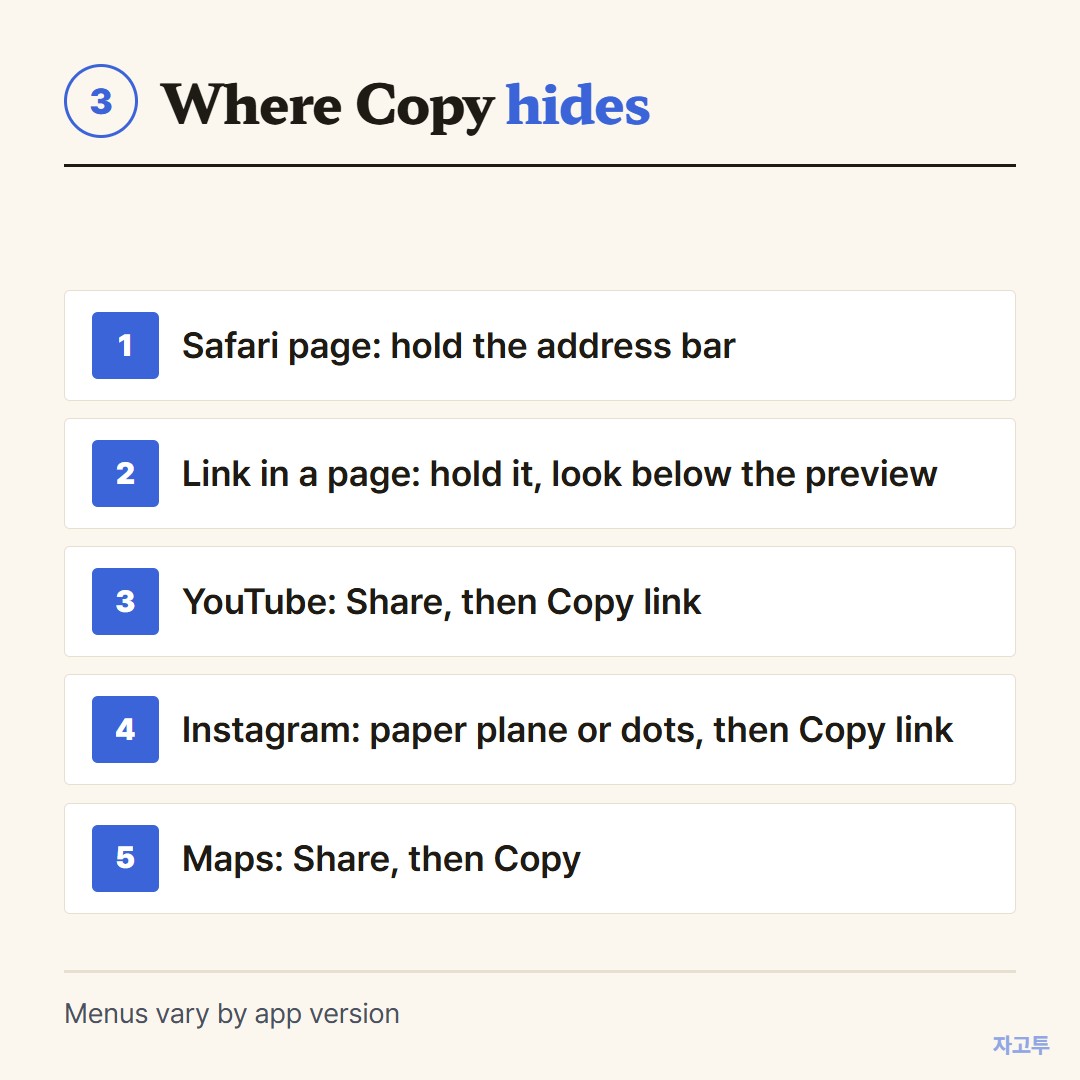
▲ No address bar means the link lives behind Share
YouTube, Instagram, Maps and most shopping apps never show an address bar. The link is there, behind the Share button.
- YouTube: under the video, tap Share, then Copy link. A timestamp option appears in some versions.
- Instagram: on a post or reel, tap the paper plane or the three dots, then Copy link.
- Maps: open the place, tap Share, then Copy.
The icon is a square with an arrow, a paper plane, or three dots. Share is almost always where Copy hides.
4. When the link needs to reach another screen
Copying is half the job. The other half is getting it somewhere: a laptop, a TV, a work PC.
For an Apple computer, Universal Clipboard does it if both devices are signed in to the same account.
For Windows or a shared computer, How to see the clipboard on iPhone explains why the copied link does not follow you.
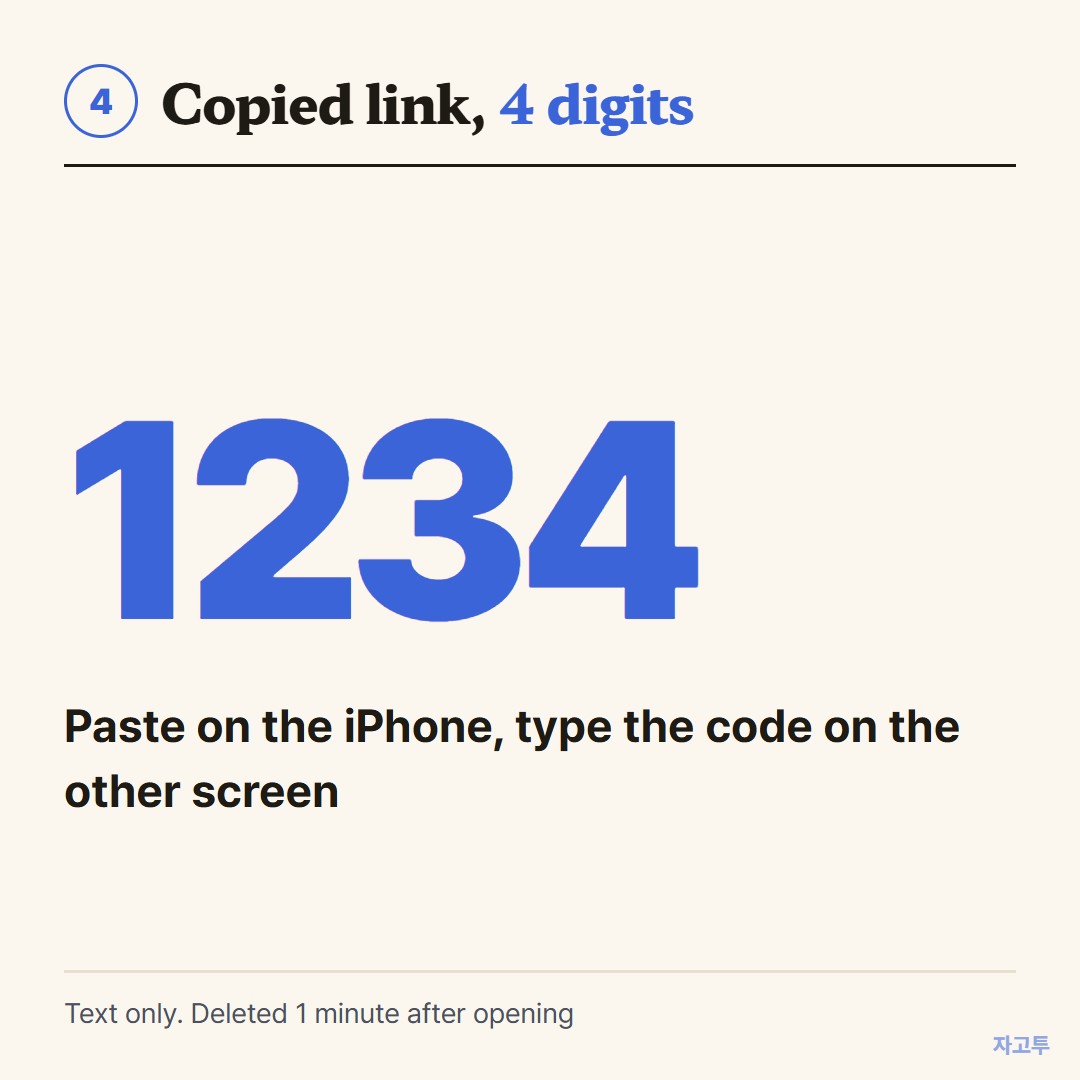
▲ An example code. Each real code is random
One light way is ZAGO.TO. Paste the copied link at zago.to on the iPhone, get a 4-digit code, and type it into the browser on the other screen. The link appears and you click it.
Unopened, it is deleted after 1 minute. Opened, 1 minute later, and it cannot be reopened. Text only, up to 10,000 characters.
There is no in-browser encryption yet, so our server can read the link, which is why private sign-in links do not belong there.
To send a link to someone else's phone instead, How to send a link in a text message covers that.
In short
Safari page: hold the address bar. A link on the page: hold the link and look below the preview. Any app: tap Share. Then paste it where it needs to go.