How to copy a link on Android, from Chrome, Samsung, Messages, YouTube and WhatsApp
2026-10-14
This post contains affiliate links. As an Amazon Associate, ZAGO.TO earns from qualifying purchases.
Someone asks for "the link" and you are holding an Android phone. You can see the page, the video or the message. The question is where the copy button is hiding this time.
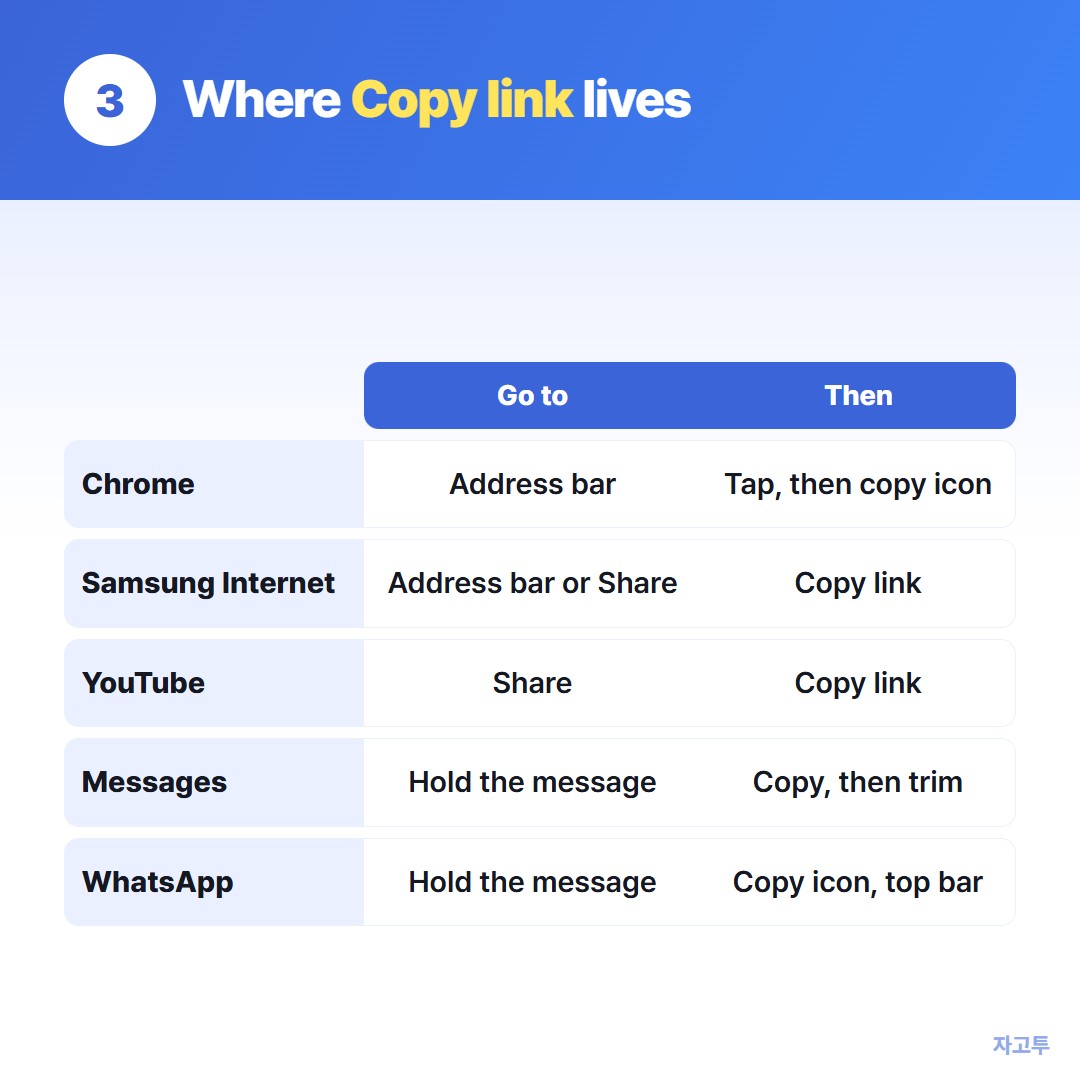
How to copy a link on Android depends on the app you are in. Most apps use one of two moves: tap the address bar, or open Share and pick Copy. Here they are, app by app.
Contents
- Chrome and Samsung Internet
- Google Messages and other texts
- YouTube
- Finding the link you copied
- Checklist
1. Chrome and Samsung Internet

▲ The address bar is the quickest way out of a browser
In Chrome, tap the address bar at the top. The full address appears, already selected. Tap the copy icon next to it, or press and hold and choose Copy.
To copy a link inside a page, press and hold the link itself. Choose Copy link address.
In Samsung Internet, tap the address bar, then press and hold the address and choose Copy. The Share button in the bottom bar also has Copy link on most versions.
2. Google Messages and other texts
Press and hold the message bubble. Tap Copy in the bar at the top.
This copies the whole message, not only the link. If the link sits inside a sentence, paste it somewhere first and trim it, or tap the link to open it and copy it from the browser's address bar.
3. YouTube
▲ Two moves cover almost every app
Under the video, tap Share, then Copy link. In a list or search results, tap the three dots next to a video and choose Share, then Copy link.
For a Short, the Share arrow is on the right side of the screen, with the same Copy link at the bottom.
4. WhatsApp
To copy a link someone sent, press and hold the message. A copy icon appears in the top bar. Like Messages, it takes the whole message.
To copy a group invite link, open the group, tap its name, then Invite via link, and choose Copy link. Only admins may see it, depending on the group's settings.
5. Finding the link you copied
Android does not show what you copied until you paste. To check, open any text box, press and hold, and tap Paste.
If you use Gboard or the Samsung keyboard, the clipboard icon in the keyboard's top row shows recent copies. That is handy when you copied two links in a row.
The longer tour of copy and paste on Android is in How to copy and paste on an Android phone.
### When the link has to reach a computer
Copying is only half the job when the link needs to open on a PC. ZAGO.TO moves it as text.
Paste the link on zago.to on the phone, get a 4-digit code, and type it on zago.to on the computer.
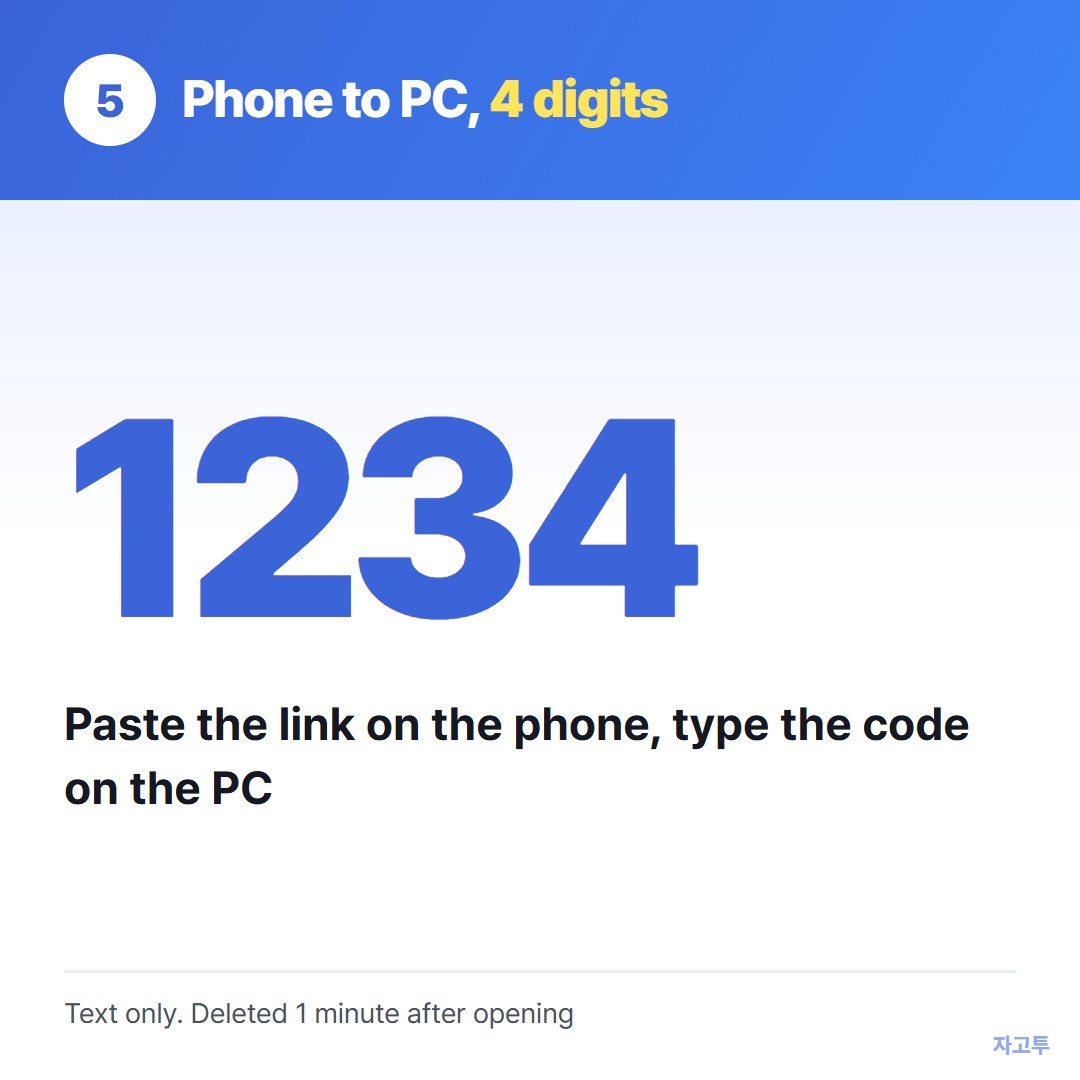
▲ An example code. Real codes are random
It carries text only, up to 10,000 characters. Unopened text is deleted after 1 minute, and opened text 1 minute after it is opened, and it cannot be opened again.
There is no in-browser encryption yet, so our server can read what you send. A YouTube link is fine. A private document link is worth thinking about first.
Going the other way, from a PC to the phone, is covered in How to send a link from a PC to an Android phone.
6. Checklist
- Browser: tap the address bar, then copy
- Link on a page: press and hold, Copy link address
- YouTube: Share, Copy link
- Messages and WhatsApp: press and hold the message, then trim the text
- Check it: paste once before you send it
ZAGO.TO is there for the moment the link has to leave the phone.