Can my employer see what I copy and paste? What a work computer can actually record
2026-10-15
This post contains affiliate links. As an Amazon Associate, ZAGO.TO earns from qualifying purchases.
Can my employer see what I copy and paste? On a work computer, the honest answer is: they can, if they have installed a tool that records it. Most companies do not log every copy.
Many do log where the copied text ends up.
This post walks through what IT can see on a managed machine, which tools do it, and what that means before you paste something into a chatbot, a personal email or a website.
1. Copying is rarely logged. Pasting somewhere is
▲ The question is less about the copy and more about where it lands
Windows and macOS do not keep a history of your clipboard for your employer by default. A plain copy and paste inside Word does not leave a trail anyone reads.
What changes the picture is software the company adds. Three kinds matter:
- Endpoint monitoring: employee monitoring tools can record screenshots, keystrokes, app usage and, in some products, clipboard contents
- Data loss prevention (DLP): tools such as Microsoft Purview watch for sensitive data being pasted into browsers, USB drives or cloud apps, and can warn, log or block
- Managed browsers and network filters: these record which websites you visit, even if they never see the text itself
So the real answer depends on which of these your company runs. Your IT policy or acceptable use policy usually says so in writing.
2. What the common tools can and cannot see
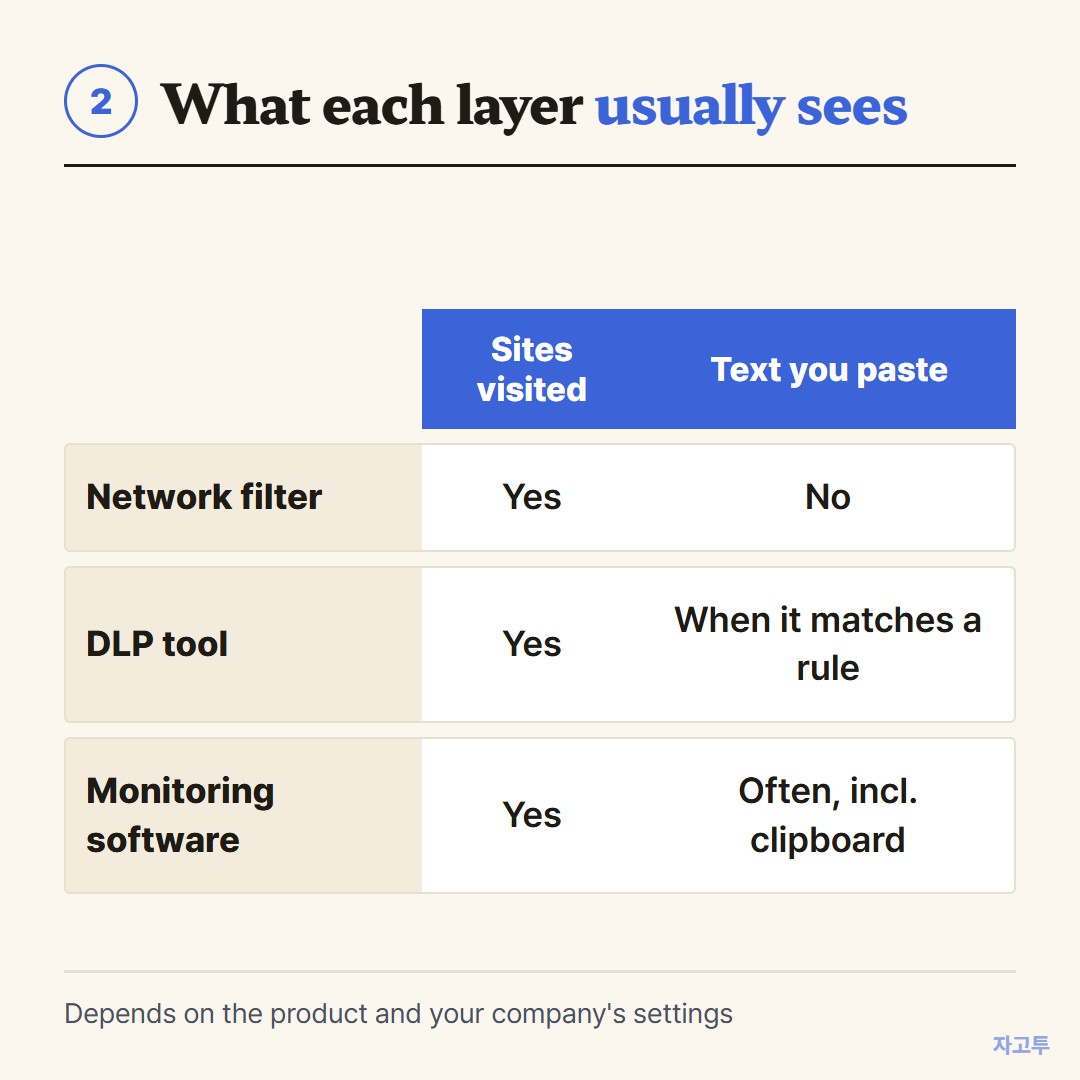
▲ A rough map of what each layer usually records
A network filter sees that you opened a site, not the words you typed into it. A DLP tool sees the content, but usually only when it matches a rule, like a card number or a file labeled confidential.
Full monitoring software is the one that can capture almost everything, including the clipboard. Not every company uses it, and many countries and states require employers to tell you when they do.
If you are not sure, assume the screen is visible. That is the safe reading on any device the company owns or manages.
3. The ChatGPT question
The most common follow-up search is "can my company see what I copy and paste into ChatGPT." On a managed computer, often yes.
DLP tools increasingly treat AI chat sites as a destination they watch, the same way they watch personal email.
Some companies block these sites outright. Others allow an approved tool and log the rest. Pasting customer data or code into an unapproved chatbot is the kind of thing these rules were written for.
4. Personal phone, work Wi-Fi
Your personal phone is a different device. Your employer cannot read your clipboard on it. On the company Wi-Fi, though, the network can still record which sites the phone connects to.
If your phone is enrolled in the company's device management, read what the profile allows. A work profile on Android usually keeps work apps separate from personal ones.
Messaging yourself from a work account has its own retention questions. We covered that in Teams chat with yourself.
5. Where a text-passing tool fits, honestly
People sometimes ask whether using a site like ZAGO.TO gets around any of this. It does not. You paste text, get a 4-digit code, and type the code on another device.
The traffic still goes through the company network, and IT can see that you visited zago.to.
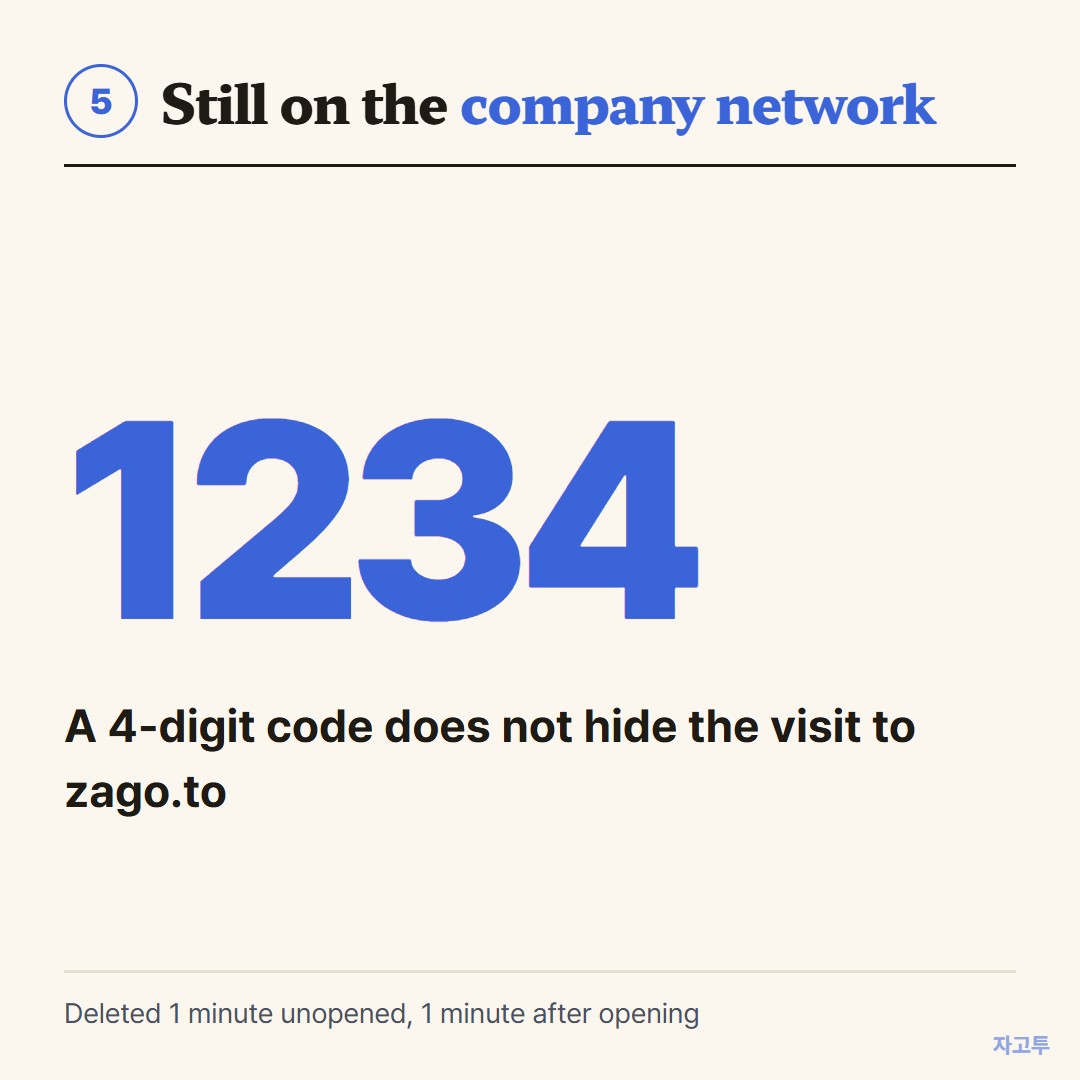
▲ The code is short. The visit is still logged like any other site
It also has limits worth knowing. There is no in-browser encryption yet, so our server can read the text.
A note is deleted 1 minute after creation if unopened, and 1 minute after it is opened, and it cannot be opened again. It carries text only, up to 10,000 characters, no files.
Use ZAGO.TO for text your company would be fine with you moving, like a meeting link or an address. If a policy blocks something, that block is a decision about data, not a puzzle to solve.
For more, see blocked by work policy.
Bottom line
Your employer can see what you copy and paste only if it runs software that records it, but on a managed computer you should act as if it does.
Check the policy, keep personal things on personal devices, and move only text you would be comfortable having logged.