Blooket join code: where students type it, and why it says the game does not exist
2026-10-18
This post contains affiliate links. As an Amazon Associate, ZAGO.TO earns from qualifying purchases.
A seventh grader holds up a Chromebook. "It says the game doesn't exist." The Blooket join code is right there on the projector, so what went wrong?
Usually one of four small things. Here they are as the questions students and teachers actually ask, with the quickest fix for each.
Where do students type the Blooket join code?
▲ Students type the number on their own device, not on blooket.com's home page
Students go to play.blooket.com and type the Game ID there. The address matters.
The main blooket.com page is built for teachers making sets, and students who land there often hunt around for a box that is not on the page.
After the number, they enter a nickname or sign in, depending on how the teacher set up the game.
On the teacher's side, the code appears only after you pick a set, choose Host, choose a game mode and start the lobby. A set sitting in your dashboard has no code yet.
Why does it say the game was not found?
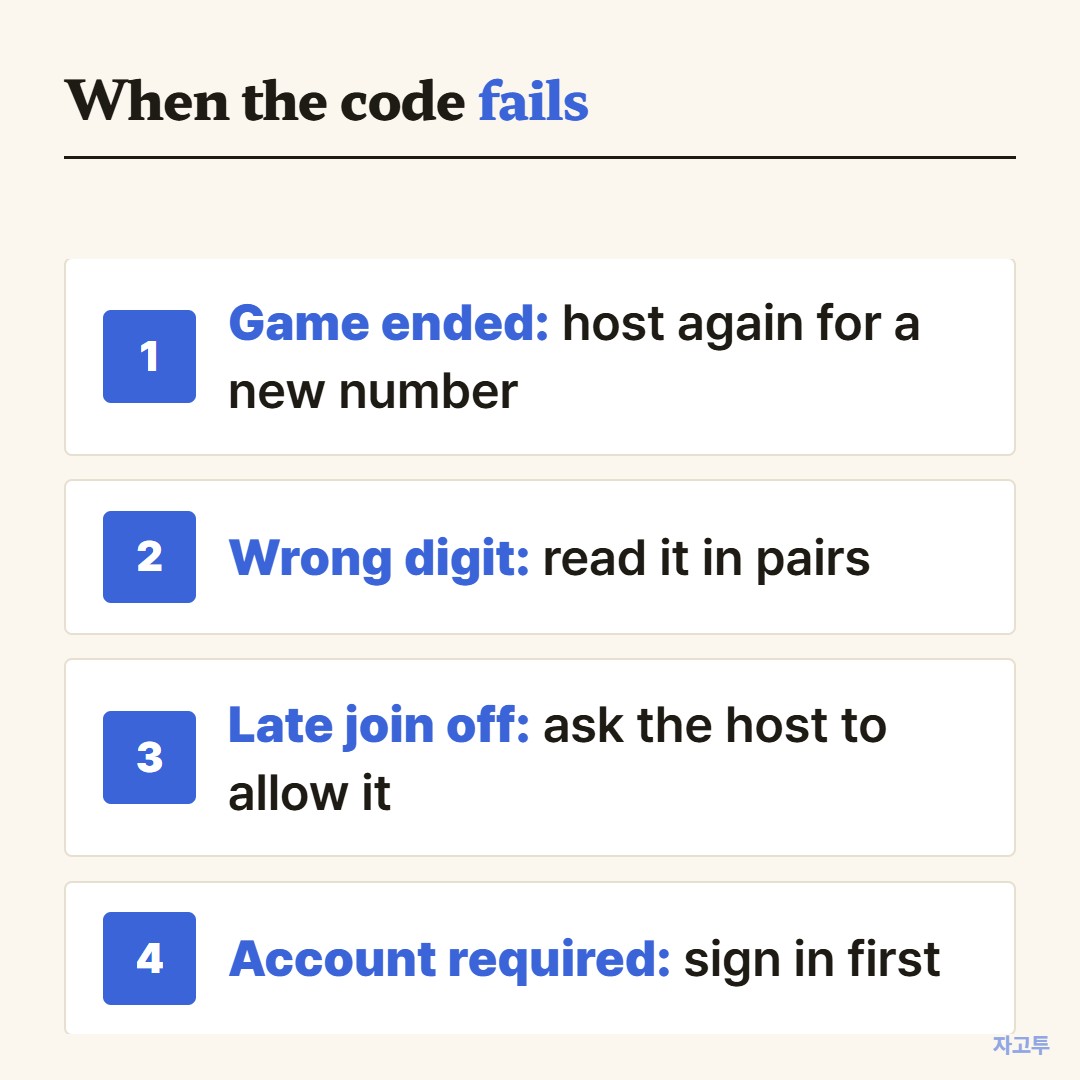
▲ Check them from the top. The first one covers most cases
- The game already ended. Once the host ends it, that Game ID is gone. Hosting the same set again gives a new number
- A digit is off. Long numbers on a far projector are easy to misread. Read it aloud in pairs of digits
- Late joining is off. If the game has started and the host did not allow joining late, newcomers are turned away
- Accounts are required. If the host requires student accounts, a student who is not signed in has to log in first
If none of these fit, a school network or browser extension may be blocking the site. Try the same code on another device to tell the difference.
Is there a way to skip typing the code?
Yes. The lobby can show a QR code and a join link along with the number. Scanning works well for phones and tablets with cameras.
For laptops, post the join link where students already look. The steps in How to share a link on Google Classroom apply to a game link the same way.
Homework is a different flow. A Blooket homework assignment gives students a link they can open on their own time until the due date, so there is no live code to chase.
What about "Blooket join codes right now"?
Searches like that mostly lead to live streams where a streamer posts codes for viewers.
Those are real games, but they are someone else's, open to anyone watching.
For class, the only code that counts is the one your teacher is hosting at that moment. A code you find online will not put you in your own class's game.
The join link is on my phone. How do I get it to the class computer?
This happens when you copy the link while setting up at home, then face a classroom PC that is signed in to nothing.
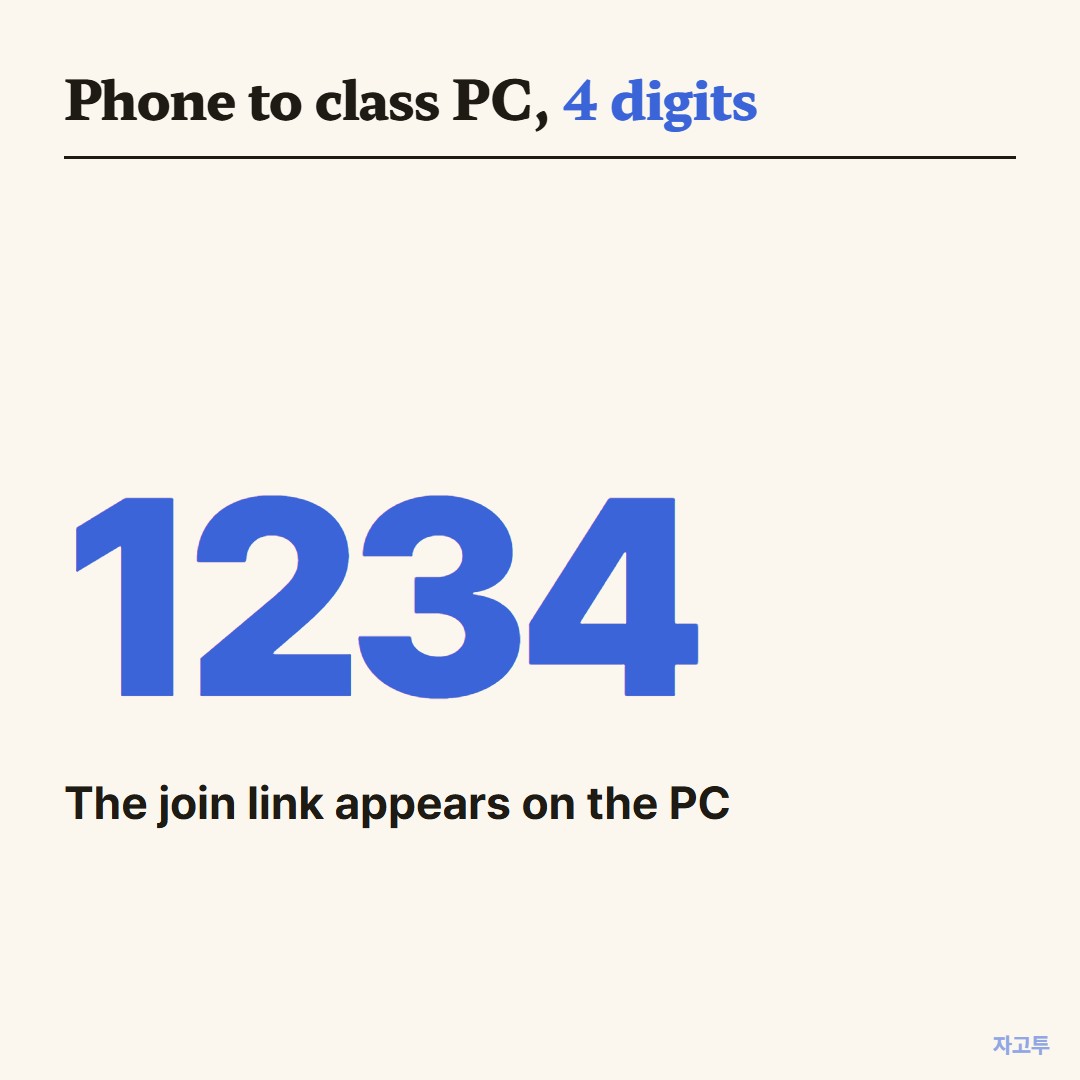
▲ Only the digits get typed on the PC
ZAGO.TO covers that one step. Paste the link on your phone, get a 4-digit code, and type those digits at zago.to on the PC. The link appears there, ready to open.
ZAGO.TO does less than a cloud account would. It carries text only, and the link is deleted 1 minute after it is opened, or after 1 minute if nobody opens it. It cannot be opened a second time.
There is no in-browser encryption yet, so the server can read what you send. Keep it to game links and class addresses, never passwords.
If your class also plays Gimkit, its codes work on similar rules, covered in Gimkit join code.
Quick answers
Is the Blooket join code the same as the Game ID? Yes. Blooket shows it as the Game ID in the lobby.
Can a code be reused tomorrow? No. Each hosted game gets its own number.
Do students need an account? Only if the host turns that requirement on.