AnyDesk clipboard not working? Check the permission on the computer you are reaching
2026-10-15
This post contains affiliate links. As an Amazon Associate, ZAGO.TO earns from qualifying purchases.
Why does AnyDesk connect, show the screen, take your mouse, and then refuse to take one copied line?
When the AnyDesk clipboard is not working, the cause usually sits on the remote side, in a permission that someone never ticked.
AnyDesk splits what a visitor may do into separate switches, and clipboard access is one of them.
Here is the order to check things in, from the most likely to the least.
1. AnyDesk clipboard not working: the permission on the remote PC
▲ Seeing the screen and sharing the clipboard are two separate permissions
AnyDesk groups its switches into permission profiles. Each profile says what an incoming visitor may do: see the screen, use the keyboard and mouse, hear sound, and use the clipboard.
On the computer you connect to, open AnyDesk's settings and find the permissions or access section. The wording changes between versions, so look for an entry that mentions the clipboard.
If that box is off, text will never cross, however many times you press paste.
There are often two clipboard boxes. One covers text, the other covers copying files through the clipboard. Tick the text one at least.
2. Unattended access uses its own profile
Many people set up unattended access so they can reach a home or office PC with a password, without anyone clicking Accept.
That connection often runs under a different profile from the one used when someone accepts by hand. You may have fixed the clipboard on one profile and connected through the other.
Open the unattended access profile on the remote PC and check its clipboard box as well.
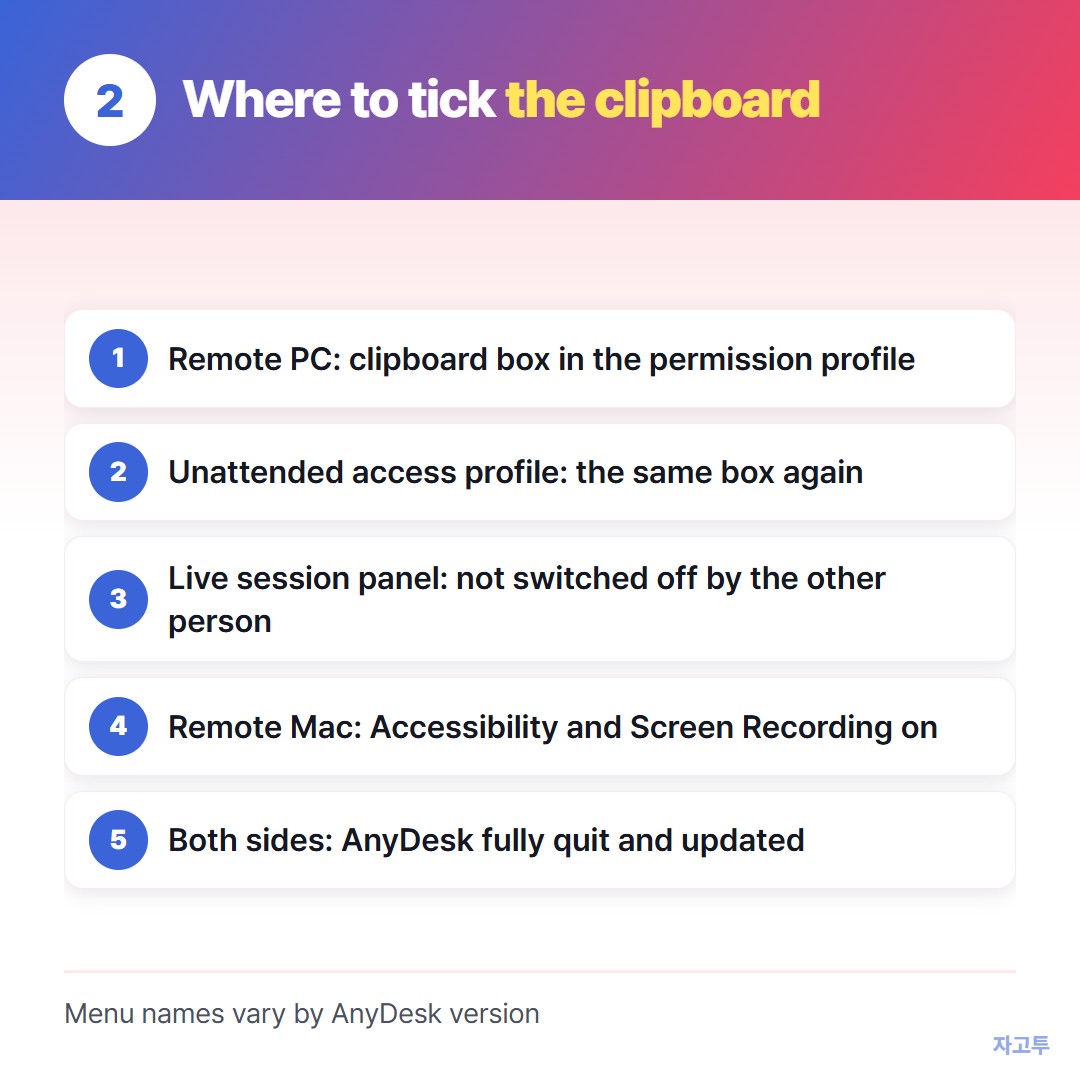
▲ Check the profile that matches how you connect
3. Someone turned it off during the session
While a session is open, the person at the remote computer sees a small panel with the current permissions. They can switch any of them off live, the clipboard included.
If paste worked a minute ago and stopped, ask whoever sits at that machine. A single click on their side is enough to end it.
4. The remote computer is a Mac
A Mac guards itself more tightly. Even with every AnyDesk box ticked, macOS can still refuse to let the app type or read on its behalf.
The fix lives in the Mac's privacy panel, under the entries for controlling the computer and recording the screen. AnyDesk needs both. A quick toggle of each after a system update often wakes them up.
If pasting by mouse menu works but the key combination does not, the clipboard is fine. Your keyboard layout is the culprit.
5. Reconnect from scratch
Closing the window is not the same as closing AnyDesk, which stays alive in the tray. End the session, exit the app on both machines, then dial in again.
An outdated copy on one end is another quiet cause. Bring both to the latest release before you dig further.
Still nothing crosses
Sometimes the remote PC belongs to a company that keeps the clipboard locked on purpose. That is a policy, not a bug, and it is not yours to override.
Where the rules allow a browser, ZAGO.TO can carry one line past a stuck clipboard. Open zago.to on the machine that has the text, drop it in, and note the 4-digit code.
On the far machine, open zago.to and enter those digits.
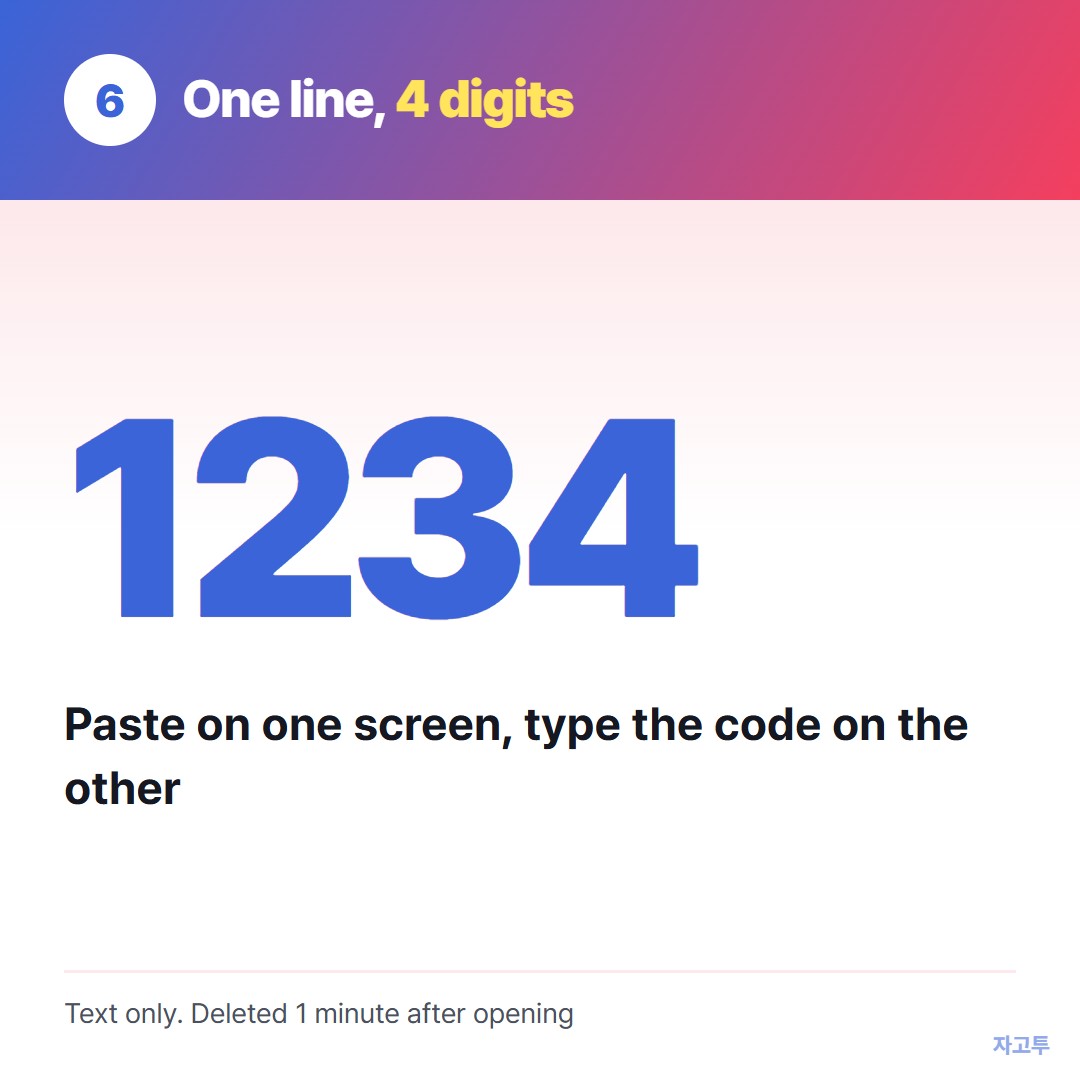
▲ An example code. Real codes are random
Files are out of scope, and the limit is 10,000 characters. If nobody enters the code, the text is gone after 1 minute. Once someone does, it lasts 1 more minute and cannot be fetched a second time.
We have not built in-browser encryption yet, which means our server can see the text. A server address or a command is fine. A password or private key is not.
The same problem in Chrome's own tool: Chrome Remote Desktop copy paste.
On Windows' built-in tool: Copy paste not working in Remote Desktop?
Questions people ask
Why does copying files work but not text, or the other way round? They are often separate permissions. Tick both if you need both.
Do I change the setting on my computer or on theirs? On theirs, the one being controlled. Your side only decides what you send.
Does AnyDesk on Android share the clipboard? Text usually can, but the app has to be allowed to run and keep its permissions. Check the app's own permission screen.
Is clipboard history the same thing? No. Clipboard history is a Windows or phone feature. AnyDesk only passes along the item you just copied.