YouTube title character limit is 100, but phones cut it far sooner
2026-11-02
This post contains affiliate links. As an Amazon Associate, ZAGO.TO earns from qualifying purchases.
You paste a title into YouTube Studio, it fits, and you publish. Then you open the video on your phone and the title ends in "..." halfway through the part that mattered.
The YouTube title character limit is 100 characters. That is the hard cap. The real limit, the one viewers see, is much shorter, and it changes with the screen.
The hard limits in YouTube Studio
| Field | Limit | |---|---| | Video title | 100 characters, spaces included | | Shorts title | 100 characters, same field | | Description | 5,000 characters | | Tags | 500 characters in total |
Spaces, punctuation and emoji all count toward the 100. YouTube Studio shows a small counter under the title box, so the hard cap is easy to respect.
Titles also cannot contain the angle brackets < and >.
Fitting in 100 characters does not mean people will read 100 characters.
What the YouTube title length looks like on a phone
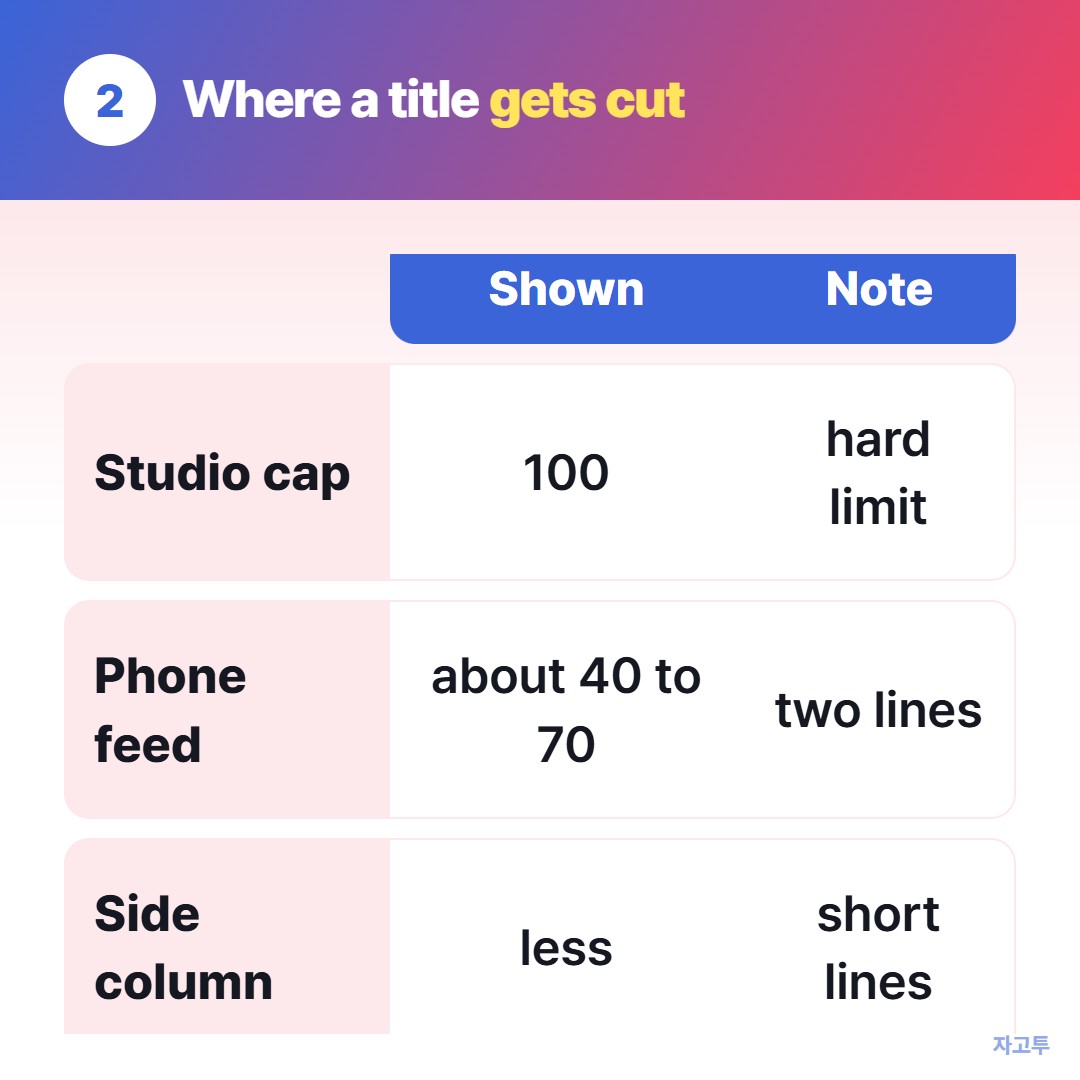
▲ The cap is 100, the visible part is often half that
On a phone, the home feed and search results usually show two lines of title. Depending on the screen size, font and the width of the letters, that is often somewhere around 40 to 70 characters.
Watch pages and desktop search show more. Suggested videos in the side column show less.
There is no fixed number YouTube publishes for this, and it shifts with every layout change. So the safe rule is not a number to hit but an order to follow:
- Put the search words first. If someone types "budget travel japan", those three words should be in the first 40 characters
- Put the reason to click second. A number, a result, or a question
- Put the extras last. Episode numbers, channel names, "(2026)" and emoji can survive being cut off
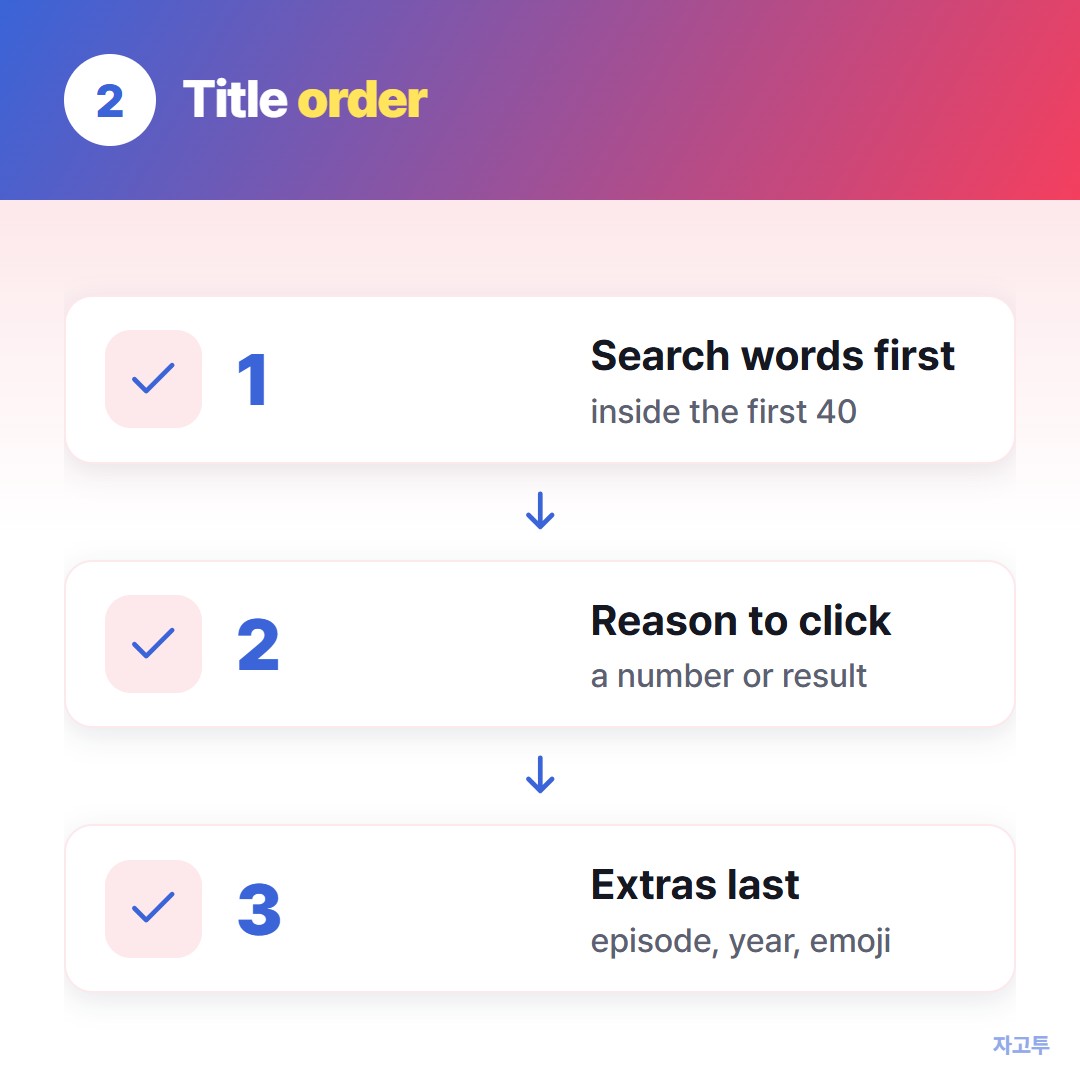
▲ If the cut lands on the extras, nothing important is lost
Most of the autocomplete searches for this, "youtube title length checker", "youtube title character limit mobile", come down to the same question: will the important part survive the cut?
Check the length before you paste
▲ Write three versions, keep the one with the keyword earliest
Drafting in Studio is awkward because every edit is on a live upload. A plain text box is easier.
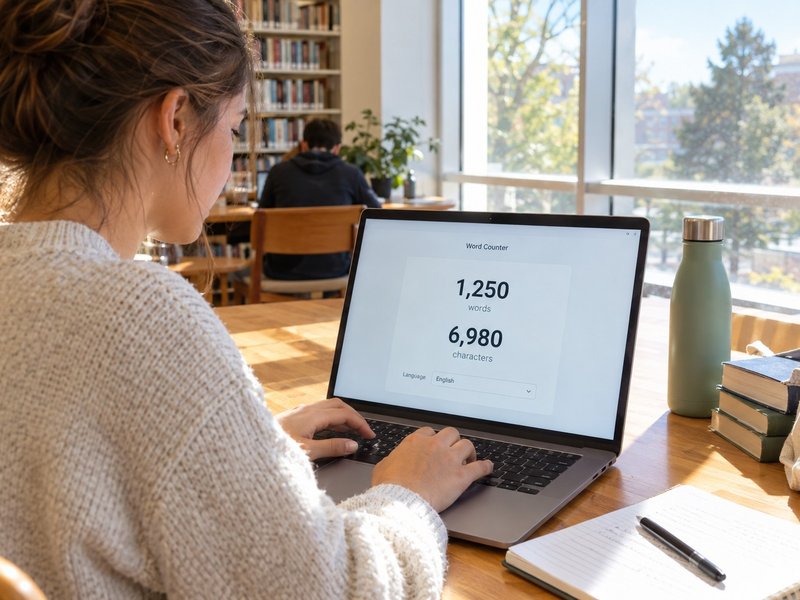
The Word Counter on ZAGO.TO shows characters with spaces as you type, so you can write three versions of a title, see which ones stay under about 60, and paste the winner.
One honest limit: it counts emoji by code points, so a flag or family emoji may count as two or more there, which can differ slightly from YouTube's counter.
If you are right at 100, trust the counter in Studio.
The same drafting habit works for other platforms with tight boxes. The Instagram bio guide covers the 150-character bio.
The LinkedIn post guide covers where "see more" cuts in.
Quick answers
How many characters should a YouTube title be? The cap is 100. For the part people actually see in a phone feed, keep the key words inside the first 40 to 60.
Is the Shorts title limit different? No. Shorts use the same 100-character title field.
Does the description limit work the same way? The description allows 5,000 characters, but only the first two or three lines show before "more", so the same rule applies: important words first.
Before your next upload, try the title in the Word Counter on ZAGO.TO.
More free tools: QR Code Generator · Days Until
 Days until Christmas
 Word Counter
 Age Calculator
 Wheel Spinner