Sharing text without a login or an account
2026-09-28
This post contains affiliate links. As an Amazon Associate, ZAGO.TO earns from qualifying purchases.
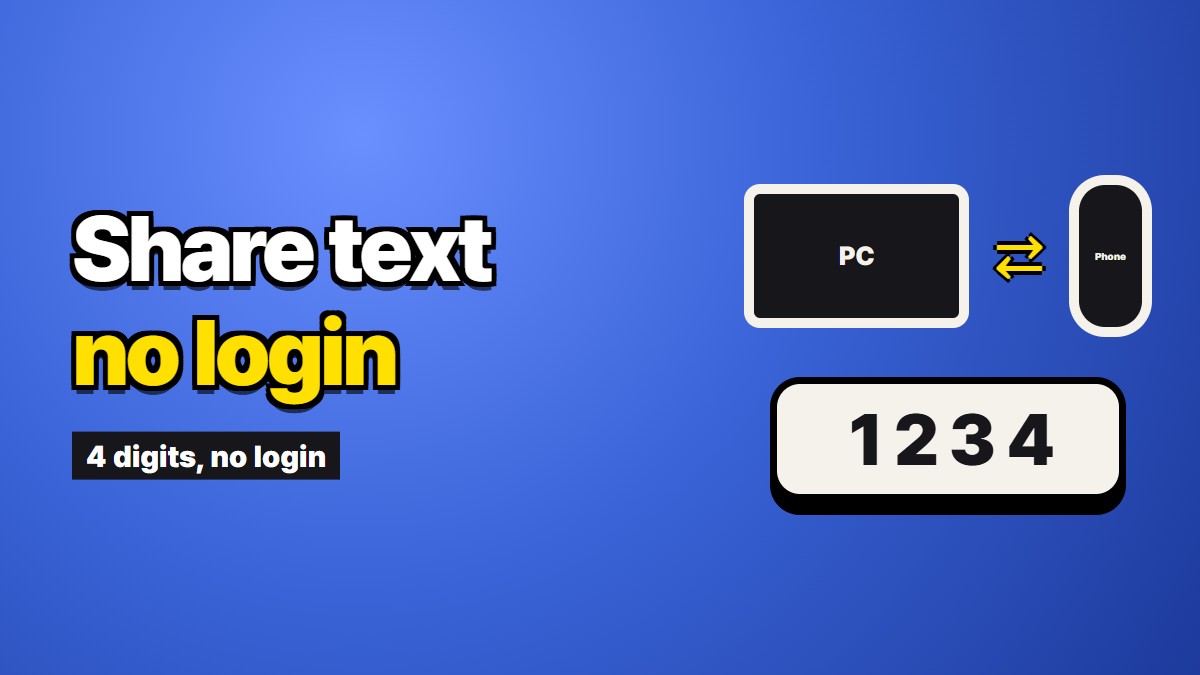
You need to share text without a login. Maybe you are on a computer that is not yours, maybe the other person has no account anywhere you do, maybe you simply do not want another sign-up for a thirty-second task. This is the short, practical version: how to do it, and what you give up by skipping the account.
What an account would have given you
It helps to know what you are trading before you trade it. Signing in usually buys three things.
History. A list of what you sent and when, so you can find it again next week.
Undo. A way to edit or delete something after it went out, and sometimes a trash folder to bring it back.
Knowing who read it. Read receipts, a named recipient, a record that can settle an argument later.
If you need any of those three, an account is the right tool, and a notes app, an email, or a work chat will serve you better than anything below.
What skipping it saves
No password typed on a shared keyboard. On a library or hotel computer, that alone is worth a lot.
No session to forget. Nothing stays signed in after you walk away.
Nothing for the other person to set up. They open a browser, and that is all.
How to share text without login, step by step
- Pick a tool that asks for nothing. Some paste and note sites work without an account. Check how long each keeps the text before you paste, since some keep it until you delete it.
- Paste only what the other side needs. Trim signatures, old replies, and anything personal.
- Pass the pointer, not the text. Most tools give you a link or a short code. A link is hard to read aloud or copy by hand. A few digits are easy.
- Check the other screen. Scroll to the last line before you close the tab on your side.
- Close the tab. On a shared computer, close the browser window when you are done.
ZAGO.TO is the short-code kind, and it is ours. You paste, get four digits, and type them on the other device. The text is deleted one minute after it is opened, or after one minute if nobody opens it.
Be clear on what ZAGO.TO does not do. It cannot be opened a second time. It carries text only, up to 10,000 characters, never documents or photos. And the server can read the text during the minute or two it is there, since nothing is scrambled in the browser yet, so keep passwords and recovery phrases out of it.
For the longer story of what a no-account design costs and why we accepted it, see What we gave up by not having accounts. If you are specifically on a public machine, Using a library or hotel computer without signing into anything covers the cleanup side.