Using a library or hotel computer without signing into anything
2026-09-25
This post contains affiliate links. As an Amazon Associate, ZAGO.TO earns from qualifying purchases.
You need to print something. The file, or the text, is on your phone. The printer is attached to a computer that belongs to a library, a hotel lobby, a co-working space, or a friend of a friend.
You sit down and immediately hit the same wall everyone hits. Every way you know of getting text from your phone to this screen starts with logging in.
Email needs a login. Your notes app needs a login. The messaging app you use to send things to yourself needs a login. And you are about to type your password into a machine you know nothing about, in a room where people walk behind you.
The risk is not the one you are picturing
When people worry about public computers they picture a hacker. That is not what usually goes wrong.
What usually goes wrong is that you forget.
You print the thing, you are already late, you close the browser window and leave. Closing a browser does not sign you out. The next person to sit down and open that browser finds your mailbox open. Library machines often reset themselves between sessions, but office, school and hotel machines frequently do not, and you have no way to know which kind you are sitting at.
The second thing that goes wrong is the save prompt. You type your password, the browser asks whether to remember it, and in a hurry "yes" is one keystroke away. Now your password lives on that machine.
The third is subtler. Logging in from an unfamiliar computer usually triggers two-factor. You pass it, and then you are asked whether to trust this browser. Say yes and that machine becomes a trusted device on your account, quietly, for a long time.
None of these require anybody to attack you. They only require you to be in a hurry, which you are, because you came here to print one page.
Public computers are not all equally risky
It is worth knowing which kind you are at, because the sensible level of caution differs.
Library computers are usually the safest of the bunch. Many are configured to wipe themselves between sessions and somebody is responsible for them. You still do not know the reset schedule, so still sign out yourself.
Internet cafés and gaming centres tend to reset reliably, but they are also the places where keylogging software aimed at game accounts turns up most often. Assume anything you type may be recorded.
Office and campus shared machines are the awkward middle. Often no reset at all, and the people who will sit down next are people who know you. Being seen by someone you know is sometimes worse than being seen by a stranger.
Hotel lobby computers deserve the most caution. Nobody clearly owns them, they run for days without a restart, and guests come and go. Print if you must and open no accounts at all.
Logging in is the part you can remove
Look at the list of failure modes again. Every one of them starts with signing in. Remove the sign-in and all three disappear at once. There is no session to forget, no password to save, no device to trust.
That is the narrow job our own service does, so read this paragraph knowing whose service it is.
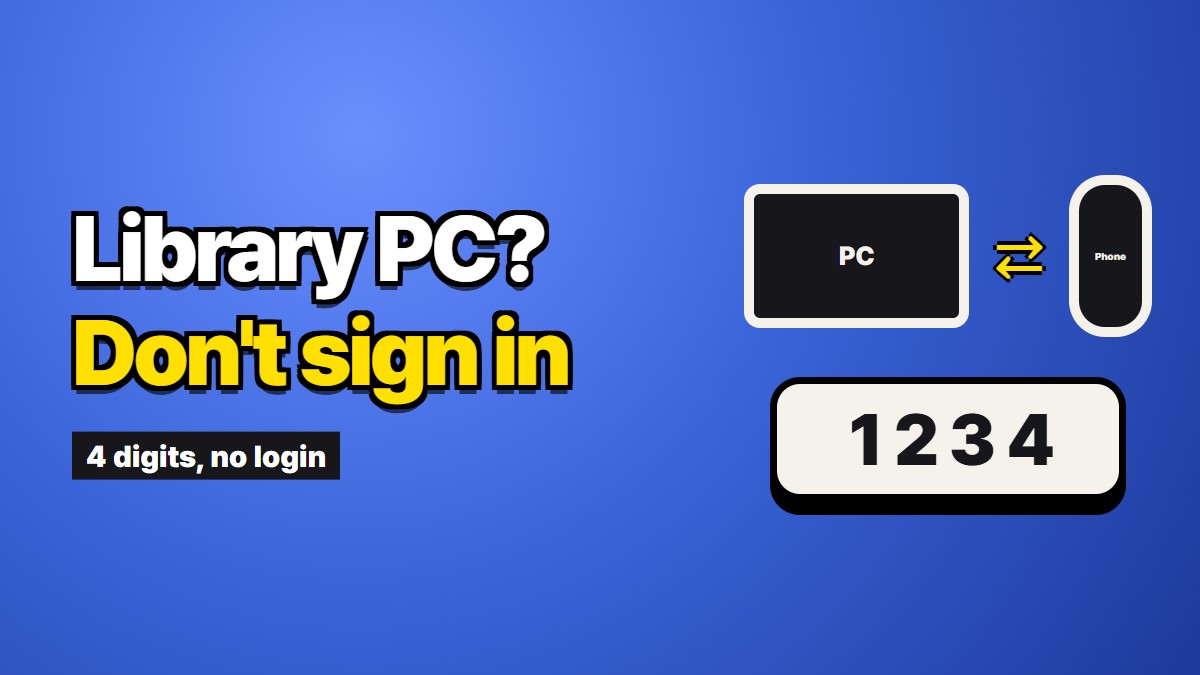
ZAGO.TO takes text on one device and gives you four digits. On the public computer you open the site and type those four digits, and the text appears. Neither side creates an account or signs into anything. About a minute after it is opened, the text is deleted from the server, and if nobody opens it, it goes after a minute anyway.
The practical effect is that by the time you stand up, there is nothing left to sign out of. The four digits mean nothing a minute later, and if the person behind you saw you type them, they saw four digits and not a password.
What still stays behind
Being honest about the limits matters more here than anywhere, because this is exactly the situation where overconfidence costs something.
The address is in the browser history, and possibly in the address bar's autocomplete. The text appeared on that screen, and if somebody was watching, that is not something we can undo. And whatever you copy from the screen sits in that machine's clipboard afterwards, which is the step almost everyone forgets.
So do these four things as well:
- Open a private or incognito window. History does not persist when you close it.
- Move only the text you actually need, not an entire document.
- After you paste, copy something harmless so your text is not the last thing in the clipboard.
- Close the window before you stand up.
The third one is the most overlooked. The clipboard belongs to the computer, not the browser. Closing the window does not empty it, and the next person who presses paste anywhere gets whatever you left there.
Some things should not travel at all
A better tool does not expand the list of things that are safe to move.
Do not type passwords, banking credentials, recovery phrases or identity documents into a public computer, by any method. If that machine is running something that records keystrokes, it records what you type regardless of what happens on our end afterwards. Deleting text from a server a minute later does not undo a keylogger.
What we can control is our own server, and only for the minute the text is on it. What happens inside that computer is outside our reach entirely. That line is worth knowing precisely rather than vaguely, because a vague sense of safety is what makes people type the one thing they should not have typed.
The rule of thumb that survives contact with a real hurry is simple. If losing it would cost you money or an account, it does not go through a machine you do not own. Everything else is a judgement call, and most of it is fine.
The things this suits are ordinary: a document to print, an address, a reference number, a paragraph you wrote on the train. Things that would be inconvenient to retype and not disastrous to be seen.
The short version
The danger of a public computer is mostly the danger of forgetting, and forgetting is what people do when they are in a hurry.
Advice to be careful does not help, because you already intended to be careful. Removing the step you would have forgotten does help. If there is no login, there is no logout to skip.