Random name picker for classrooms and teams: why "remove the winner" is the setting that matters
2026-10-28
This post contains affiliate links. As an Amazon Associate, ZAGO.TO earns from qualifying purchases.
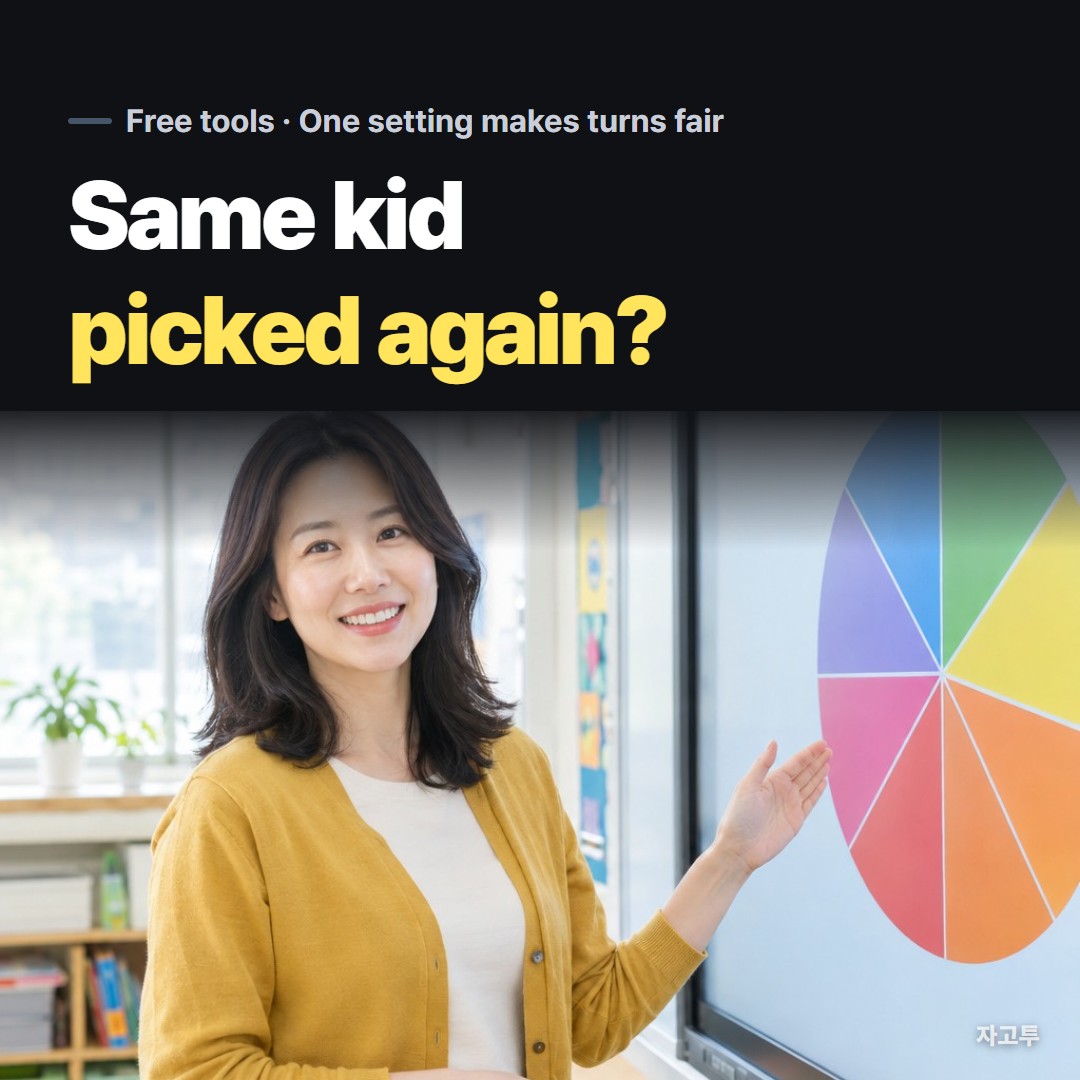
Twenty-five names on the board, one question, and every hand stays down. You open a random name picker, spin, and the same student comes up for the second time this week.
That is not bad luck. It is what pure randomness does, and one setting fixes it.
1. Pure random is not the same as fair turns
A wheel that keeps every name on it gives each student the same chance on every spin. That sounds fair, and on a single spin it is.

▲ Same odds every spin still means uneven turns over a lesson
Over a lesson it behaves differently. With 25 names and 25 spins, the chance that a given student is never picked is (24/25)^25, about 36%.
So on an average run, about 9 of 25 students never get called, while a few get called twice or three times. Nobody did anything wrong. That is just how independent draws spread out.
| Class size | Spins | Never picked, on average | |---|---|---| | 10 | 10 | about 3 to 4 | | 25 | 25 | about 9 | | 30 | 30 | about 11 |
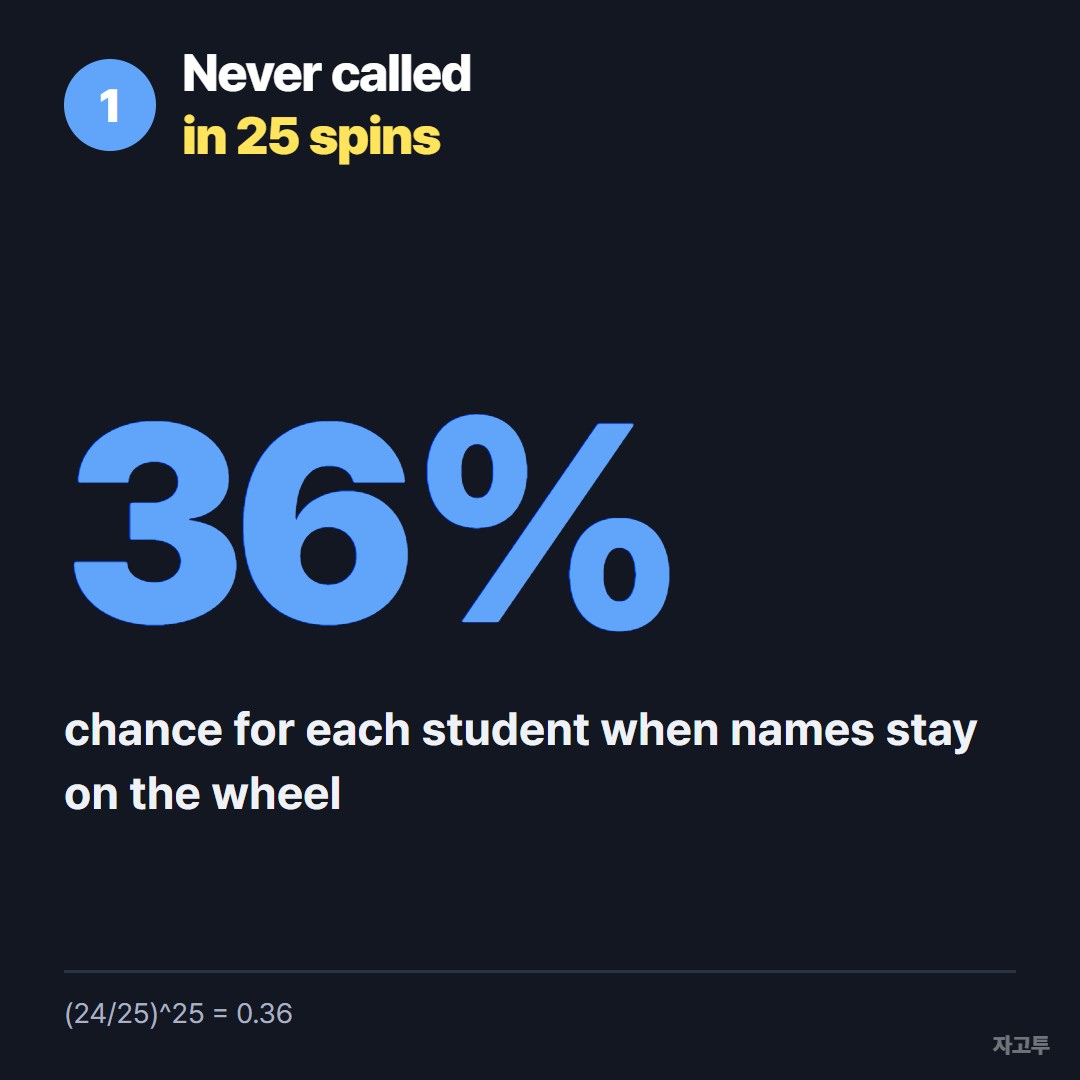
▲ About one in three, for every student, every lesson
Students notice this quickly, and "it picked me again" turns a tool into a complaint.
2. Turn on "remove the winner"
The fix is to take each picked name off the wheel until everyone has had a turn. Statisticians call it drawing without replacement; teachers call it going round the room.
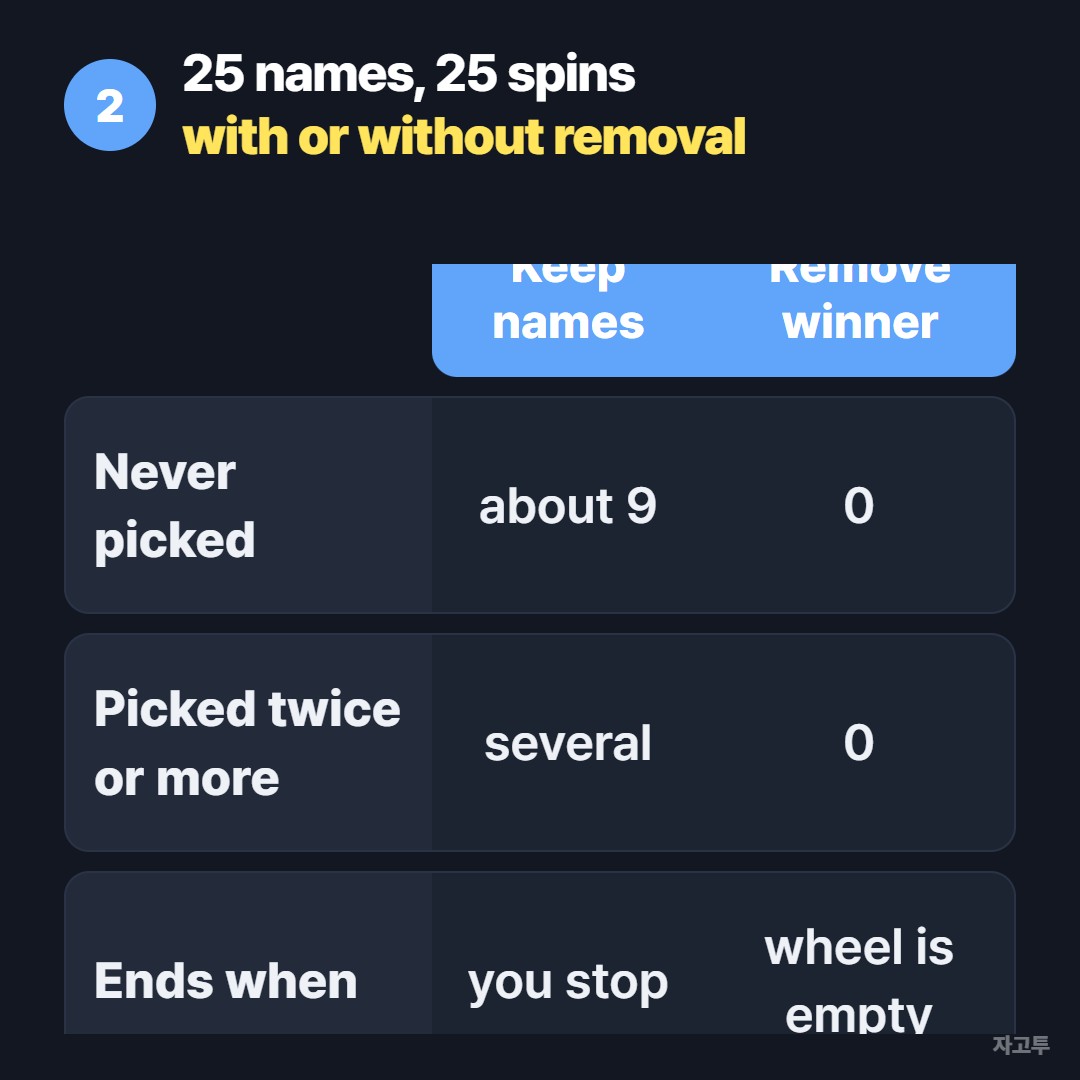
▲ With removal, 25 spins cover all 25 names exactly once
The free Wheel Spinner on ZAGO.TO has a Remove winner switch. Paste your class list, one name per line, turn it on, and spin.
Each name drops off after it comes up. When the last name is picked, Restore removed puts everyone back for the next round.
The list is remembered on that device, so tomorrow's lesson starts with the same class.
Two honest limits. The list stays in one browser, so the laptop at the front of the room and your phone will not share it. And it has no seating chart, groups or attendance; it only picks names.
3. Uses beyond cold calling
The same switch handles any "everyone once, in a random order" job:
- Presentation order: spin until the wheel is empty and write the names down as they come
- Team stand-ups: one speaker at a time, no one picks themselves last every day
- Raffle prizes: remove each winner so nobody takes two
- Chores or duties: a weekly rota that does not always start with the same person
For a decision with one result, like where to eat, keep removal off and use weights instead. Spin the wheel with fair odds covers how slice size changes the chance.
4. Projecting it on a screen
Put the wheel on the classroom display and let students watch it turn. Seeing the spin is half of why they accept the result.
Zoom the browser to 125% or 150% so names are readable from the back row, and keep names short: first name and last initial is enough.
If you share the result in a class chat, the Copy result link button sends the list and the name that came up, so nobody has to take your word for it.
Questions teachers ask
Can I make some names less likely? Yes. Each entry has a weight. For cold calling, though, equal weights with removal is the fairer setup.
Does it store my students' names online? The list is saved in that browser on that device, and the pick happens in the browser too. A result link you copy does carry the names inside the link, so share it only where the class can see it.
What about the duck race or a hat picker? They are fun to watch and fine for a one-off. For a full round of turns, removal matters more than the animation.
Paste your list into the Wheel Spinner, switch on Remove winner, and run one full round before deciding it is unfair.
Other tools: Word Counter · Days Until
 Days until Christmas
 Word Counter
 Age Calculator
 Wheel Spinner