How to send a link on WhatsApp: paste it, trim the preview, or keep it for yourself
2026-10-19
This post contains affiliate links. As an Amazon Associate, ZAGO.TO earns from qualifying purchases.
You found the restaurant page on your laptop, and the friend who asked is waiting in a WhatsApp chat on your phone. The address is on one screen, the conversation on the other.
Here is how to send a link on WhatsApp from either device, what to do about the preview, and the quickest way to park a link for yourself.
1. Paste it into the chat
▲ Copy from the browser, paste into the message box
- Phone: in the browser, tap the address bar and copy, or use Share and pick WhatsApp. In the chat, long press the message box and choose Paste.
- Computer: on WhatsApp Web or the desktop app, click the box and press Ctrl+V or Cmd+V.
- Status: a text status accepts a pasted link, and viewers can tap it.
Links work when they start with https:// or a clear domain such as example.com. If the address shows as plain grey text, part of it is usually missing.
2. The preview card, kept or removed
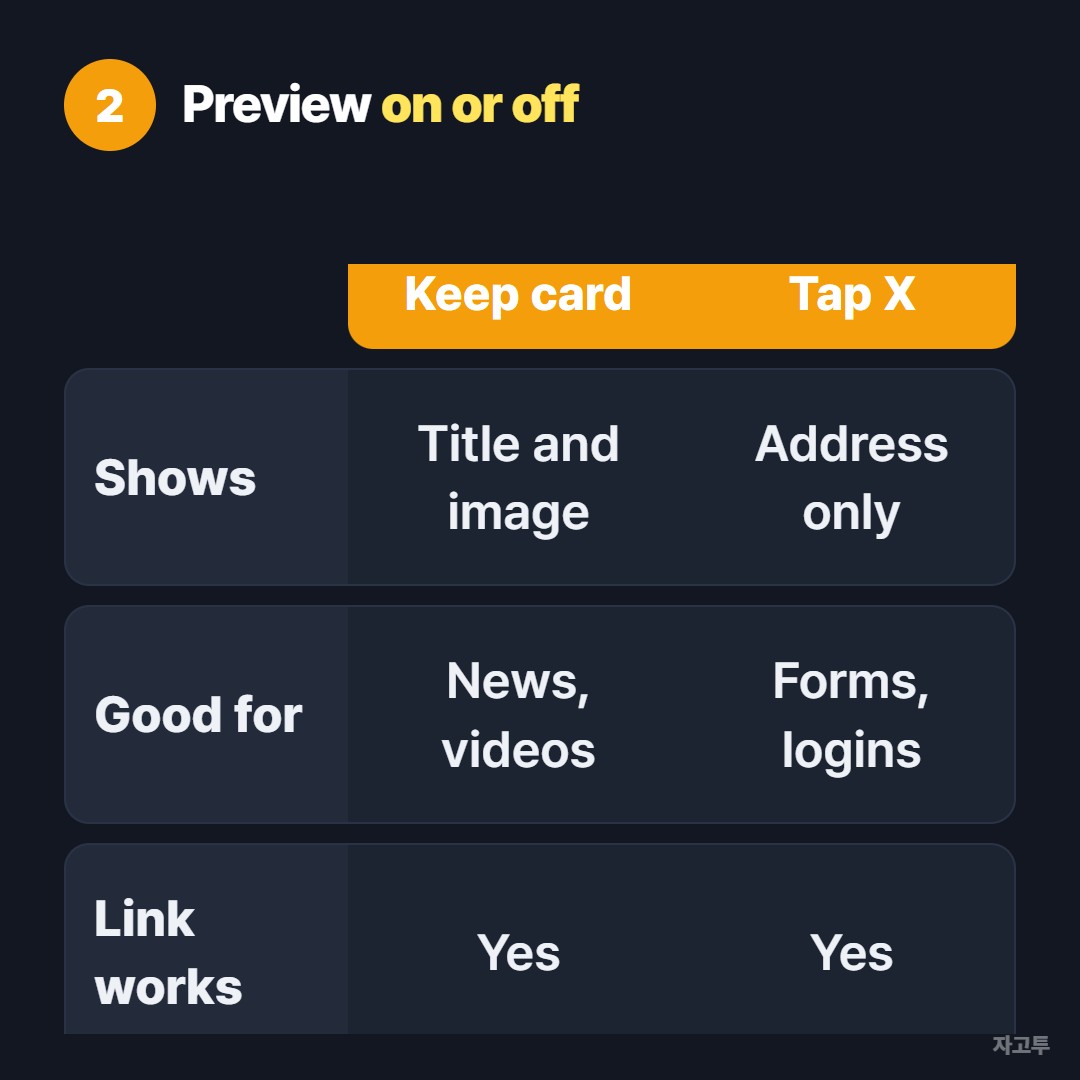
▲ The card is optional, the link is not
After you paste, WhatsApp may fetch a title and image above the message box. To send the address alone, tap the small X on that card before you press Send.
A missing preview is not a broken link. Some sites block previews and some load too slowly.
If you need the preview to appear, check that the address is complete and public. Pages behind a login rarely show one.
3. A link for yourself, on another device
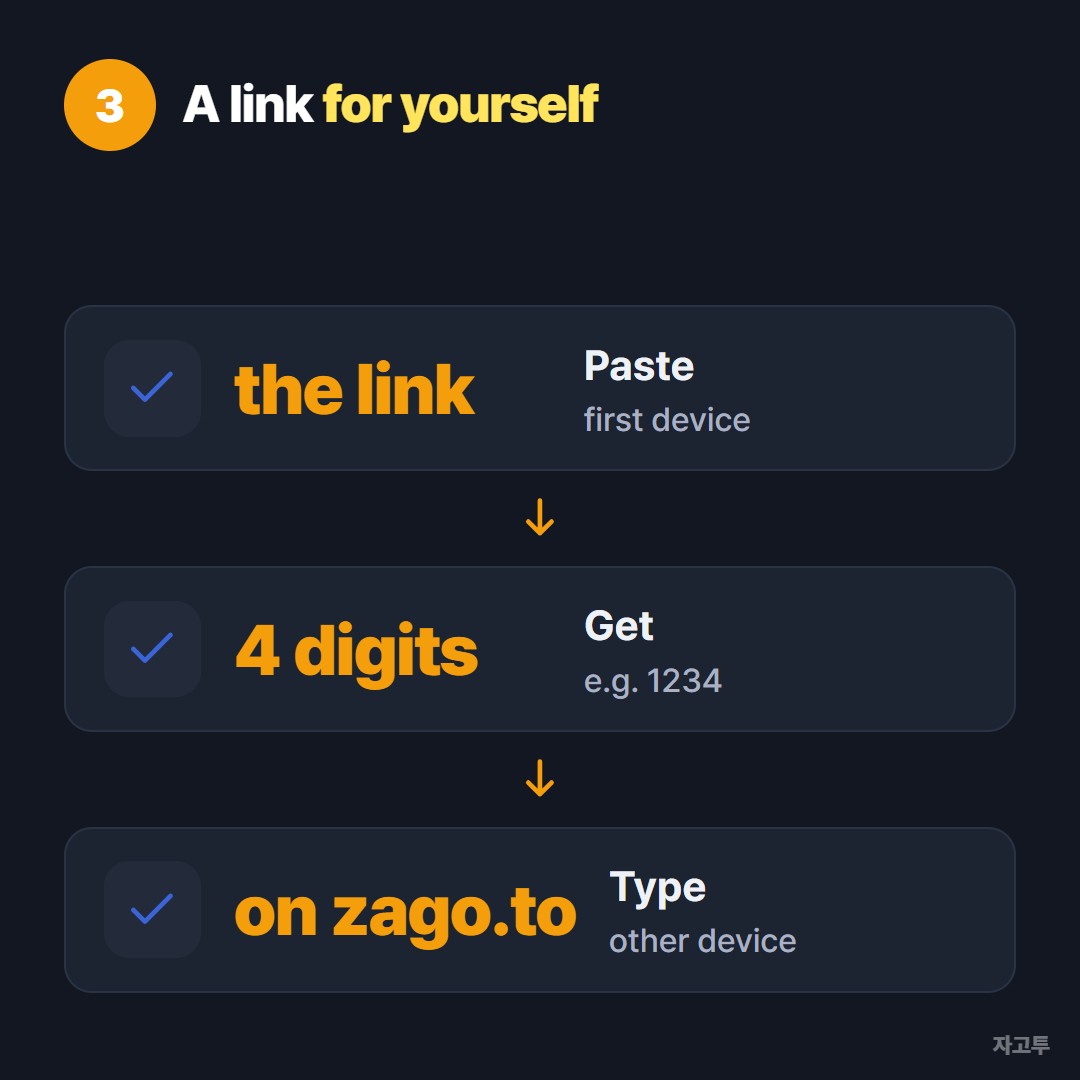
▲ Three steps, no chat history left behind
WhatsApp has a chat with yourself. Start a new chat and pick your own name at the top, marked You. Anything you paste waits there.
That chat keeps the link until you delete it. For a link you need on the next screen only, ZAGO.TO is shorter.
Paste the link, get a 4-digit code, open zago.to on the other device and type it.
Our guide to sending a link from PC to an Android phone walks through the same idea.
Know the limits first. ZAGO.TO handles text, not photos or files, up to 10,000 characters.
The text disappears 1 minute after someone opens it, or after 1 minute unopened, and nobody can open it again.
Our server can read the text because in-browser encryption is not built yet, so keep passwords out.
Quick answers
What is a "WhatsApp link" people talk about? That is usually wa.me followed by a phone number with the country code. It opens a chat with that number.
It is a different thing from sharing a web page.
Why is my link not clickable? Spaces, a line break, or a missing ending. Copy it again from the original page.
Can I send several links at once? Yes, one per line in a single message.