How to open a website on PS5 when there is no browser app
2026-10-13
This post contains affiliate links. As an Amazon Associate, ZAGO.TO earns from qualifying purchases.
You want to check a game guide, sign in to a streaming site, or look something up without reaching for your phone. You scroll the PS5 home screen for a browser and find nothing.
No icon, no app in the store. So how do you open a website on PS5 at all? There is a browser inside the console, it is just tucked away. Here are the questions people ask most, answered short.
Contents
- Does the PS5 have a web browser?
- How do people get to it?
- Can I type a web address?
- What about a long link from my phone?
- In short
1. Does the PS5 have a web browser?
▲ The browser is there, but Sony never gave it a front door
Not as an app. The PS5 uses a web view internally for things like the user guide, sign-in pages and some help screens.
It can show ordinary web pages, but there is no browser icon, no address bar and no bookmarks. Sony has never offered it as a feature, and that shapes everything below.
2. How do people get to it?
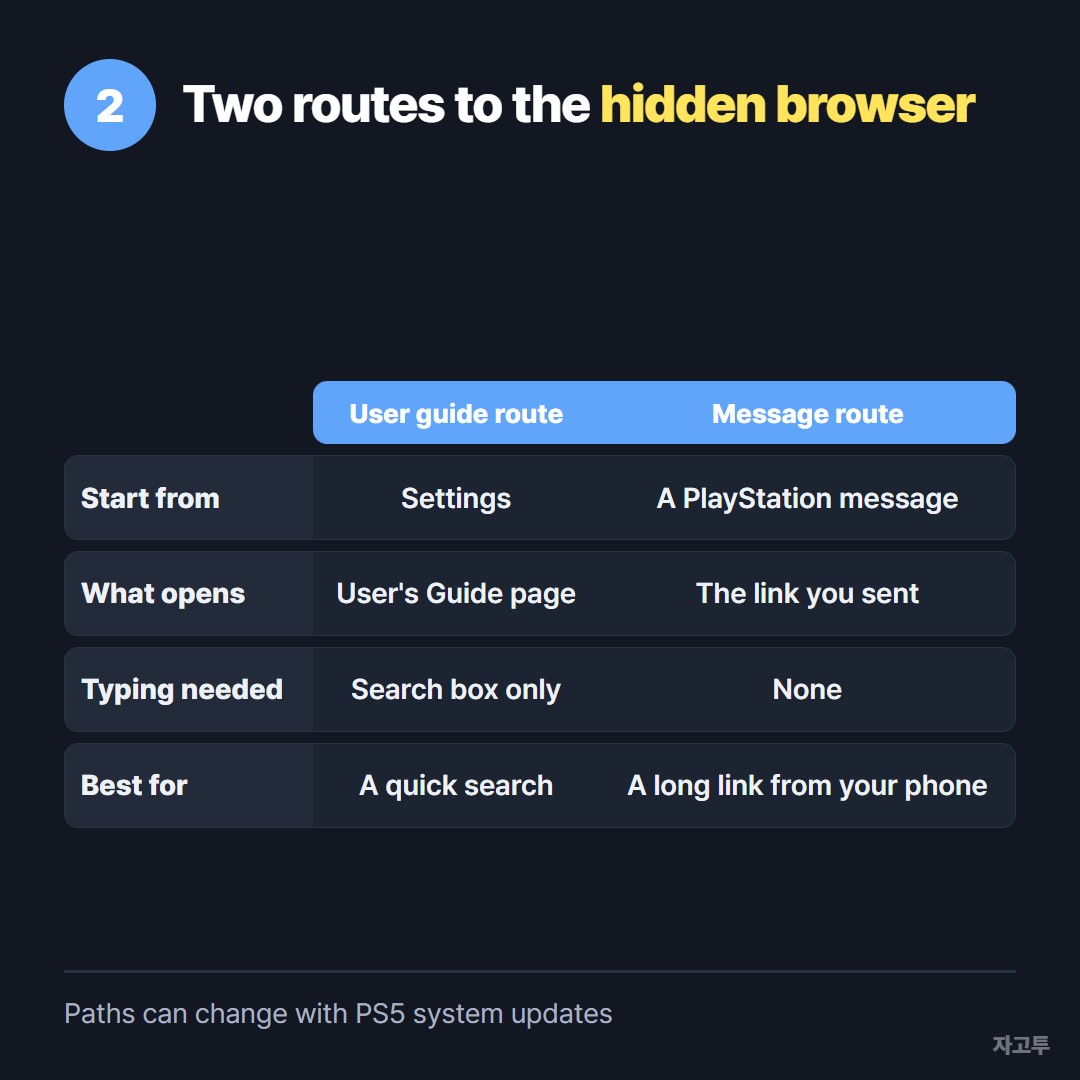
▲ Both routes depend on the current system software
Two routes come up again and again in the guides with the most views.
- The user guide route: in Settings, open the User's Guide. It loads as a web page, and people follow links from there to a site with a search box.
- The message route: send a link in a PlayStation message, for example from the PlayStation App on your phone. On the PS5, open the message and select the link.
Sony changes these paths with system updates. A route that works this month can be blocked next month. That is why the top videos keep putting the year in their titles.
3. Can I type a web address?
Usually not directly. Without an address bar, you cannot type a URL and press Enter the way you would on a laptop.
If you land on a search page, you can type into its search box with the on-screen keyboard and a controller, one letter at a time.
That works for a short search. For a long address full of slashes and random letters, it is slow and easy to get wrong.
4. What about a long link from my phone?
This is the real problem for most people. The link is already on your phone, and the PS5 is across the room.
The message route above is the cleanest answer on PS5, because the link arrives already clickable and nothing has to be typed.
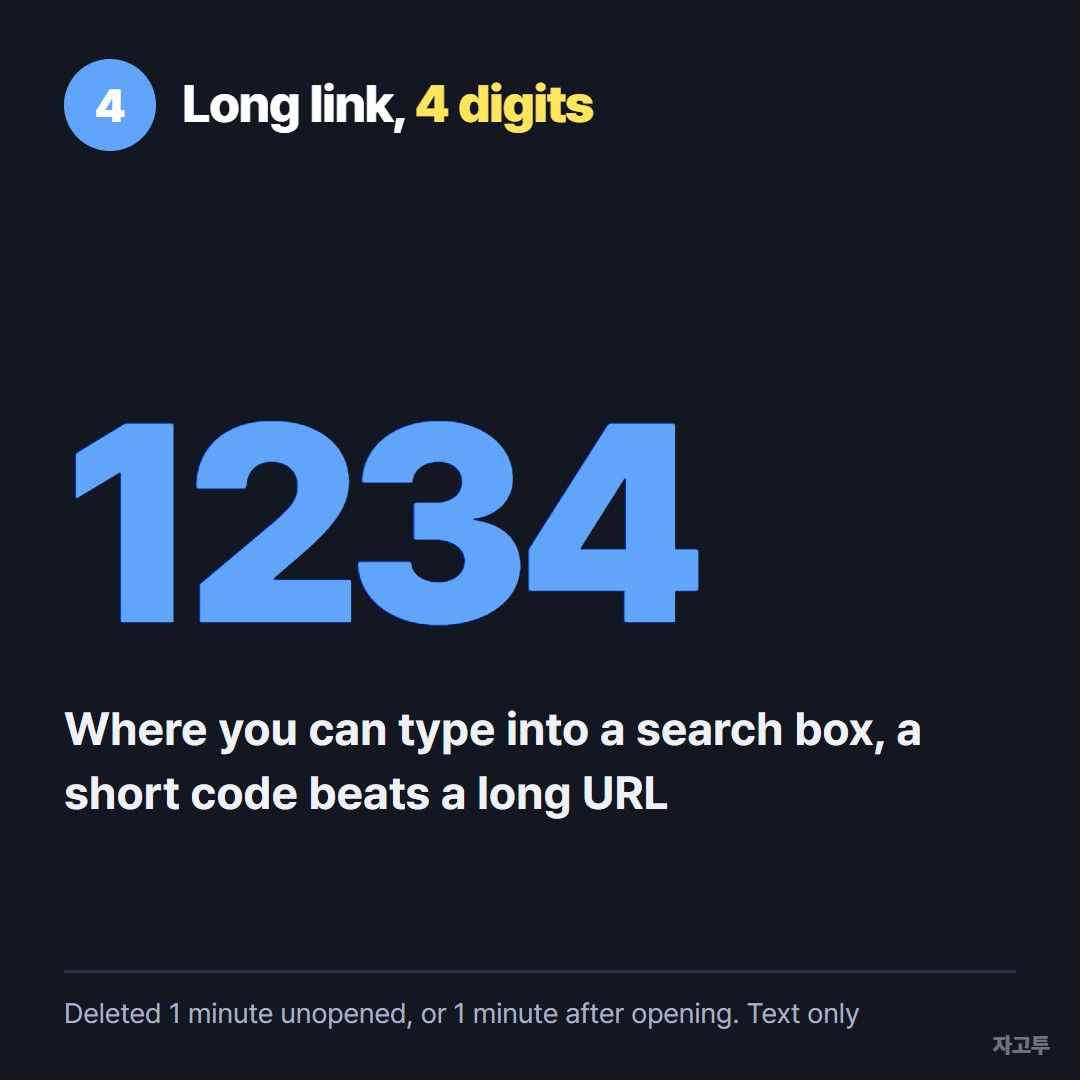
▲ Four digits are fewer controller clicks than a long address
ZAGO.TO helps in a narrower spot. It turns pasted text into a 4-digit code.
On a screen where you can type into a search box, "zago.to" plus four digits is far fewer controller clicks than a long URL.
Unopened, the text is deleted after 1 minute. Once opened, it is gone 1 minute later and cannot be reopened.
Be clear about the limits. ZAGO.TO moves text only, not files. There is no in-browser encryption yet, so our server can read what you send.
On PS5 it also depends on reaching a page where you can type at all.
A smart TV with a real browser is a much easier fit, which How to type on a smart TV without the remote covers.
5. In short
The PS5 can show web pages but has no browser app or address bar. Reach it through the user guide or a link in a message.
Send long links from your phone as a message rather than typing them. Expect the routes to change with updates, and do not sign in to important accounts on a page whose address you cannot see.