How to copy text from iPhone to Android: three routes, depending on whose phones they are
2026-10-08
This post contains affiliate links. As an Amazon Associate, ZAGO.TO earns from qualifying purchases.
Short answer: switching phones for good? Use the transfer tool. Moving one paragraph? Send it through an app both phones already have. Neither phone has one? Use a short code in the browser.
You can copy on the iPhone and you can paste on the Android phone. What you cannot do is copy on one and paste on the other.
Apple's Universal Clipboard only works between Apple devices, and Android's clipboard features stay on the Android side.
So how to copy text from iPhone to Android depends on one thing: how much you are moving, and whose phones they are.
1. Moving everything: messages and notes
Most people searching this are switching phones and want their text messages or notes to come along.
That is a different job, and it has proper tools.
Android phones offer to copy data from an iPhone during setup, with a cable or through an app. Samsung calls this Smart Switch.
Google's own Switch to Android app on the iPhone handles messages, photos and contacts on many Android phones.
Notes are the awkward one. Apple Notes has no Android app, so people either move them into a service that runs on both, like Google Keep, or email them across in batches.
If you are switching phones, start there and stop reading. The rest of this post is about the small stuff.
2. How to copy text from iPhone to Android when both are yours

▲ Two phones, two clipboards, no bridge between them
Lots of people carry one of each: a work iPhone and a personal Android, or an old phone kept for one app.
For a sentence, a tracking number or an address, use any app that runs on both and is already signed in.
- WhatsApp: message yourself. Open a new chat and pick your own name at the top of the contact list.
- Telegram: Saved Messages works the same way.
- Gmail or Outlook: email it to yourself.
- Google Keep: has an iPhone app, and a note appears on both once you are signed in.
These are fine and familiar. What they leave behind is a copy in a chat or inbox, which you may or may not want.
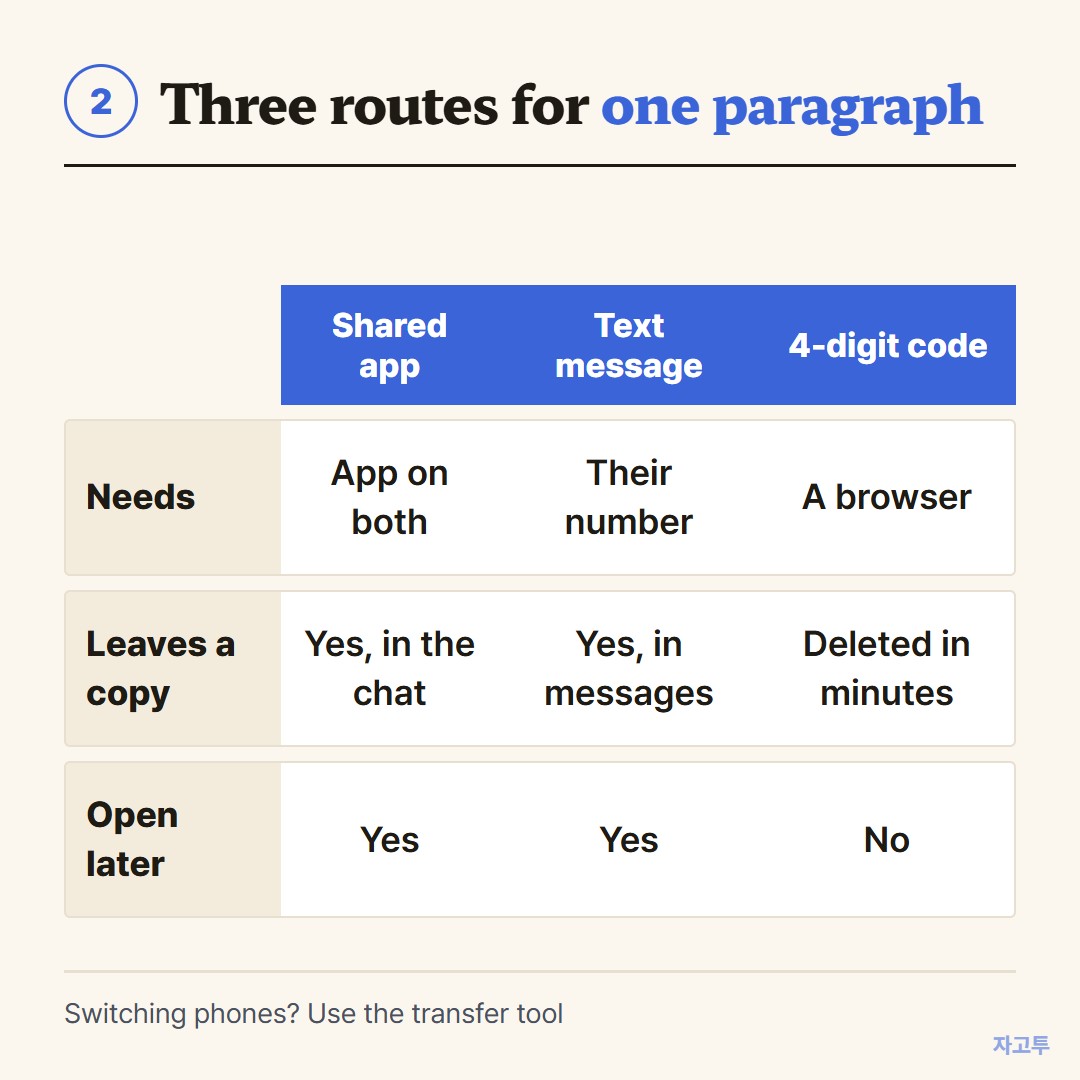
▲ Pick by how often you do it and whether the phones share an account
3. When one of the phones is not yours
Now the harder case. Your friend has the Android phone, or the phone is a borrowed one, and you have the text on your iPhone.
Texting it works, as long as you have each other's number. Messages from an iPhone to an Android phone go as SMS or RCS, so a long paragraph may be split, and links can lose their preview.
If you would rather not swap numbers, or you only need it across once, ZAGO.TO works in any browser.
Paste the text on the iPhone at zago.to and you get a 4-digit code. They type the code on their phone and the text appears.
The limits are real. If nobody opens it within 1 minute it is deleted, and once opened it stays for 1 minute more. You cannot open it again later.
It is text only, up to 10,000 characters, and our server can read it while it is held, so keep passwords off it.
The same problem between an iPad and a laptop has its own post: How to copy text from an iPad to Windows.
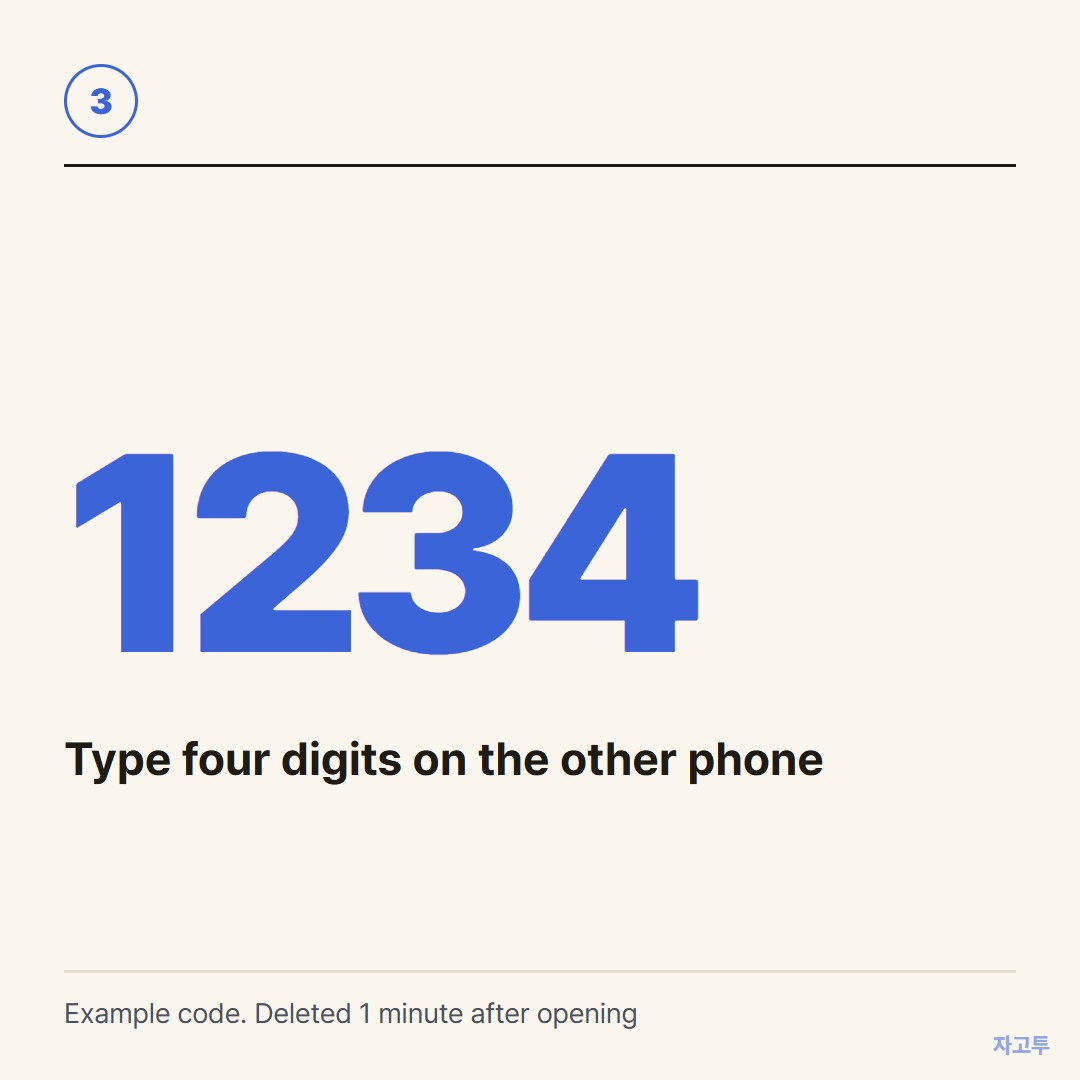
▲ An example code. Real codes are random
Quick questions
Can I copy and paste from iPhone to Android with Bluetooth? Not as a clipboard. Bluetooth pairing between an iPhone and an Android phone does not carry copied text.
How do I copy text messages from iPhone to Android? For one message, press and hold it, copy, then send it through a shared app.
For all of them, use the transfer tool when you set up the new phone.
Do iPhone notes transfer to Android? Not by themselves. Move them into an app that runs on both, or email them across.
Is there a shared clipboard for iPhone and Android? Not built in. Some third-party apps offer one, but they need an account on both phones.