Using a hotel business center computer for a boarding pass or booking, without signing in
2026-10-05
This post contains affiliate links. As an Amazon Associate, ZAGO.TO earns from qualifying purchases.
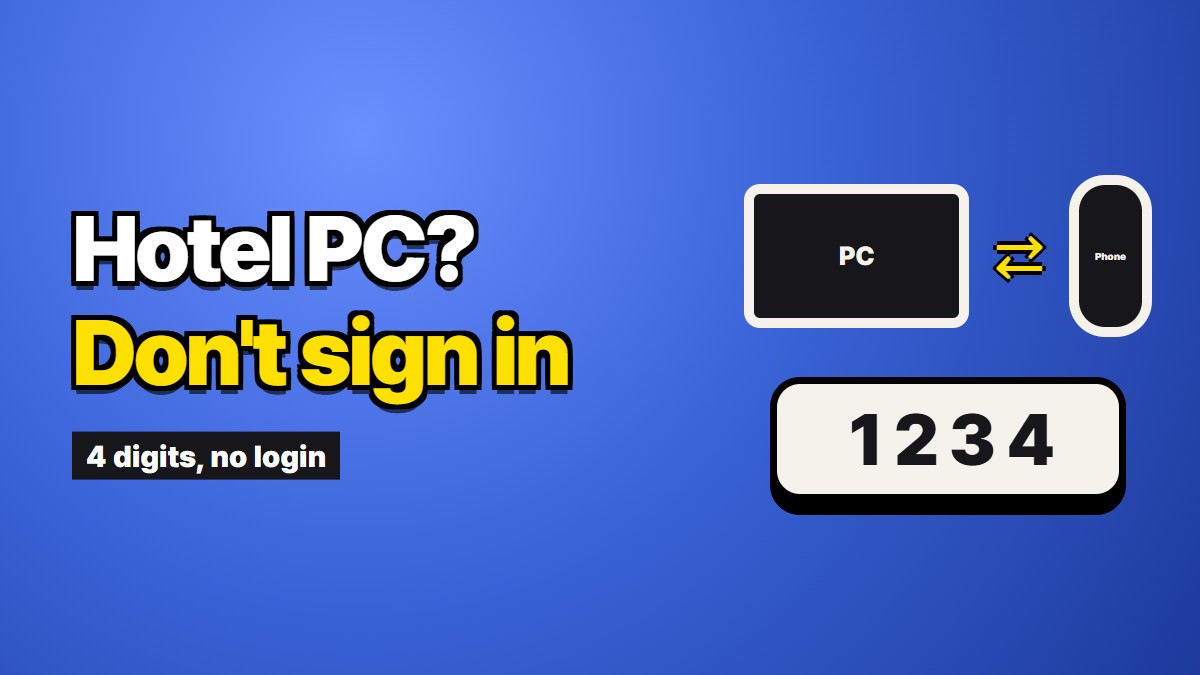
It is six in the morning, you check out in forty minutes, and the airline wants a printed boarding pass, or the car rental desk wants a voucher on paper. The hotel business center is a small room off the lobby with one computer and a printer. Everything you need is on your phone. This piece is about getting it from the phone to that hotel business center computer, printing it, and leaving the machine without your name on it.
Most of it does not involve any special tool. The hotel and the airline have already built most of what you need, and the steps below lean on them first.
Ask the front desk before you sit down
Many hotels will print a document for you if you email it to the front desk address. You forward the boarding pass or the confirmation from your phone, they print it, and you never touch the shared computer at all. Some hotels do this routinely and some only when asked nicely, but it is the cleanest option when it exists.
The front desk is also where you find out the boring things that decide whether the business center works for you: whether the printer has paper, whether the room is open before seven, and whether the computer needs a guest code to log in. Ask once and save yourself a walk.
If they cannot print for you, or the document is not something you want in a hotel inbox, the business center is next.
How to print a boarding pass at a hotel without opening your email
People search for how to print a boarding pass at a hotel as if the hard part were the printer. The hard part is usually getting the pass onto the screen without signing into your email on a shared machine.
You often do not need email at all. Almost every airline lets you retrieve a booking on its own website with two things: the booking reference, usually six letters and numbers, and your last name. From there you can check in if you have not yet, and print or download the boarding pass. No password, no inbox.
So the sequence is:
- Open the airline's website in a private window.
- Find the "manage booking" or "check in" page.
- Type the booking reference and your last name.
- Print the boarding pass from there.
Six characters and a surname are easy to copy from your phone by eye. Read them twice. The letter O and the number zero cause most of the failed lookups.
Some trips ask for paper beyond the boarding pass. Visa or entry forms, a printed return ticket for an immigration desk, a car rental voucher, a tour ticket with a barcode. These usually live behind a long link or in a PDF attached to an email, and that is where the shared computer gets awkward.
The long things that do not copy by eye
A booking reference copies easily. A lot of travel paperwork does not:
- the link to a visa or travel authorization form, often a hundred characters long
- a thirteen-digit ticket number
- the address of your next hotel, written in a script you cannot type
- a confirmation link from a booking site, full of random letters
- a paragraph of instructions from a tour operator
Retyping these on an unfamiliar keyboard, sometimes with a different layout than you are used to, is slow and error prone. The usual shortcut is to sign into your email on the business center computer, find the message, and click. That works, and it is also the moment most people forget to sign out at the end. What stays behind when you forget is covered in What actually stays behind on a public computer.
Moving one link from your phone without an account
When you need one long link or a short block of text on that screen, and you would rather not open any account at all, there is another way.
ZAGO.TO turns a piece of text into four digits. On your phone, paste the link and you get a code. On the business center computer, open the site, type the four digits, and the link appears, ready to click. Nobody signs into anything on either side.
Do it in this order. Open the site on the hotel computer first, then make the code on your phone. Text nobody opens is deleted after a minute, and once it is opened it stays for one more minute before it is deleted. If you make the code first and then spend a minute finding the browser, it may already be gone, and you simply make a new one.
Before you stand up
Printing a boarding pass leaves more behind than browsing does. Go through these before you leave the chair:
- Downloads folder. If you downloaded the boarding pass or voucher as a PDF before printing, it is sitting in the Downloads folder with your name, flight, and booking reference on it. Delete it. A private window does not stop downloaded files from staying on the disk.
- The print queue. If a print job failed or is stuck, it can print later for the next guest. Check that the queue is empty, or ask the front desk to clear it.
- The airline session. Retrieving a booking with a reference and surname still opens a session. Close the private window completely, not just the tab.
- The printer tray. It sounds obvious, but the second page of a two-page boarding pass is often left on the printer.
The barcode on a boarding pass carries your name and booking reference. Anyone who finds it can often look up and change your booking with those two things. That is the real reason to be careful here, more than any software on the machine.
What this does not fix
A hotel business center is a computer you know nothing about. It may have been running for weeks without a restart, and you cannot see what is installed on it.
So a few limits are worth stating plainly. ZAGO.TO carries text only, up to 10,000 characters. It does not move PDFs or images, so a boarding pass that only exists as an attached file still needs the airline's website or the front desk email. Once text is deleted it cannot be opened again, so if the printer jams you will need a new code. And there is no scrambling in the browser yet, which means our server can read the text during the minute or two it is held. A booking link is fine. Passport numbers, card details and passwords should not go through any shared computer by any route, ours included.
The broader version of this, for libraries and other shared machines, is in Using a library or hotel computer without signing into anything. This piece is the travel day version: one printout, one checkout, one taxi waiting.
The short version
For a boarding pass, skip email entirely and use the airline's own booking lookup with your reference and last name. For anything the hotel can print from an emailed attachment, ask the front desk first. For a long link or block of text you need on the screen, move it without logging in. And before you leave, clear the Downloads folder and the printer, because a forgotten boarding pass is the one thing in the room with your name and booking on it.
Long text, in 4 digits.