Copy and paste between devices online, with no app
2026-09-28
This post contains affiliate links. As an Amazon Associate, ZAGO.TO earns from qualifying purchases.
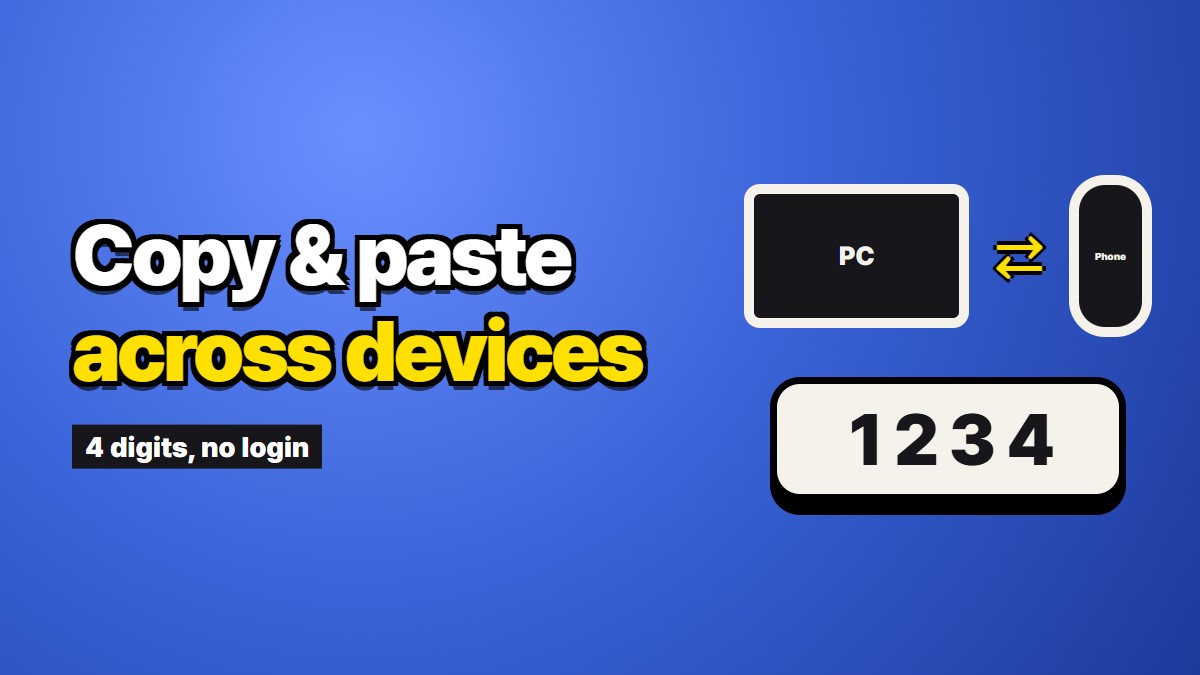
If you searched for a way to copy paste between devices online, there is a good chance something already failed you. A clipboard sync feature that worked last week and now does nothing. A laptop that is not yours. A phone and a computer from two companies that do not cooperate. This piece is about that moment, and about what a plain web page can and cannot do for you there.
First, the honest part. When clipboard sync works, it is the best answer and nothing in a browser beats it. You copy on one screen and paste on the other, with no extra step at all. If you only ever move text between your own devices and the built-in feature is behaving, keep using it.
Why copy paste between devices stops working
Most of the time the sync is not broken. One of its quiet conditions has stopped being true.
Different accounts. Apple's Universal Clipboard needs the same Apple ID on both devices. Samsung's and Microsoft's versions need the phone and the PC signed into accounts that are linked to each other. A work laptop signed into a work account breaks the chain without telling you.
Bluetooth or Wi-Fi turned off on one side. Several of these features use Bluetooth to notice that the other device is near, even when the text itself travels over the network. Turn Bluetooth off to save battery and the paste goes silent.
The phone put the app to sleep. Android limits what apps can do with the clipboard in the background, and battery savers close apps that look idle. The companion app on the phone may simply not be running when you copy.
The network hides devices from each other. Office, hotel and café Wi-Fi often isolate every device on purpose. Tools that look for the other device on the local network find nothing and say nothing.
Check these four before you install anything new. One of them is usually the answer.
When the device is not yours
The other common case has nothing to do with bugs. You are at a shared computer, a colleague's laptop, a meeting room PC, a school machine. There is no sync because there should be none. You would not sign that computer into your Apple ID or your Google account to move one paragraph, and you would be right not to.
This is where searching for copy paste between devices on a website makes sense. A web page needs no install and no sign-in. The question becomes which kind of page, and what each leaves behind.
The kinds of web tools
Paste sites with a link. You paste the text, get a link, and open the link on the other device. The weak spot is the link itself: you still have to get a long address from one screen to the other, which is the problem you started with. Many of these also keep the text until you delete it.
Room or channel sites. Both devices open the same short room name and see whatever either one pastes. Convenient on your own devices, but anyone who guesses the room name sees it too, and the text often stays until the room expires.
Same-network pages. Tools like PairDrop find each other through the browser on the local network. No account and nothing kept, but they fail on networks that isolate devices, which is exactly the office and hotel case.
Short-code pages. You paste, get a short number, and type the number on the other screen. Nothing to carry across except a few digits you can read with your eyes.
We compared these families at more length in Six ways to move text between devices, compared honestly.
What a short code trades away
ZAGO.TO is the short-code kind, and it is ours, so read this part with that in mind. You paste the text and get four digits. On the other device you open the site and type them. The text is deleted one minute after it is opened, or after one minute if nobody opens it. You can add a 4-digit PIN, which locks after three wrong tries.
The trade is real. You cannot open it again once it is gone, so it is wrong for anything you want to keep. It carries text only, up to 10,000 characters, never photos or documents. And nothing is scrambled in the browser yet, so our server can read the text during the minute or two it is there. Anything that must never be seen by a third party, like a recovery phrase, should not go through any website, ZAGO.TO included.
If what you are really after is keeping a note across your own devices, a synced notes app is the better fit. We wrote about that in Moving a paragraph to your other device without a cloud account.
A short rule
Your own devices, sync working: use the sync. Your own devices, sync broken: check accounts, Bluetooth, battery saver and the network before anything else. A device that is not yours: pick a web tool that asks for no account, and choose by how long it keeps your text.