Moving a paragraph to your other device without a cloud account
2026-09-25
This post contains affiliate links. As an Amazon Associate, ZAGO.TO earns from qualifying purchases.
You have a paragraph on your laptop. An address, a reply you drafted, a list of things to buy, a chunk of text from a document. You want it on your phone. Not forever, just for the next ten minutes.
There are at least three ways to do it that everyone already knows, and every one of them works. This piece is about what each of them leaves behind, and about the less obvious option of a path that leaves nothing.
The three habits
Notes that sync. Apple Notes, Google Keep, OneNote, Samsung Notes. You paste the paragraph into a note on the laptop, and a few seconds later it is on the phone. This is genuinely good software. Syncing is what it was built for, and it does it reliably.
Emailing yourself. The oldest trick. Paste into a new message, put your own address in the To field, open it on the phone. It works across every platform ever made, which is why people over forty still reach for it first.
Messaging yourself. WhatsApp's chat with yourself, Telegram's Saved Messages, Slack's DM to yourself, Signal's Note to Self. Fast, familiar, already open.
If you use any of these and they suit you, keep using them. The rest of this is not an argument that they are broken. It is a description of a side effect that is easy to miss.
What each one keeps
All three share one property: they were designed to remember.
A note stays in your notes. It is backed up with them, searchable with them, and present on every device you sign into, including the old tablet in a drawer and the work laptop you logged into once. A year later, the grocery list is still there between two things you actually wanted to keep.
An email to yourself sits in Sent and in the Inbox. That is two copies before the phone has even opened it. Mail is kept for years by default, indexed for search, and often read by whatever assistant features your provider has switched on. Deleting it moves it to Trash, where it lingers for another month.
A message to yourself goes into a chat history that is designed to be permanent. On most apps it is also copied to every linked desktop client, and into whatever chat backup you have enabled.
For a shopping list, none of this matters. The copy is harmless and the convenience is real.
It starts to matter when the paragraph is something you would rather not have lying around. A temporary password a colleague gave you. A tracking link with your home address in it. A draft message you have not decided to send. Someone else's phone number. The login details for the building's shared printer. None of these are secrets on the scale of a bank password, but none of them belong in a searchable archive either.
The other problem: accounts on both ends
Every one of the three habits needs you to be signed in on both devices.
That is fine when both devices are yours. It becomes the whole problem when one of them is not. A library computer, a hotel business centre, a friend's laptop, the machine at the print shop. To get a paragraph onto that screen with any of the usual methods, you have to sign into your notes, your mail, or your messenger on a computer you do not control. Then you have to remember to sign out.
We covered the shared-computer case in its own piece. The short version is that the risk there is almost never a thief. It is forgetting to sign out.
What the platforms already give you
Before any third-party tool, check whether the thing you need is already built in. Often it is.
Apple to Apple. Universal Clipboard is excellent. Copy on the Mac, paste on the iPhone, no steps in between. If both devices are Apple, signed into the same Apple Account, with Bluetooth and Wi-Fi on, use it and stop reading.
Android to Windows. Microsoft's Phone Link can share a clipboard between a Windows PC and many Android phones. It takes some setup and depends on the phone model, but once it works it works well.
Android to Linux, or Android to Windows without Microsoft. KDE Connect is free, open source, and does clipboard sharing on a local network. It is the best-kept secret in this list.
AirDrop and Nearby Share. Both will move a snippet of text between nearby devices from the same family, and neither keeps a history of it.
All of these beat any website for their own case. They are fast, they do not route your paragraph through someone else's server, and they are maintained by the people who make your devices.
Where they stop is the edges. An iPhone and a Windows laptop. A phone and a computer that is not yours. Two devices that are not on the same network. A device you have never paired and never will.
A path that forgets
What the edge cases need is not a better archive. It is a hand-off: something that holds the paragraph just long enough for the other device to pick it up, then lets go.
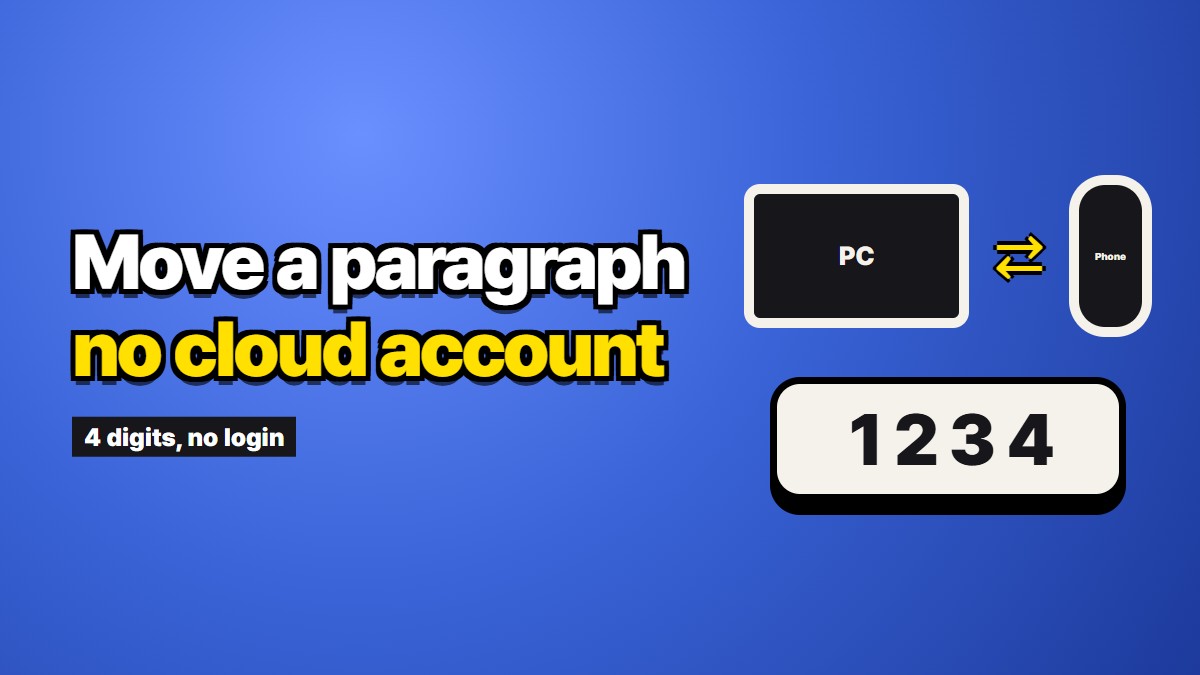
A few kinds of tool do this. Some pastebin sites offer "burn after reading" links that delete on first view. Some are peer-to-peer and never touch a server at all, which is better on privacy but needs both devices open at the same moment. ZAGO.TO, which we make, is one of the server-based kind: paste on one device, get four digits, type them on the other, and the text is removed about a minute after it is opened, or a minute after it was sent if nobody opens it.
The useful properties for this job are specific:
- No account on either side, so nothing to sign into on the borrowed computer
- Short digits instead of a long link, so you can type them by hand
- No history, so there is no list of past paragraphs to scroll back through
- A browser on both sides and nothing else
That last point is why it covers the edges. It does not care whether the phone is Apple or Android, or whose laptop it is.
What a hand-off like this cannot do
These limits apply to our own tool, and most of them to the whole category.
It is text only. A photo, a PDF, a spreadsheet: none of those. If what you need is a document, a sync service or a cable is the right answer.
Once it is gone, it is gone. If the other device does not open it in time, or you close the tab before copying, there is no history to recover it from. You paste it again. That is the price of forgetting.
Our server can read the text while it is there. There is no browser-side scrambling yet, so the paragraph sits readable on our server for up to two minutes. That is much shorter than an email that lives for years, but it is not nothing, and you should decide for yourself what you are comfortable sending.
The receiving device keeps what you paste. Nothing a website does can reach into the other machine's clipboard. If it is a borrowed computer, copy something harmless before you walk away.
Some things should not travel at all. A wallet recovery phrase, a master password, the backup codes for your main email. Those do not belong in any hand-off tool, ours included. Type them where they are needed, or write them on paper.
Choosing, quickly
Here is the order worth trying:
- Both devices from the same family and yours? Use the built-in clipboard or AirDrop.
- You want to keep the paragraph for later? A notes app is the right tool. Keeping is what it does.
- Crossing Apple and Windows, or using a computer that is not yours, and you only need it for a few minutes? Use a hand-off that forgets.
- It is a secret that would hurt if it leaked? Do not move it digitally. Type it, or carry it on paper.
Most days you will only need the first two. The third is for the awkward moments: the print shop, the friend's laptop, the work machine that will not take your phone. Those are exactly the moments when signing into your mail is the worst option available, and a four-digit hand-off is the least.