Common App essay word limit: 650 words, and why your draft says 652 when the portal says 649
2026-10-27
This post contains affiliate links. As an Amazon Associate, ZAGO.TO earns from qualifying purchases.
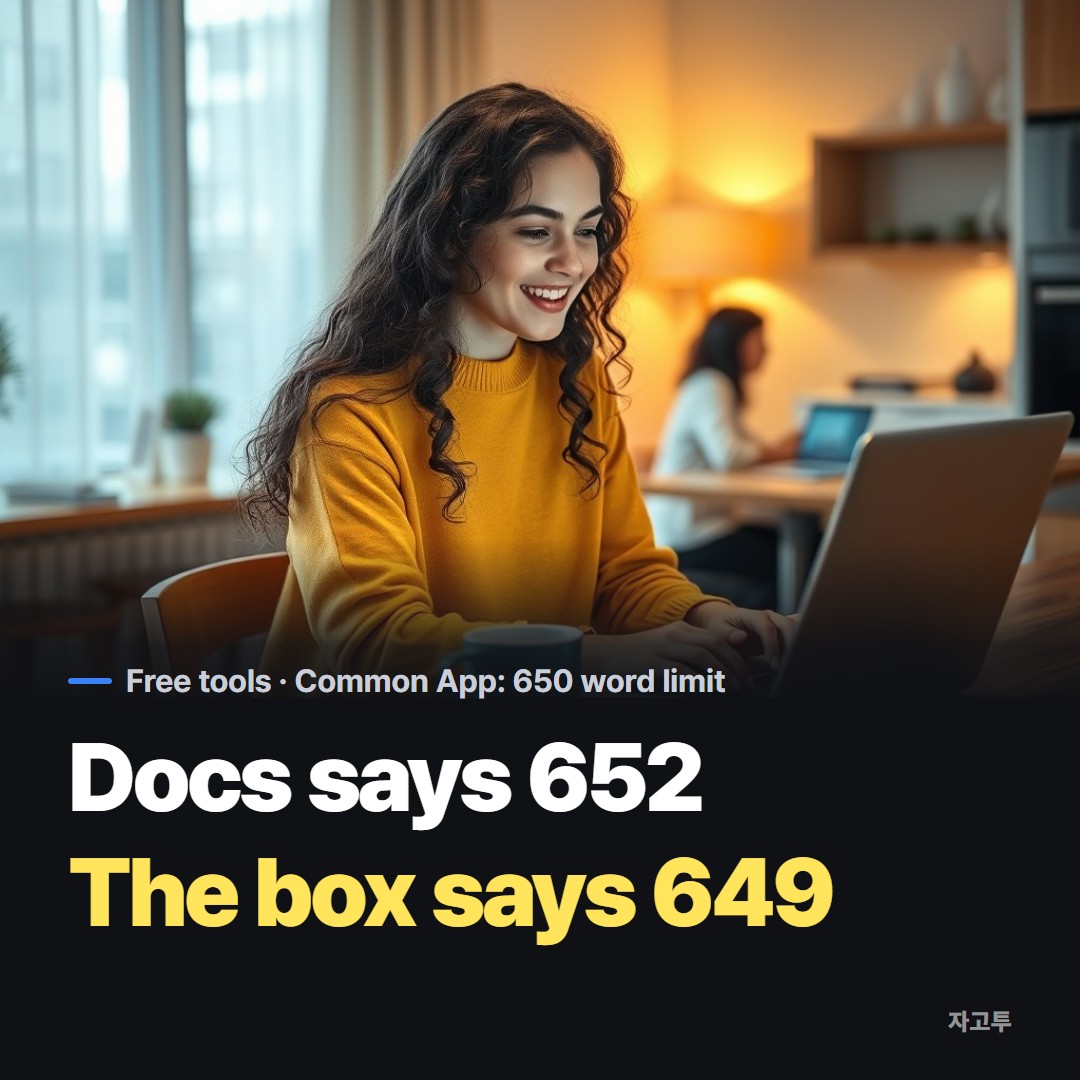
It is the night before the deadline. Your Google Doc says 652 words. You paste it into the Common App box, and the box says something else. Which number counts?
The Common App essay word limit for 2026-2027 is 650 words, with a minimum of 250.
The portal's own count is the one that matters, because the text box will not take more than 650. Here is how to land under it without a last minute panic.
1. The numbers: 250 to 650 words
The personal essay is the same length as in recent cycles: seven prompts, 250 words minimum, 650 words maximum.
Before you submit, confirm the current figures on commonapp.org, since that is the only source the admissions office uses.
- Under 250: below the minimum the portal asks for
- 250 to 500: allowed, but most readers expect more development
- 550 to 650: where most strong essays end up
- Over 650: the box stops accepting text, so the end of your essay gets cut
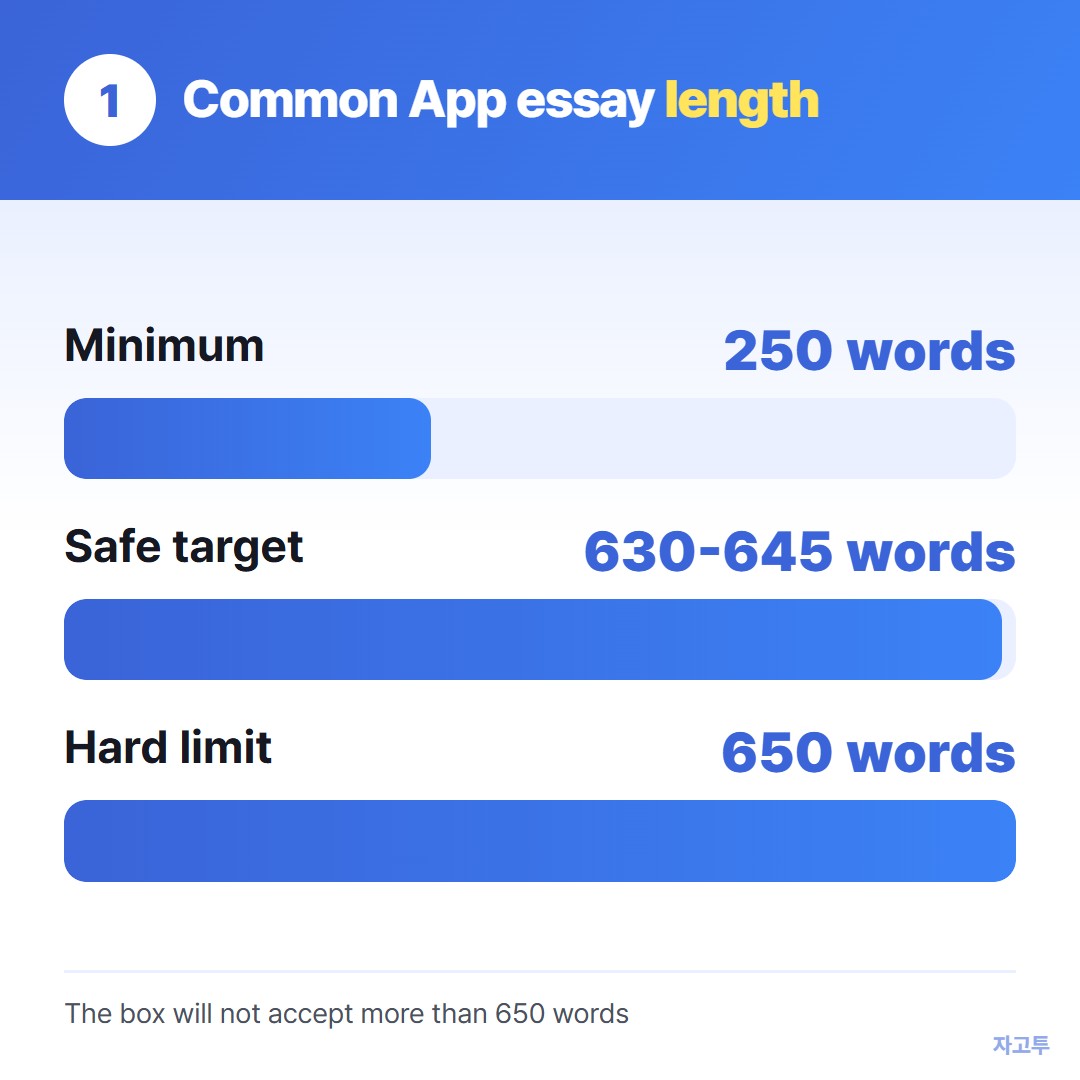
▲ The 650 word ceiling is a hard limit, not a guideline
Aim to finish your final draft at 630 to 645 words, not 650 exactly. That small buffer absorbs the difference between counters.
2. Why the Common App word count differs from Google Docs
Every counter has to decide what a word is. Google Docs, Microsoft Word and the Common App box do not always agree on these cases:
- Hyphenated words like "well-known" or "eight-year-old"
- Dashes with no spaces around them, which can glue two words into one
- Slashes like "and/or"
- Numbers and symbols like "5%" or "&"
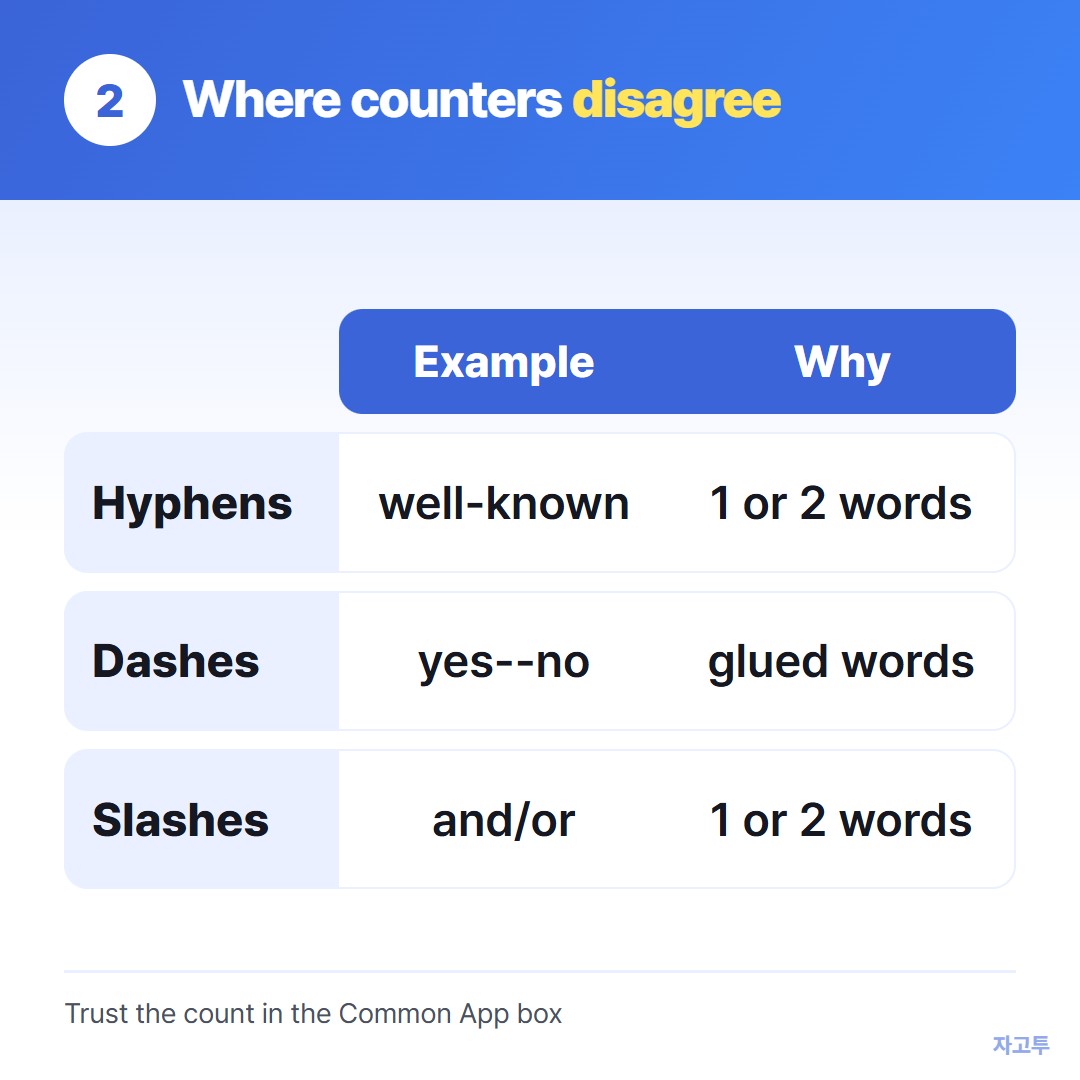
▲ The same sentence can be one or two words longer in another tool
We explained the general rules in Word counter: what counts as a word, and why tools disagree.
For the Common App, the practical answer is simpler: paste the final version into the portal and read its count. If you are at 648 in Docs, treat that as too close.
3. Pasting from Docs or Word without surprises
When you paste into the essay box, check three things before you save:
- Paragraph breaks. Add a blank line between paragraphs so they do not run together
- Smart quotes and apostrophes. Make sure curly quotes did not turn into odd symbols
- Formatting. Italics and bold may not carry over the way they look in your draft
Then preview the PDF that the Common App generates. That preview is what schools see.
4. Cutting from 700 to 645
If your draft runs long, cut in this order:
- Remove sentences that repeat what the previous sentence already said
- Shorten the opening. Most first paragraphs can lose two sentences
- Replace phrases like "in order to" with "to" and "the fact that" with "that"
- Leave the last paragraph for last. It is usually where your reflection lives
▲ Reading a printed copy makes repeated sentences easier to spot
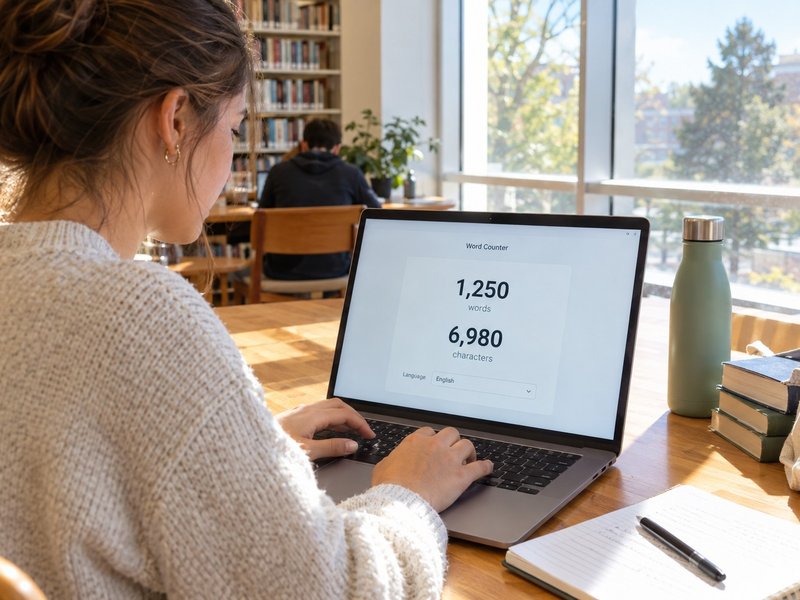
Writing on a laptop at school and finishing on your phone at home?
ZAGO.TO has a free Word Counter that counts as you type, sets a 650 word goal in one tap, and saves the draft on your device.
It counts hyphenated words and contractions as one word, which may not match the portal exactly, so always do the final check in the Common App box.
It cannot save across devices by itself, and it does not check grammar.
Set the goal to 650 and start trimming on the Word Counter.
More tools on ZAGO.TO: Days Until · Wheel Spinner
 Days until Christmas
 Word Counter
 Age Calculator
 Wheel Spinner