What ZAGO.TO is, and what it is not
2026-09-26
This post contains affiliate links. As an Amazon Associate, ZAGO.TO earns from qualifying purchases.
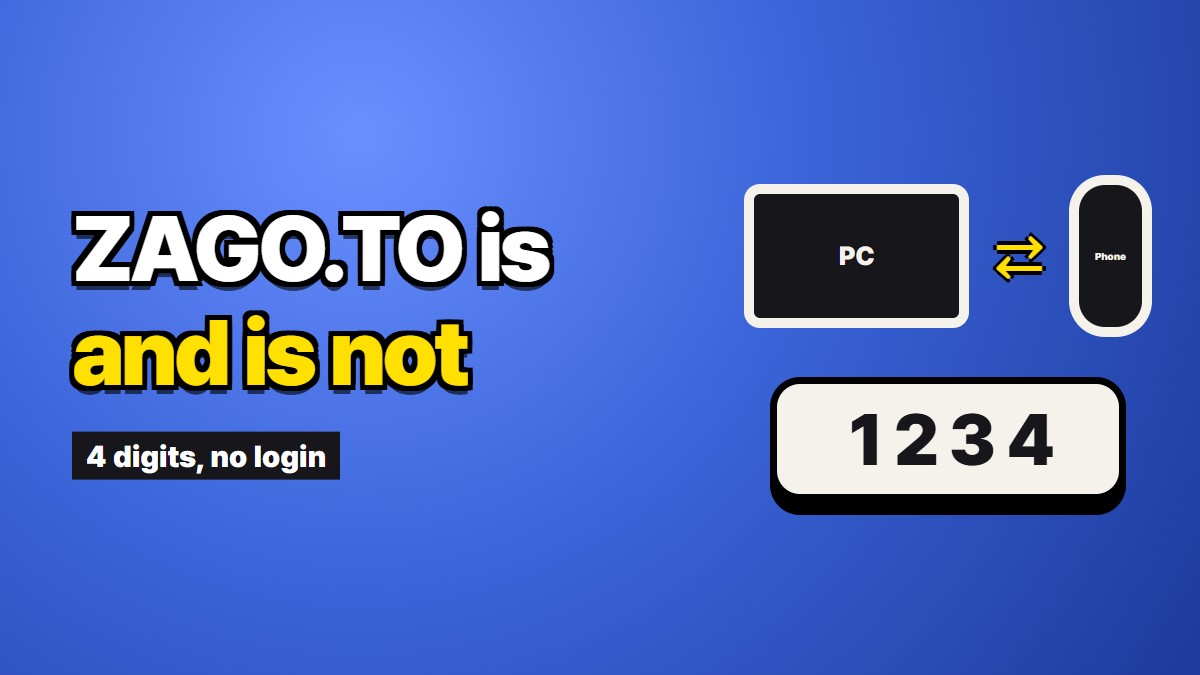
The one-line version: ZAGO.TO moves a piece of text from one device to another using four digits, and deletes it about a minute later.
That sentence is accurate and it leaves out most of what you need to decide whether to use it. So this page starts with the things it does not do. If one of them is a dealbreaker for you, you can stop reading early and pick something else, which is a better outcome than finding out halfway through a task.
What it does not do
It does not keep anything. There is no history, no inbox, no list of things you sent last week. Once the text is gone, the four digits point at nothing. If you close the tab before copying what you needed, the only way back is to send it again from the original device.
It does not move files. Text only. A photo, a PDF or a spreadsheet will not go through. You can paste a link to a document that lives somewhere else, but the document itself stays where it is.
It does not have accounts. Nobody signs up, on either side. That is convenient, and it has a cost: there is no "my messages" page, no way to prove later that you sent something, and no recovery if you lose the digits.
It does not sync. It is not a shared clipboard that quietly follows you from device to device. Every transfer is something you do on purpose, one at a time. If you move text between the same two computers twenty times a day, a clipboard sync tool on both of them will serve you better.
It does not hide the text from us. There is no browser-side scrambling yet. The connection to the server is protected the way ordinary web traffic is, but once the text arrives, our server can read it for as long as it is there. We are not going to pretend otherwise.
It does not make copies disappear. The server deletes its copy. The person who opened the text may have copied it, screenshotted it, or pasted it somewhere. Whatever reached a screen is outside our reach.
It does not handle a crowd well. It is shaped for one sender and one reader. A room full of people can use it with some coordination, but it was not built for that.
It does not take very long text. The limit is 10,000 characters per message. That is several pages of prose and plenty for a config block or a long address, but not a whole document.
If none of that ruled it out, here is what is left.
What it actually does
You paste text on one device and get a short number. On the other device, you open the site in any browser and type the number. The text appears, and you copy it or read it.
The number is four digits. Only if every four-digit number is in use at that moment does it hand out a fifth digit instead. Four was chosen so the number could be read aloud, written on a scrap of paper or typed on a stranger's keyboard without anyone mishearing it.
There are two clocks. If nobody opens the text, it is deleted after one minute. If someone opens it, it is deleted one minute after that first open. Either way, it spends at most about two minutes on the server.
A number that has just been used is not handed out again for five minutes. That stops someone who is a few seconds late from typing an old number and landing on a stranger's text.
You can add an optional four-digit PIN. The reader then needs both the number and the PIN. Three wrong PINs and the text is locked. The PIN is a small extra latch for the one-minute window, and it is no help at all if the PIN travels alongside the number.
There are also limits on how fast any single connection can go. From one IP address, more than 30 sends in ten minutes, or more than 10 wrong numbers or PINs in ten minutes, and that address is paused for a while. People who use it normally never meet these limits. People trying to guess numbers do.
The situations it fits
It helps to be concrete, because "moving text between devices" covers a lot of ground and most of it is already handled by something else.
It fits when the two devices do not belong to the same family. An iPhone and a Windows laptop, an Android phone and a Mac. Their built-in clipboard features stop at the edge of their own company's products.
It fits when one of the devices is not yours. A library computer, a hotel business center, a friend's laptop, a work machine you are not allowed to install software on. You type four digits into a browser and sign into nothing.
It fits when the text should not linger. A one-time code, a Wi-Fi password for a guest, a booking reference, a line of configuration, an address you are pasting into a form once. The things that end up clogging a chat history you would rather not scroll through.
It fits when the only channel is your voice. On a phone call you cannot send a link, but you can say four digits.
The situations it does not fit
Here the honest answer is often "use what you already have".
For passwords you will need again, a password manager is the right tool. It stores them, fills them in and keeps them away from your clipboard. A disappearing message is a strange place for something you need tomorrow.
For a crypto recovery phrase, nothing that passes through someone else's server is appropriate, including ours. Those should never be typed into a website at all.
For notes you want to keep, drafts you are still editing or anything you will look for next month, a notes app or a cloud document is better, because keeping things is their whole point.
For files, use whatever your devices share natively, a cloud drive or a cable.
For teams that move text to each other all day, a shared chat channel is simpler and keeps a record you will probably want.
Three questions to decide
If you are not sure, these usually settle it.
Will I need this text again after I paste it? If yes, use something that keeps it. If no, a tool that forgets is a reasonable fit.
Can I sign in on the receiving device, and do I want to? If you are on your own computer and already signed in everywhere, you likely have a faster route. If you would rather not type a password into a machine you do not control, a four-digit number is a lot less to hand over.
Would I be comfortable if the operator of the service read it? With us, as things stand, the answer has to be yes before you send. If it is no, do not send it through us, and think carefully about sending it through anything else that is not end-to-end protected by design.
Why we describe it this way
Most service pages lead with what a product does well. We lead with the gaps because the whole value of a small tool like this is knowing exactly when to reach for it. A tool you trust for the wrong job is worse than no tool.
What we are trying to be is a narrow, dependable thing: text in, four digits out, gone in a minute. What we are not trying to be is a messenger, a notebook or a safe. If that narrow thing is what you need, you now know how it behaves. If it is not, one of the tools mentioned above will do the job better, and we would rather you used it.