How to give someone a wallet address without retyping it
2026-09-23
This post contains affiliate links. As an Amazon Associate, ZAGO.TO earns from qualifying purchases.
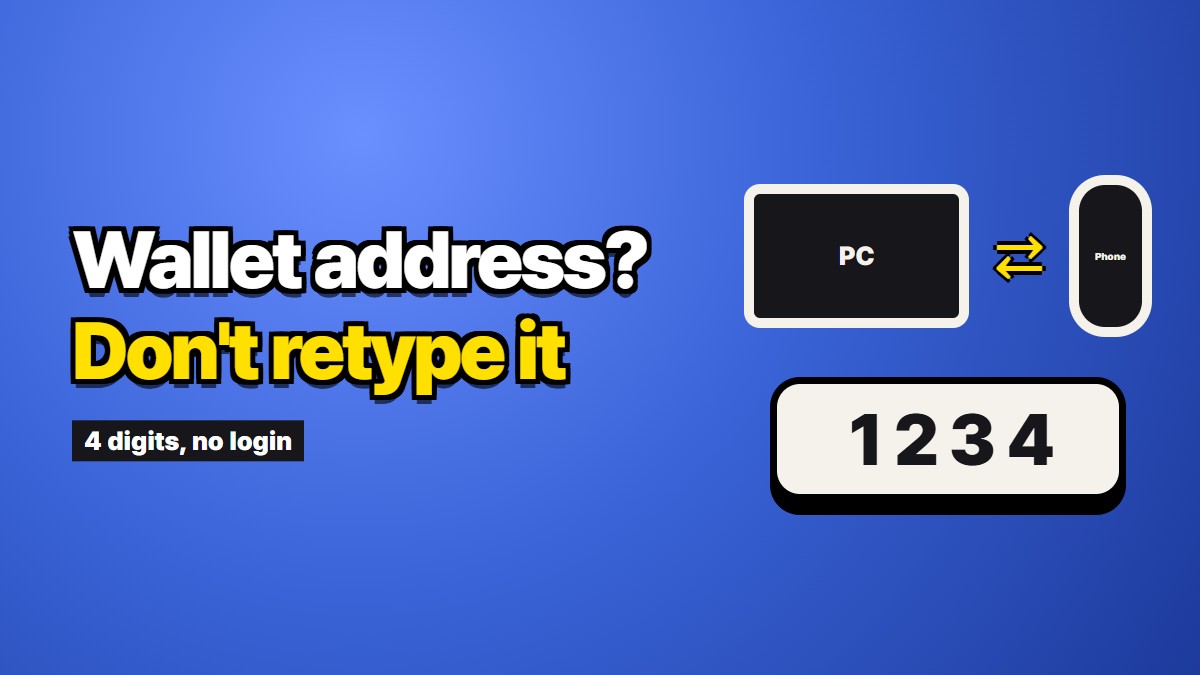
Someone asks for your wallet address. You open your wallet app on your phone, tap the address, and now you have to get roughly forty characters onto a different screen. Every option feels slightly wrong.
You could read it out loud. You could retype it. You could paste it into a chat and let it sit there forever. Most people pick the third one because it is the fastest, and then never think about it again.
It is worth thinking about it once.
Why the address is long on purpose
A Bitcoin address is usually 26 to 62 characters. An Ethereum address is 42, starting with 0x. These are not arbitrary lengths. The address is a compressed version of a public key, and it carries a checksum so that a typo usually fails loudly instead of sending money into nothing.
That checksum is the one piece of good news here. If you mistype one character in an Ethereum address, most wallets will refuse to send. The address simply does not validate. You get an error instead of a disaster.
But "usually" is doing real work in that sentence. Not every chain checks as strictly, some older formats are more forgiving than they should be, and a checksum cannot help you at all if the address you typed is a perfectly valid address belonging to somebody else.
Which is exactly the attack people run.
Two ways this goes wrong
The first way is boring. You are copying by hand, you are tired, and you drop a character. Usually the wallet catches it. Occasionally you retype a second time, fix the wrong character, and end up with something valid that is not the address you meant.
The second way is not boring at all.
Clipboard swapping. Malware sits quietly on a machine and watches the clipboard. The moment something that looks like a wallet address lands there, it replaces the contents with the attacker's address. You paste, you glance at it, the shape looks right, you send. Security vendors have been documenting this family since around 2017, and it keeps working because addresses are unreadable strings that nobody actually reads.
Address poisoning. The attacker sends you a tiny transaction from an address they generated to match the first and last few characters of an address you use often. Later you scroll your transaction history, grab what looks like the familiar address, and send real money to theirs.
Both attacks exploit the same habit: we verify addresses by glancing at the ends.
The advice everyone gives, and its limit
Open any exchange help page and you will find the same instruction. Check the first four and last four characters before you send.
It is decent advice and it is not enough. Address poisoning is specifically built to survive it. Generating an address whose first four and last four characters match a target is cheap. If your entire verification is the two ends, an attacker only has to beat the two ends.
Better habits exist, and none of them involve typing:
- Compare the middle of the address too, not only the ends.
- Send a small test amount first when the sum is large enough to hurt.
- Use a saved address book entry rather than pulling an address out of your transaction history.
- Scan a code shown on the receiving device's screen when both devices are in the same room.
The last one is the strongest option, and it is also the one that quietly stops working the moment the two devices are not in the same room.
What to do when the devices are apart
Here is the situation the guides skip. Your wallet is on your phone. The address needs to go into a browser on a desktop in another building, or to a person you have on a phone call, or onto a machine that is not yours and where you would rather not sign into anything.
The common answers all have a cost.
Paste it into a chat app. Fast, and now the address lives in a conversation that gets backed up, synced to a desktop client, and searched. If that account is ever compromised, your address history is a map of who pays you. For a business address this is a real leak even though the address itself is public information.
Email it to yourself. Same problem, longer retention, and now it is in two mailboxes.
Read it out loud. This is where zero and capital O go to die, along with lowercase l and the digit 1. Forty characters read aloud is a two minute phone call and at least one restart.
Retype it. Do not retype it.
There is a fourth option, which is to move the address through something short-lived, and then say only a short code out loud.
Where a short code helps
This is what our own service does, so read the next paragraph with that in mind.
ZAGO.TO takes text, gives you four digits, and shows the text to whoever types those four digits. A minute after it is opened, the text is deleted from the server. If nobody opens it, it goes after a minute anyway.
The practical effect for a wallet address is narrow but real. You paste the address once, on the device that already has it. The other side types four digits instead of forty characters. Four digits can be said on a phone call in two seconds, written on a sticky note, or sent in a single text message without the address itself travelling through that message. And the address does not stay in a chat log afterwards.
Now the honest limits, because this matters more than the pitch:
This does not stop clipboard malware. The receiving side still copies the address off the screen and pastes it into their wallet. If that machine is infected, it can still swap the contents at the moment of paste. Nothing that moves text between devices fixes an infected endpoint. Anyone who tells you otherwise is selling something.
Our server can read the text. There is no browser-side scrambling in place today. The address is public information anyway, so this is a small concern for this particular use, but it would be a large concern for anything secret.
Never move a seed phrase this way. Or any other way. A seed phrase does not travel between devices, through us or through anything else. If a service, a support agent, or a helpful stranger asks you to move one, that is the whole scam.
So the claim is small: it removes the retyping and it does not leave the address behind. That is all it removes.
A checklist you can actually follow
- Copy the address from the wallet app itself, not from a message or a transaction history.
- Move it to the other device in one hop, with as few apps in between as you can manage.
- On the receiving side, compare the beginning, the middle, and the end against the source screen.
- Send a small test amount if the transfer is large.
- Save the address in your wallet's address book once it is confirmed, and use that entry from then on.
Step five is the one that pays off. The safest address transfer is the one you only do once.